What Is the Best Senior Technology for Independent Living?
Last Updated: November 4, 2026
Quick Summary
The best senior technology for independent living starts with devices that remove small daily obstacles before they become emergencies, such as smart home devices that automate lights, temperature, and alerts. Personal emergency response systems remain the most direct answer for anyone living alone, and one well-chosen device used daily beats five that sit in a drawer.
- Voice assistants like Amazon Echo handle hands-free light and thermostat control, medication reminders, and drop-in calling.
- Automatic lighting is one of the cheapest fixes for nighttime hallway falls.
- Ask whether a monitoring plan includes cellular backup, caregiver app access, and fall detection.
- Wall-mounted radar sensors detect falls without a camera but cover one room per unit.
- Set a monthly test day to press the alert button and confirm reminders still fire.
Table of Contents
- Smart Home Devices for Aging in Place
- Personal Emergency Response Systems and Wearable Alert Devices
- Fall Detection and Fall Prevention Technology
- Medication Reminders and Smart Medication Dispensers
- Choosing the Best Video Monitoring System for Elderly in the Home
- Finding the Best Camera for Elderly Monitoring Without Subscription
- Technology for Seniors Living Alone: Costs, Privacy, and Reliability
- Matching Senior Technology to Your Parent’s Needs and Abilities
- Frequently Asked Questions
Smart Home Devices for Aging in Place
The best senior technology for independent living starts with devices that remove small daily obstacles before they become emergencies. Smart home devices support aging in place by automating lights, temperature, and alerts so a parent needs less help with routine tasks.
Voice Assistants and Hands-Free Control
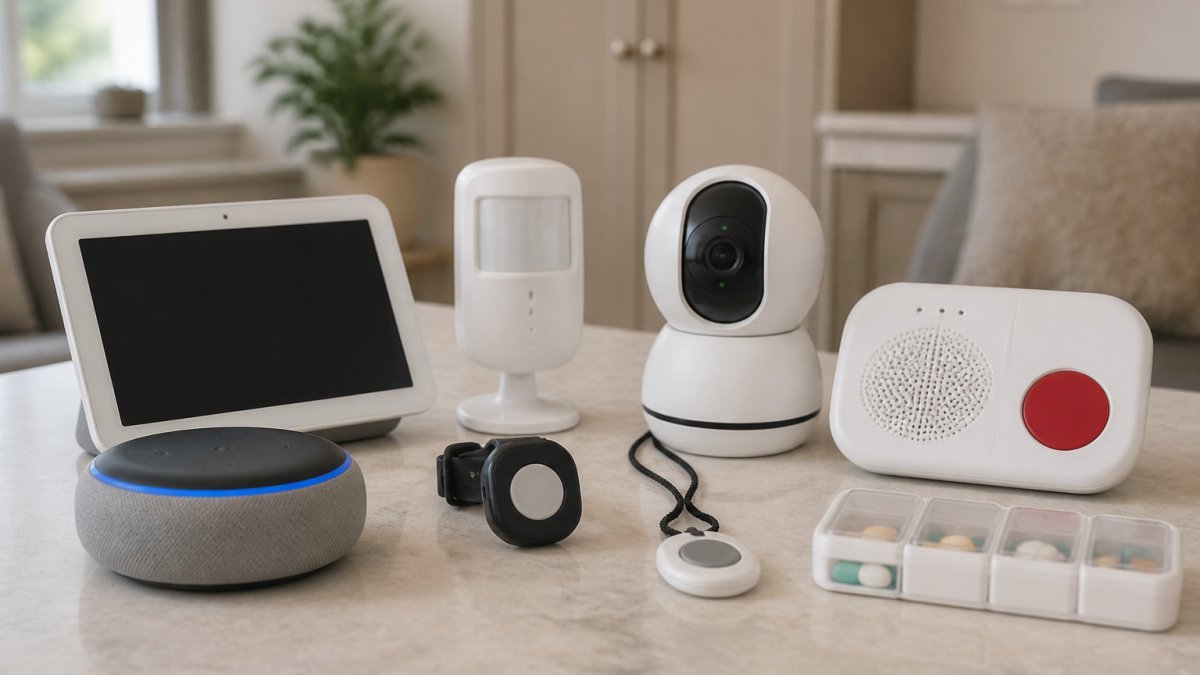
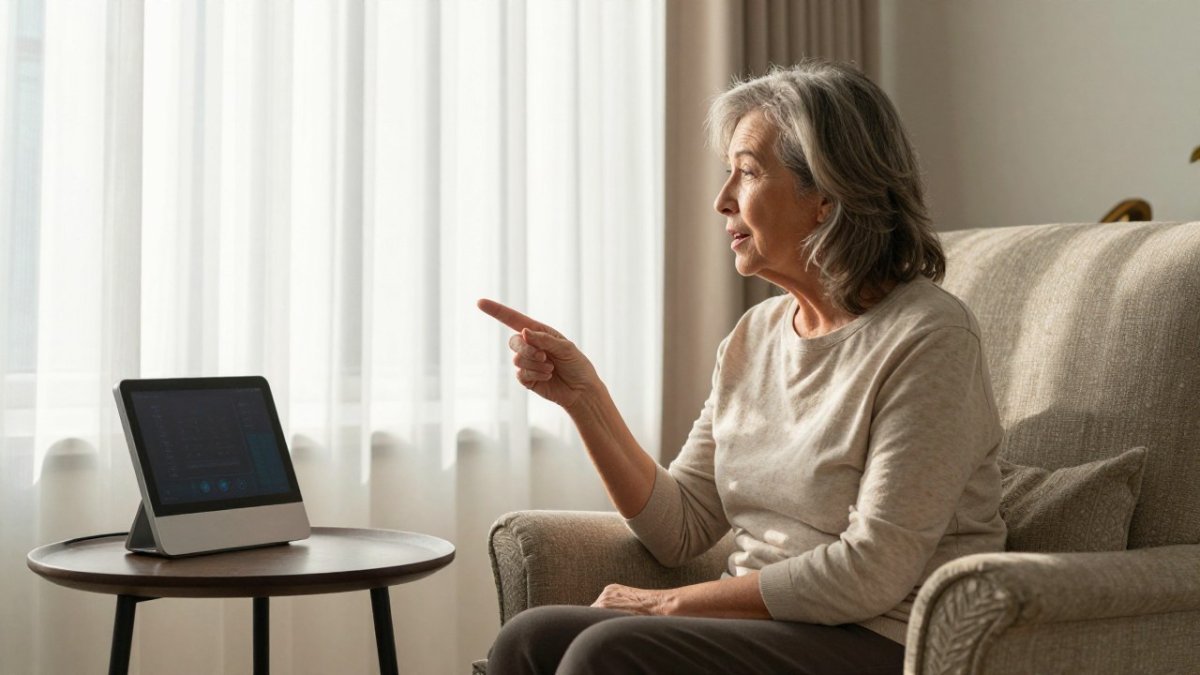
Voice assistants are the entry point for most families. Amazon Echo handles hands-free control of lights and thermostats, sets medication reminders, and supports drop-in calling between households. Google Nest Hub adds a display for video calls and camera feeds, which suits parents who prefer seeing a face to hearing a voice. The trade-off is real: voice data storage raises privacy questions, so review each device’s settings with your parent before setup.
Smart Lighting and Automatic Lighting
Falls happen in hallways at night, and automatic lighting is one of the cheapest fixes available. Philips Hue schedules lights to come on at dusk and works with motion sensors for hands-free illumination. Lutron Caseta uses smart switches and remote controls so your parent never walks to a switch in the dark. For a closer look at voice-controlled options, see our comparison of voice activated lights for seniors.
Personal Emergency Response Systems and Wearable Alert Devices
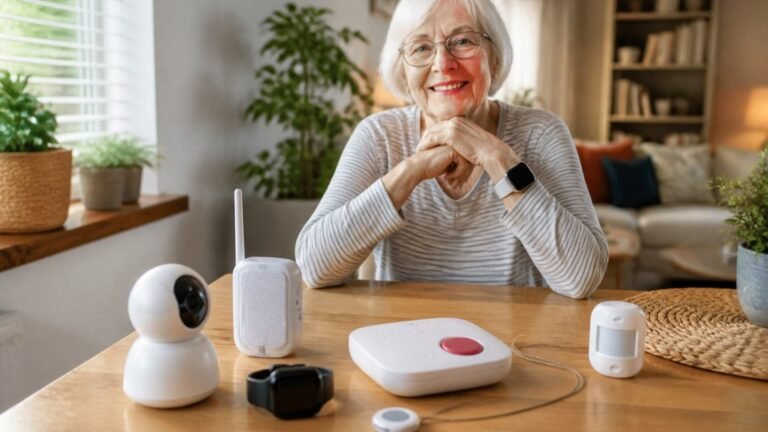
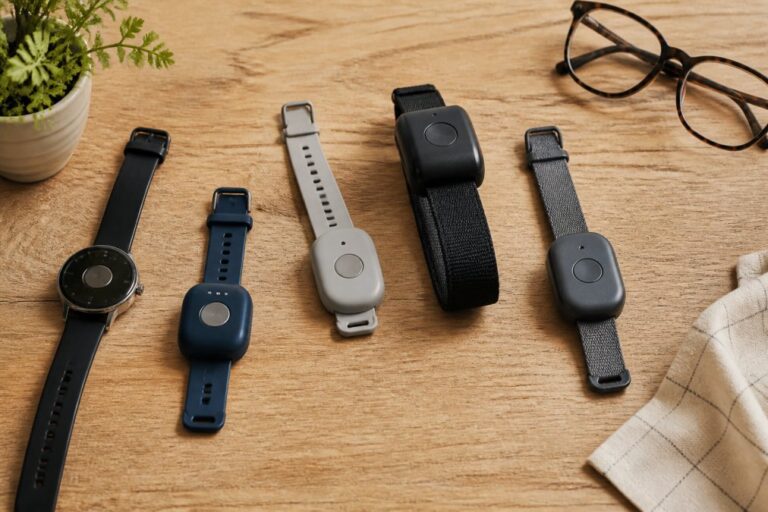
A personal emergency response system is a wearable alert device that connects a senior to a monitoring center or family member at the press of a button (Medical Alert System Features: Which Do You Need?). These remain the most direct answer for anyone living alone, and they are the one category where the difference between a good and a bad purchase is mostly about what happens in the ninety seconds after a press.
The three PERS form factors
- In-home base station with a pendant or wristband. The base station plugs into a phone line or cellular network and includes a speakerphone, so the wearer can talk to the operator from anywhere in the home. Range is typically a few hundred feet, which matters in larger houses.
- Mobile GPS units. A wearable with cellular service and location tracking works outside the home, which suits parents who walk the block, garden, or drive. Expect a higher monthly fee because the device carries its own cellular plan.
- Smartwatch-based systems. Apple Watch and similar wearables offer fall detection and SOS calling without a separate pendant, but they require charging, a cellular plan for away-from-home coverage, and comfort with a touchscreen.
What the monthly fee actually buys
Equipment charges are only part of the cost. Most systems bundle a monitoring subscription that covers 24/7 operator response, two-way voice, caregiver notifications, and sometimes cellular backup. Ask specifically whether the plan includes:
- Cellular backup so the system still works when the home phone or internet goes down.
- Caregiver app access so family members receive the same alert the monitoring center does.
- Fall detection as a paid add-on rather than a standard feature.
- A defined response protocol, who is called first, how many contacts are tried, and whether emergency services are dispatched automatically when no one answers.
Questions to ask before you buy
Before buying, ask three questions: what happens if the button is never pressed, who receives the alert, and what the monthly monitoring fee covers after the equipment charge. A fourth question is just as important: can the wearer test the system without triggering a real dispatch? A monthly test press is the only way to know the pendant battery, the base station connection, and the monitoring account are all still live.
Watch out: a pendant that lives in a drawer protects no one. A common failure pattern is a parent who takes the device off to shower or sleep and forgets to put it back on. Look for water-resistant pendants and an automatic low-battery or off-body alert that notifies a caregiver.
Fall Detection and Fall Prevention Technology
Fall detection technology uses accelerometers in a wearable or wall-mounted sensor to recognize a fall and trigger an emergency alert without input from the wearer. It is not perfect. False alarms happen, and a slow slide down a wall may not register. The useful question is not whether a device detects falls, but which kind of fall it detects and what it does next.
Wearable vs. ambient fall detection
- Wearable accelerometer detection. A pendant, wristband, or smartwatch senses a rapid drop followed by a change in orientation and stillness. It works anywhere the wearer goes, but only if the device is worn and charged. Apple Watch, for example, includes fall detection and can place an SOS call, but the feature depends on the watch being on the wrist.
- Ambient radar and depth sensors. Wall-mounted units use radar or infrared depth sensing to detect a fall without a camera image and without requiring the senior to wear anything. They cover one room per unit, so a whole-home installation gets expensive, and they can be confused by pets or by someone lowering themselves deliberately to the floor.
- Pressure and bed-exit sensors. These detect a person leaving a bed or chair and are most useful for someone with dementia who is at risk of standing unassisted.
Why false alarms and missed events both matter
A false alarm that dispatches emergency services is costly and embarrassing, and repeated false alarms train families to ignore alerts. A missed event is worse. A common pattern is a fall that ends with the person sitting or sliding down rather than dropping, which many accelerometer algorithms do not classify as a fall. That is why the best setups pair detection with a button the wearer can still press, and why caregivers should review the alert log monthly rather than only reacting when the phone rings.
Pair detection with prevention
Detection shortens the time on the floor; prevention reduces how often anyone ends up there. Common home modifications include grab bars in the bathroom, a non-slip mat in the tub, clear pathways without throw rugs, night lights along the route to the bathroom, and a bedside lamp or switch within reach.
If you want to browse reviewed devices side by side, our fall detection devices category covers wearables and home sensors that alert family and emergency services.
Medication Reminders and Smart Medication Dispensers
A smart medication dispenser organizes pills by dose and time, sounds an audio and visual alert, and locks until the next scheduled dose to prevent double-dosing. MedMinder adds a caregiver web portal so you can see whether doses were taken. For parents who manage one or two pills a day, a simpler reminder clock may be enough and costs far less. Our guide to the best medication reminder clocks compares alarm clocks, dispensers, and apps by ease of use.
Choosing the Best Video Monitoring System for Elderly in the Home
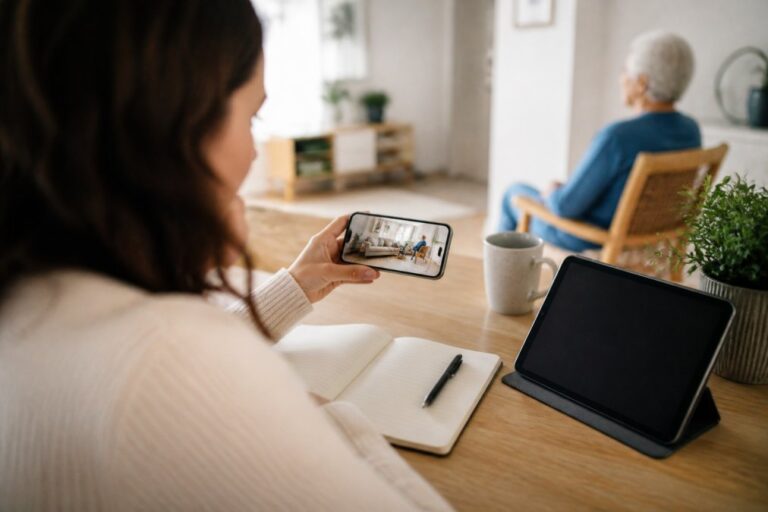
The best video monitoring system for elderly in the home balances visibility with dignity. Indoor cameras in common areas, such as a living room or kitchen, answer the question families ask most: is Mom up and moving today? Place cameras in shared spaces, never bedrooms or bathrooms, and talk with your parent about what you will and will not watch.
Motion Sensors and Activity Monitoring
Motion sensors detect movement without capturing video, which many seniors find far more acceptable than a camera. Activity monitoring systems learn a parent’s routine and send a caregiver notification when there is a sudden change, such as no kitchen activity by mid-morning.
For a structured walkthrough of camera placement, consent, and privacy settings, our step-by-step guide on how to monitor elderly parents remotely covers the decisions in order.
Finding the Best Camera for Elderly Monitoring Without Subscription
The best camera for elderly monitoring without subscription is one that stores footage locally and streams live video free. Wyze Cam offers live streaming, two-way audio, and motion alerts with no mandatory plan. Ring Video Doorbell adds two-way audio at the door so your parent can screen visitors without opening it. The catch: cloud recording and advanced alerts usually require a paid tier, so check what stays free before you buy.
| Device | Starting Price | Subscription Needed? | Best For |
|---|---|---|---|
| Wyze Cam | $29.99 | No for live view | Budget indoor monitoring |
| Ring Video Doorbell | $59.99 | Optional for recording | Screening visitors at the door |
| Google Nest Hub | $99.99 | No | Viewing feeds on a display |
| MedMinder | $39.99/month | Yes, built in | Medication oversight |
Technology for Seniors Living Alone: Costs, Privacy, and Reliability
Technology for seniors living alone works only when the cost is sustainable and the system survives a power cut. Budget for the equipment once, then list every recurring fee: monitoring, cellular backup, cloud storage, and subscriptions. Privacy deserves the same attention. Ask where data is stored, who can view it, and how to delete it. Reliability matters just as much.
Matching Senior Technology to Your Parent’s Needs and Abilities
Match the technology to what your parent will actually use, not to the most advanced option available. If you want a wider comparison before deciding, our guide to easy to use smart home devices for seniors covers setup, compatibility, and costs.
Choosing technology for a parent is an act of care, and it deserves more than a quick purchase. Start with one safety gap, test it together for a month, and add devices only when the first one proves useful.
Frequently Asked Questions
What technologies can help seniors live independently?
The most useful categories are personal emergency response systems with fall detection, smart medication dispensers, motion sensors that flag unusual inactivity, video doorbells and cameras, and voice assistants that control lights and thermostats hands-free. Start with the risk that worries you most, such as falls or missed medication, and add devices from there. A single well-chosen device that your parent actually uses beats five gadgets sitting in a drawer.
What should adult children look for when choosing senior monitoring technology?
Check four things: whether your parent can operate it without help, what the total monthly cost is including subscriptions and data plans, whether it works during an internet or power outage, and how the company handles stored video and health data. Ask specifically about cancellation terms and equipment fees before buying. Also confirm the device alerts a caregiver in real time rather than only logging activity for later review.
Are there privacy-focused monitoring solutions for seniors?
Yes. Passive sensors that detect motion, door openings, and bed exits collect no video or audio and are a common choice for privacy-conscious families. If you use cameras, place them in common areas only and never in bedrooms or bathrooms. Ask each vendor whether footage is encrypted, how long it is retained, and whether anyone outside the household can view it. Discuss the setup openly with your parent so monitoring feels agreed rather than imposed.
Do smart home devices still work if the internet or power goes out?
Mostly no, and that matters. Wi-Fi cameras, video doorbells, and voice assistants stop reporting when the internet drops. Cellular-based personal emergency response systems keep working because they use their own network, and many have battery backups. Smart locks and lights usually fail to their default state during an outage. Before relying on any system, test it by unplugging your router and confirm what still functions.
How much does senior monitoring technology cost each month?
Costs vary widely by category. One-time devices like a voice assistant or a basic indoor camera are usually the lower-cost option, while smart thermostats and lighting systems generally cost more. Subscription services, such as medication dispensers and professional monitoring plans, bill monthly and can add up over a year. Always calculate the first-year total, not just the sticker price, and ask whether the subscription is required for the device to work at all.