
Are Easy to Use Phones for Elderly Worth It in 2026?
Last Updated: November 1, 2026
Quick Summary
Easy to use phones for elderly buyers are worth it when they match your parent’s abilities: a large, high-contrast display, buttons or touch targets you can hit without aiming, and clear sound at higher volume. Shop by ability first, not by phone type, and confirm hearing-aid compatibility before anything else.
- M3/T3 is the common minimum hearing-aid compatibility rating; M4/T4 is better.
- Closing a flip phone’s lid ends the call, with no swiping or apps to lose.
- Run a five-minute test call in a quiet room and a noisy one before keeping a phone.
- For severe hearing loss, amplified or captioned phones beat any standard handset.
- Set the phone up yourself and write the steps down before handing it over.
Table of Contents
- What Makes a Phone Easy to Use for Older Adults
- Quick Comparison: Easy to Use Phones for Elderly Buyers
- Easy-to-Use Smartphones for Seniors
- Simple Flip Phones for Seniors
- Phones for Seniors With Hearing Loss
- Cell Phones for Seniors With Large Buttons
- Matching the Phone to Your Parent’s Abilities
- Choosing Your Family’s Next Phone With ElderLivingHub
- Frequently Asked Questions
What Makes a Phone Easy to Use for Older Adults
Easy to use phones for elderly buyers come down to three things: a display you can read at arm’s length, buttons or touch targets you can hit without aiming, and sound that stays clear at higher volume. Everything else is secondary. A phone with a brilliant camera and a confusing menu is a worse choice for an 82-year-old than a plain handset that just works. (Source: Federal Communications Commission (FCC) guidelines)
At ElderLivingHub, we review senior care technology with one question: would we trust this for our own parent? That lens filters out marketing noise and leaves the features that decide whether a phone gets used or sits in a drawer.
The Features That Decide It: Display, Buttons, and Sound
A simplified interface is a home screen with big, labeled icons and no hidden gestures. Hearing-aid compatibility means the phone works with a telecoil or Bluetooth hearing aid without whistling or dropping the call. Large buttons matter more than screen size for anyone with shaky hands or reduced dexterity.
Screen and text size are adjustable on most modern phones, but the starting point matters. Look for a large, high-contrast display readable in daylight, and a charging dock over a fiddly cable for anyone with arthritis.
Quick Comparison: Easy to Use Phones for Elderly Buyers
Here’s how the main options stack up by type, so you can match a phone to your parent’s abilities before reading the full reviews.
| Phone Type | Best For | Key Strength | Watch Out For |
|---|---|---|---|
| Smartphone (simplified) | Parents who want apps, video calls, photos | Familiar touchscreen, big text options | Setup and updates need help |
| Flip phone | Calls and texts only, minimal frustration | Physical keypad, closes to end calls | Small screens limit texting |
| Large-button phone | Low vision or shaky hands | Tactile keys, loud earpiece | Fewer smart features |
| Hearing-aid compatible | Diagnosed hearing loss | Clear sound, telecoil support | Confirm compatibility first |
For a full category browse, our senior-friendly phones and tablets collection covers simplified handsets and large-button devices side by side.
Easy-to-Use Smartphones for Seniors
The best easy-to-use smartphones for seniors keep the touchscreen but strip out the clutter.
Mainstream flagships also work if someone is willing to learn.
If you want a deeper look at the leading simplified smartphone, our Jitterbug Smart4 review walks through the large screen, simple menu, and 5Star safety button.
Best for: parents who want video calling and photos without a learning curve.
Skip if: your parent has never used a touchscreen and gets frustrated by change.
Simple Flip Phones for Seniors
Simple flip phones for seniors win on one thing smartphones can’t match: closing the lid ends the call. There’s no swiping, no apps to lose, and no accidental hang-ups.
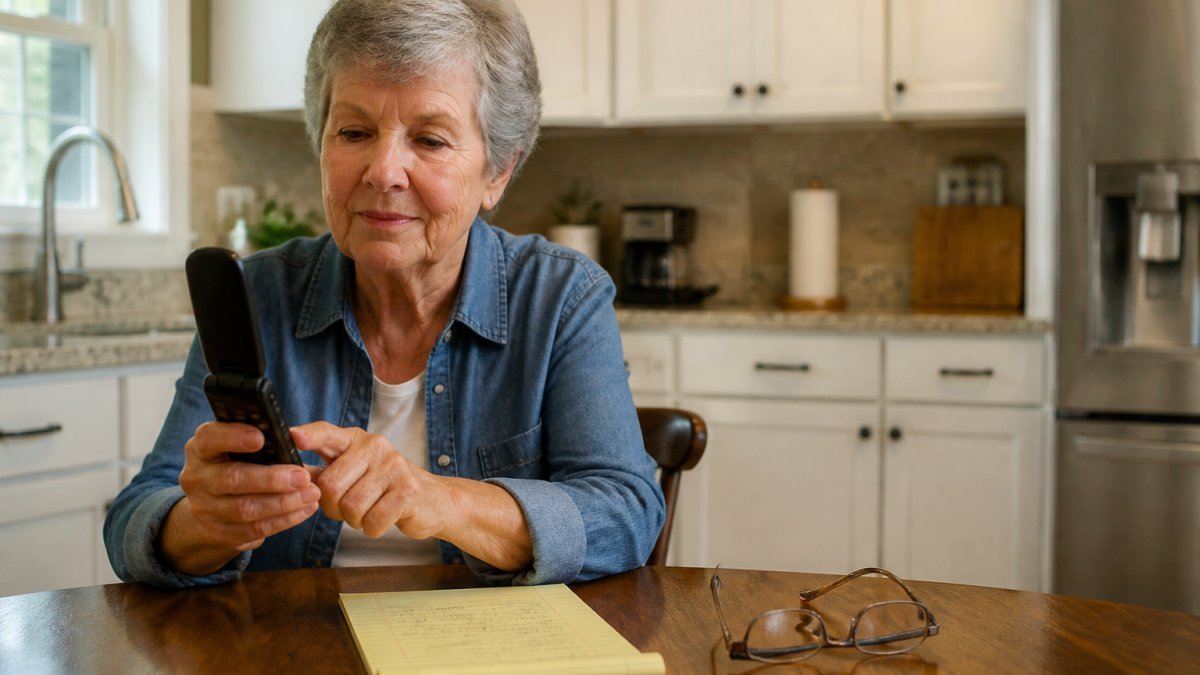
The Lively Jitterbug Flip2 is another straightforward option, and the TCL Classic rounds out the lower-cost end. One honest limitation: flip phone screens are small, so texting is slow.
Phones for Seniors With Hearing Loss
Phones for seniors with hearing loss need one thing above all: a handset that works with the hearing aid, not against it. The spec-sheet shorthand is a hearing-aid compatibility rating, an M rating for microphone mode (acoustic coupling) and a T rating for telecoil mode (the phone’s coil broadcasts directly to the aid, bypassing room noise). M3/T3 is the common minimum; M4/T4 is better.
Telecoil vs. Bluetooth: Which Path Fits Your Parent
There are two ways a phone can talk to a hearing aid, and they behave very differently:
- Telecoil (T-coil): The phone must have a telecoil built in or the aid must be switched to T mode. Sound goes straight to the aid with no acoustic gap, so it stays clear in a noisy room. Not every phone ships with a telecoil, and not every aid has one enabled, many modern aids do, but it’s often off by default and must be turned on by the audiologist.
- Bluetooth (Made for iPhone / ASHA): The phone streams call audio directly to the aid like a wireless earbud. Compatibility is model-specific: Apple’s Made for iPhone program covers a defined list of aids, and Android’s ASHA standard covers another, narrower list. A phone and aid that are each “hearing-aid compatible” can still fail to pair.
A practical rule: if your parent already wears an aid they like, start from the aid’s compatibility list and work backward to the phone, not the other way around.
What to Test Before You Commit
Spec sheets don’t capture the two things that actually ruin calls: feedback whistling and volume that distorts at the top of the range. Before you keep a phone, run this five-minute test with your parent wearing the aid:
- Call from a quiet room, then a noisy one. Ask your parent to rate clarity 1-5 in each. A phone that’s fine in the kitchen but muddy in a restaurant isn’t the right one.
- Push the volume to maximum. Listen for crackle or distortion. Clear-at-top-volume is the whole point; loud-but-garbled is worse than quiet-but-clean.
- Walk away from the phone. Bluetooth range and telecoil pickup both fall off with distance. Confirm the call holds with the phone in a pocket or on a table.
- Check the hearing-aid battery drain. Streaming over Bluetooth draws more power; a parent who forgets to charge may find the aid dead by afternoon.
“Hearing-aid compatible” on a spec sheet doesn’t guarantee a good match with your parent’s specific aid. The rating describes the phone, not the pairing. Confirm the exact aid model against the phone maker’s compatibility list, and have the audiologist enable the telecoil or pairing profile if it’s off.
When a Standard Phone Isn’t Enough
For mild to moderate loss, a hearing-aid-compatible handset with a telecoil or Bluetooth pairing is usually sufficient. For more severe loss, amplified phones and captioned telephones fit better than any standard handset.
Our hearing and vision aids collection covers amplified phones, captioned telephones, and hearing aids that pair with a phone.
Best for: a parent who already wears an aid and wants clearer calls without learning a new device.
Skip if: the loss is severe enough that even boosted volume is hard to follow, go straight to a captioned or amplified phone.
Cell Phones for Seniors With Large Buttons
Cell phones for seniors with large buttons solve a problem touchscreens can’t: you can feel where the keys are. Physical keypad phones let someone dial by touch, which matters for anyone with arthritis, tremor, or low vision.
Large buttons also reduce misdials. On a touchscreen, a shaking finger can open the wrong app or call the wrong contact. A raised physical key gives feedback.
Matching the Phone to Your Parent’s Abilities
Forget brand loyalty and start with abilities. The mistake most families make is shopping by phone type first and abilities second; the reliable path runs the other way. This decision guide maps the abilities that actually affect phone use, vision, dexterity, hearing, confidence with technology, and emergency risk, to the phone type that fits.
The Five Abilities That Decide the Phone
1. Vision. Can your parent read standard text without glasses, and can they see a screen in daylight?
2. Dexterity. Do they have hand tremor, arthritis, or reduced grip?
3. Hearing. Do they wear a hearing aid?
4. Confidence with technology. Have they used a touchscreen before?
5. Emergency risk. Is there a fall risk, a memory concern, or a live-alone situation?
The Decision Path
Work down this list in order; the first “yes” usually settles the phone type:
- Severe hearing loss, or a parent who can’t follow a call even at high volume? → Amplified or captioned phone. Stop here.
- Memory concern, live-alone risk, or a parent who can’t recover from a wrong tap? → Flip phone or a locked-down simplified smartphone with an SOS button. The device should be hard to break by accident.
- Hand tremor, arthritis, or low vision, but calls and texts only? → Large-button keypad phone. Tactile keys beat touchscreens for shaky hands.
The Checklist to Run Before You Buy
- Can they read standard text without glasses? If no, prioritize large, high-contrast displays.
- Do they have hand tremor or arthritis? Physical keypad beats touchscreen.
- Do they wear a hearing aid? Confirm compatibility before anything else.
That last point is the one families underestimate. A phone that’s easy for your parent but impossible for you to troubleshoot from three hours away is a bad purchase. Before you hand it over, set it up yourself: enlarge the text, simplify the home screen, add emergency contacts, and write the steps down.
Match the phone to the ability that causes the most friction, not the one that’s easiest to fix. A parent who can’t hear is not helped by a bigger screen, and a parent who can’t tap is not helped by better sound.
Choosing Your Family’s Next Phone With ElderLivingHub
The right phone is the one your parent will actually answer. Everything else, the camera, the apps, the storage, is noise if the device sits uncharged in a drawer.
At ElderLivingHub, we evaluate ease of use for both seniors and remote caregivers, because a phone has to work for the whole family.
Once the phone is in hand, keeping it working is the next job. Our senior tech troubleshooting guide gives you plain-language steps for smartphones, Wi-Fi, and video calls, so a dropped connection doesn’t become a crisis call.
Frequently Asked Questions
Which cell phone is easiest for seniors?
There is no single answer, because ease of use depends on the person. A flip phone such as the Consumer Cellular IRIS Easy Flip or the Lively Jitterbug Flip2 suits someone who only wants calls and texts, since the physical keypad and simple menus leave little to learn. A simplified smartphone like the Lively Jitterbug Smart5 works better for someone who wants video calls with grandchildren or a camera. Match the phone to what your parent will actually do with it, not to the newest model.
Are smartphones or flip phones easier for older adults to use?
Flip phones are easier to learn because there are fewer screens and the buttons are physical. Smartphones are easier to live with long term if your parent wants photos, video calling or apps, and mainstream models like the Google Pixel 10a and Apple iPhone 17 are also options. A middle path is a simplified smartphone with a customized menu, such as the Lively Jitterbug Smart5. Try a borrowed phone for a week before committing to either type.
What type of phone is best for seniors who can’t hear?
Look for hearing-aid compatibility and adjustable call volume first. Hearing-aid compatibility matters if your parent wears a hearing aid. Also check whether the phone supports text-based communication, since texting and video calling often work better than voice calls for someone with significant hearing loss. Confirm the specific compatibility claims with the carrier before buying, because the research for this guide does not verify every model’s audio specifications.
Can a senior-friendly phone have large buttons and an emergency call feature?
Yes. Large-button models are available among simple phones. Emergency calling is a separate question: some phones include a dedicated emergency button, while others rely on the standard emergency dialing built into every cell phone. If urgent-response monitoring matters, pair the phone with a medical alert system rather than assuming the phone covers it. Ask the carrier to confirm exactly what emergency features a specific model includes.
What features should I look for in a simple phone for a senior?
Start with four things: a large, high-contrast display, physical buttons or a simplified touchscreen interface, hearing-aid compatibility with adjustable call volume, and battery life that lasts several days between charges. Add a charging dock if your parent is likely to forget to plug a cable in. Then check the service plan, since the monthly cost often matters more than the device price over two or three years. ElderLivingHub reviews cover ease of use and total cost of ownership for exactly this reason.
The hardest part of choosing easy to use phones for elderly parents isn’t the shopping. It’s the guesswork about what will actually work for someone whose abilities change over time. ElderLivingHub exists to remove that guesswork, with independent reviews, side-by-side comparisons, and a focus on ease of use for both your parent and you. Get started with ElderLivingHub and choose a phone your family can trust, set up with confidence, and keep running for years.