SafeHome Alternatives for Senior Monitoring in 2026
Table of Contents
- What SafeHome Is and Which Senior Monitoring Service You Mean
- SafeHome Alternatives at a Glance: Comparison Table
- Best Medical Alert Systems for Seniors: Top Picks Compared
- Fall Detection Devices for Seniors: What Actually Works
- Smart-Home Monitoring for Elderly Parents: Sensors Without a Pendant
- Medical Alert Systems for Seniors Living Alone: Matching Device to Situation
- Total Cost of Ownership: What Each Alternative Really Costs
- Monitoring Response Quality, Connectivity, and Privacy
- Frequently Asked Questions
Last Updated: October 20, 2026
What SafeHome Is and Which Senior Monitoring Service You Mean
SafeHome is a brand name that gets used for two different things in senior care research, and that confusion sends families down the wrong path before they ever compare a device. A caregiver searches for senior monitoring options, lands on a page about SafeHome the home security kit, and ends up evaluating door sensors when what they actually needed was a wearable help button.
Here is the short version. One SafeHome is a do-it-yourself home security brand sold largely through retail channels, built around sensors, cameras, and a monitoring subscription. The other is a general term families use for “safe home” monitoring setups, meaning any system that keeps an older adult secure at home. If your parent needs a pendant they can press in an emergency, you want a medical alert system, not a security panel.
That distinction drives everything below. We cover both paths, because the right SafeHome alternative depends entirely on which problem you are solving.
SafeHome Alternatives at a Glance: Comparison Table
The table below maps the main alternatives by format, what they monitor, and who they suit. Treat it as a starting filter, not a final answer.
| Option | Format | What It Monitors | Best For |
|---|---|---|---|
| Bay Alarm Medical | At-home base + mobile GPS devices | Button presses, falls (with add-on), location | Families wanting both home and on-the-go coverage |
| Medical Guardian | Home, mobile, and smartwatch formats | Button presses, falls, GPS location | Seniors who want a watch instead of a pendant |
| ADT | Professionally installed security + alert options | Home intrusion, sensors, some medical alert | Households wanting one provider for security and alerts |
| SimpliSafe | DIY home security with monitoring plan | Doors, windows, motion, cameras | Budget-conscious families focused on home security |
| ElderLivingHub | Independent review and comparison resource | Not a device; helps you choose one | Caregivers who want unbiased guidance before buying |
A common mistake is buying on format alone. A smartwatch sounds convenient until you learn your father refuses to charge it nightly. Match the device to the person, not the brochure.
Best Medical Alert Systems for Seniors: Top Picks Compared
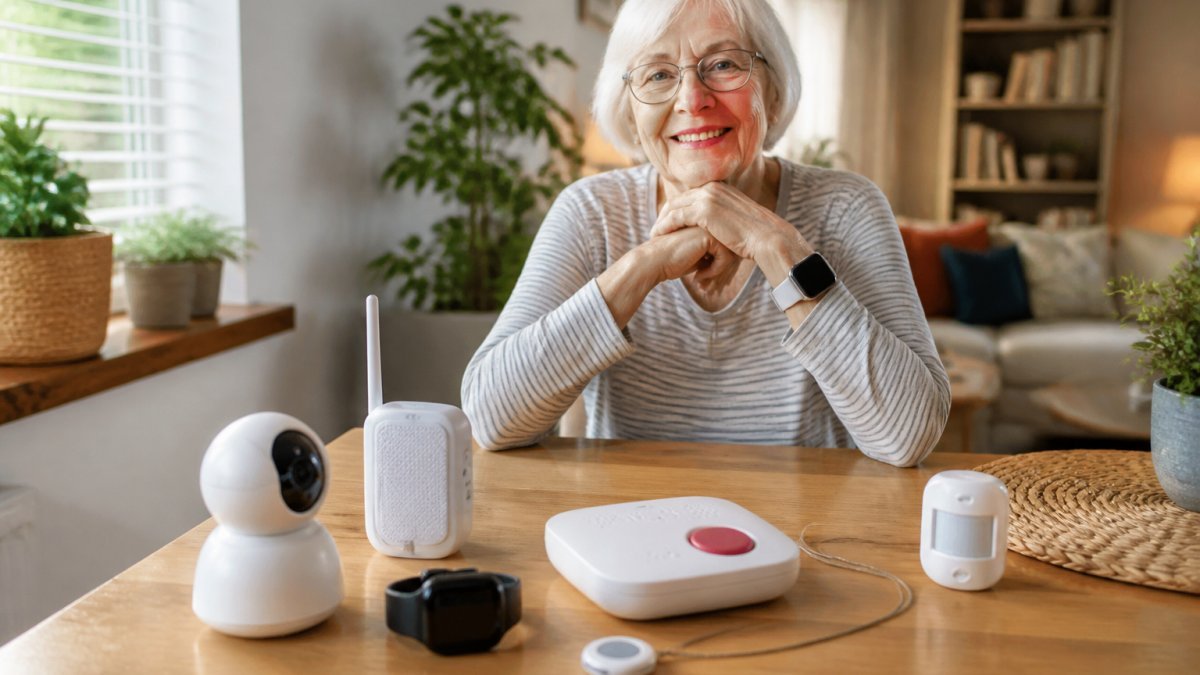
The best medical alert system for seniors is the one your parent will actually wear and press, which is why wearability and ease of use are important considerations above feature lists. Two providers dominate this category for good reason.
Bay Alarm Medical: At-Home and GPS Mobile Options
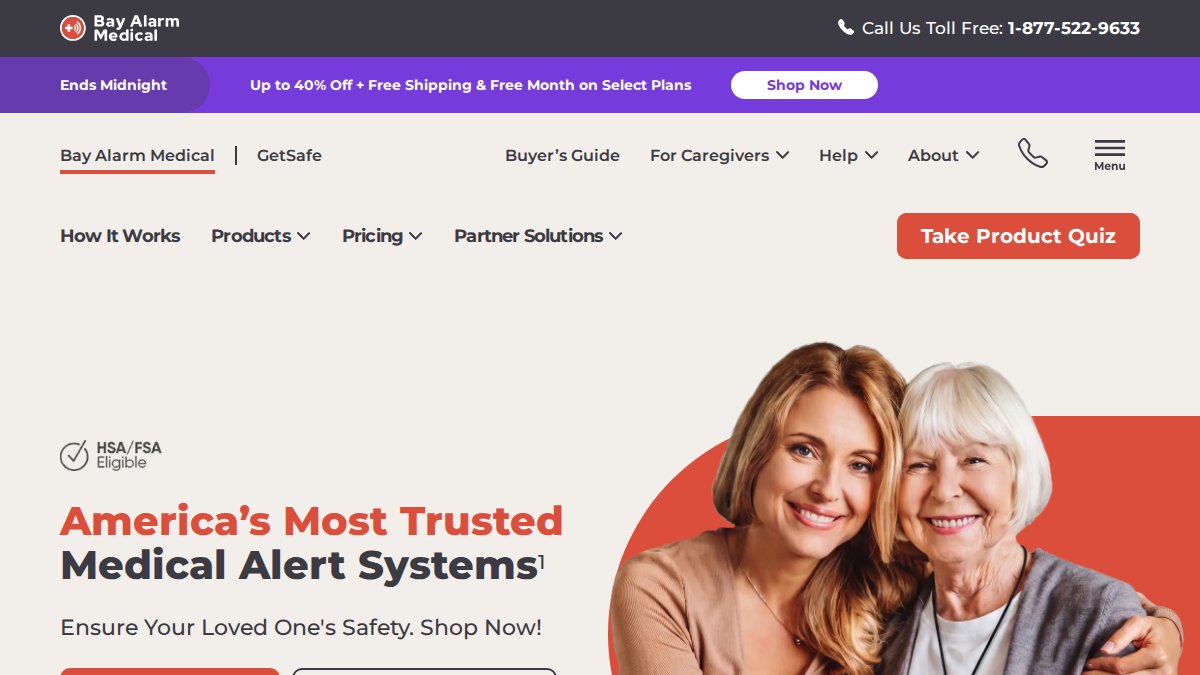
Bay Alarm Medical covers both settings in one account. The SOS Home works as a fixed in-home base unit, while the SOS Micro and SOS All-in-One 2 are mobile devices, and the mobile lineup includes a GPS-enabled option for location tracking when your parent is out. That range matters for seniors who split time between the house and daily errands.
The trade-off: the supplied product information does not include verified pricing or subscription details, so confirm current plan costs directly with the provider before you commit. Ask specifically whether fall detection is included or an add-on, since that changes the monthly total.
Medical Guardian: Home, Mobile, and Smartwatch Formats
Medical Guardian spreads across three formats: in-home systems, mobile units, and a smartwatch. For a parent who will not wear a pendant but will wear a watch, that last option is often the deciding factor. One search result lists a range of up to 1,300 feet and a price of $27.95, but the listing does not specify which plan or device that figure applies to, so treat it as a starting reference and verify the details.
What most guides miss is that the watch format solves a social problem, not just a technical one. Seniors who resist a pendant as a visible “I need help” badge often accept a watch without complaint.
When you call either provider, ask two questions first: what happens if the cellular signal drops at your parent’s address, and is there a landline backup option. The answers separate a system that works in theory from one that works during a storm.
Fall Detection Devices for Seniors: What Actually Works
Fall detection devices for seniors work by using accelerometers to sense the sudden motion and impact pattern of a fall, then automatically alert the monitoring center without the wearer pressing anything. That automatic trigger is the entire value: after a fall, a senior may be unconscious, injured, or simply unable to reach a button.
Automatic fall detection is not perfect, and any provider claiming otherwise is overselling. The technology can miss a slow slide down a wall and can misfire when a device is dropped. Medical Guardian is specifically identified in the available product information as a fall-detection option, and Bay Alarm Medical offers fall detection as an add-on to its devices.
What matters more than the sensor is the escalation path. When a fall alert fires, the monitoring center should attempt two-way communication through the device, then call the senior, then contact caregivers, then dispatch emergency services if no one responds. Ask each provider to walk you through that sequence in order. If they cannot describe it clearly, keep looking.
Smart-Home Monitoring for Elderly Parents: Sensors Without a Pendant
Smart-home monitoring for elderly parents answers a different question than a pendant does. A pendant handles the emergency your parent knows about. Sensors handle the ones nobody witnesses: the front door opening at 2 a.m., no movement in the kitchen by mid-morning, the stove left on.
This is where ADT and SimpliSafe enter the picture. ADT appears in both medical alert and senior home security comparisons, and one search result describes its startup costs as low, though the available information does not establish which ADT product provides senior monitoring specifically. SimpliSafe is recommended in a senior home security comparison, and a comparison describes its monthly monitoring as affordable, but the supplied information does not verify medical alert, fall detection, or caregiver monitoring features.
Passive, non-intrusive monitoring works best as a layer, not a replacement. Motion sensors in hallways and door sensors on exterior doors tell you about routine without a camera in the bathroom. Many families find that combination less objectionable to a proud parent than full camera coverage.
Skipping the consent conversation is the mistake that sinks these setups. A parent who discovers motion sensors they were not told about may unplug the whole system. Explain what is monitored, what is not, and where the cameras are before installation day.
Medical Alert Systems for Seniors Living Alone: Matching Device to Situation
Medical alert systems for seniors living alone should be chosen by living situation, not by feature count. A senior who never leaves the house needs a reliable in-home base with strong coverage range. A senior who drives, gardens, or walks to the mailbox needs a mobile unit with GPS tracking and cellular connection.
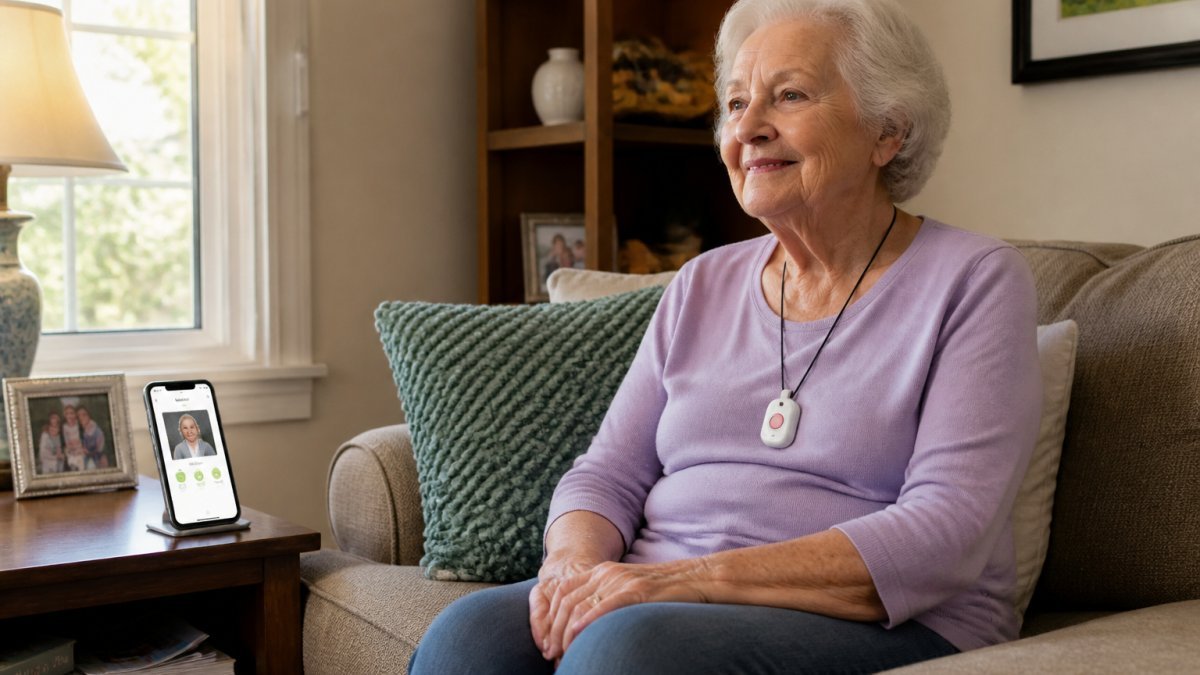
Use this decision framework:
- Never leaves home, has a landline: in-home system with landline connection as primary and cellular backup.
- Leaves home daily, drives: mobile GPS device with cellular connection and location tracking.
- Refuses a pendant: smartwatch format, ideally with fall detection.
- Early dementia, wanders: mobile GPS with caregiver notification and geofencing.
- Wants no wearable at all: passive sensor layer with door and motion sensors.
Battery life and charging requirements belong in this decision too. A device that needs charging every night is a device that will be dead on the one night it matters. Ask about battery life in days, not “long-lasting.”
Total Cost of Ownership: What Each Alternative Really Costs
Total cost of ownership for senior monitoring is the equipment cost plus the activation fee plus the monthly subscription multiplied by the contract length, and the cheapest sticker price is rarely the cheapest system. A low device price paired with a two-year contract and a fall detection add-on can cost more than a higher monthly plan with no long-term commitment.
Pricing for these systems changes constantly and varies by plan, equipment, and promotion, so any number printed here would be stale within a quarter. Instead, build your own comparison using this checklist for every provider you evaluate:
- Equipment cost, one-time, per device
- Activation fee, if any
- Monthly subscription for the base plan
- Fall detection add-on, monthly
- GPS/location tracking add-on, monthly
- Long-term contract requirement and early termination fee
- Return and refund window
- Cost of a second caregiver access or app login
- Price after any introductory discount expires
Add the first four lines across the full contract term and compare that total, not the monthly headline. For broader context on how these systems are regulated and what protections exist for consumers, the Federal Trade Commission’s consumer guidance on shopping and contracts is worth reading before you sign anything.
Monitoring Response Quality, Connectivity, and Privacy
Monitoring response quality comes down to three things: who answers the alert, how fast they escalate, and what happens when the connection fails. A monitoring center staffed around the clock with trained operators and a documented escalation protocol is the baseline.
Connectivity is the quieter risk. Cellular connection is more reliable than a landline in most households now, but coverage varies block by block. Wi-Fi connectivity is convenient but fails during a power outage.
Privacy deserves a direct conversation. For guidance on protecting older adults from exploitation and fraud, the Consumer Financial Protection Bureau’s resources for protecting older adults covers warning signs and reporting paths.
The National Institute on Aging’s overview of long-term care and in-home support is a useful neutral reference for families weighing monitoring against other care arrangements.
Choosing a SafeHome alternative is really a question of what your parent will tolerate and what you need to know. Pendants, watches, and sensors each solve a different slice of that problem, and no single device covers all of it.
Frequently Asked Questions
What are the best alternatives to SafeHome for senior monitoring?
The right alternative depends on what the senior needs. Bay Alarm Medical covers at-home and GPS-enabled mobile alert devices. Medical Guardian offers home, mobile, and smartwatch formats, and its lineup includes fall detection. For a broader home setup, ADT and SimpliSafe appear in senior home security comparisons. If you want independent reviews before buying, ElderLivingHub compares these options on ease of use, monitoring quality, and total cost so you can match a system to your parent’s living situation rather than picking the most advertised brand.
Does Medicare pay for an alert device?
Original Medicare generally does not cover medical alert systems or personal emergency response devices, because they fall outside the durable medical equipment categories it pays for. Some Medicare Advantage plans may include monitoring as a supplemental benefit, and Medicaid waiver programs in some states help with certain home technology. Coverage rules and eligibility vary, so check your parent’s specific plan documents or call the plan directly before assuming a device is covered.
What is the difference between a medical alert system and smart-home monitoring?
A medical alert system relies on the senior pressing a help button, or on automatic fall detection, to reach a 24/7 monitoring center. Smart-home monitoring is passive: motion sensors, door sensors, and activity monitoring track daily patterns and send caregiver notifications when something looks off, with no button press required. Many families combine both, using a wearable pendant for emergencies and sensors for early warning signs. Passive monitoring raises privacy questions, so discuss sensor placement and consent with your parent first.
Can family caregivers receive alerts from senior monitoring devices?
Most modern systems support caregiver notification through a smartphone app. You can receive texts or push alerts when a help button is pressed, when fall detection triggers, or when activity sensors show no movement during a set window. Some systems let you view status and location tracking remotely. Ask specifically whether caregiver alerts are included in the base subscription or require a higher tier, and confirm the app works on your phone before you buy.
What should I compare when choosing a senior monitoring system?
Compare five things: the monitoring format (in-home, mobile, or passive sensors), whether fall detection is included or an add-on, the connection type and what happens during a power or internet outage, the full monthly subscription plus equipment and activation fees, and the contract terms. A low advertised monthly rate can hide equipment charges or a long-term contract. Also check battery life and charging requirements, since a device that sits uncharged protects no one.