How to Monitor Elderly Parents Remotely: A Step-by-Step Guide
Table of Contents
- Assess Your Parent’s Needs and Safety Concerns
- Understanding Remote Monitoring Technology Options
- Medical Alert Systems With Fall Detection
- Smart Home Sensors for Elderly Care
- Captel Phones and Communication Monitoring
- Privacy, Consent, and Legal Considerations
- Setting Up Your Remote Monitoring System
- Frequently Asked Questions
Last Updated: September 20, 2026
Assess Your Parent’s Needs and Safety Concerns
Before researching technology to monitor elderly parents remotely, understand what your parent actually needs, this matters more than picking the fanciest device. (Source: Statista’s 2026 projections)
Ask yourself these questions:
- Does your parent live alone or with someone else?
- What are the main safety risks (falls, medication confusion, wandering)?
- Does your parent have cognitive issues like early dementia?
- Can they use technology, or do they resist it?
- How often do you need real-time updates versus periodic check-ins?
A common mistake is buying equipment that solves problems your parent doesn’t have. An adult child might worry about falls and purchase a fall detection system, only to discover their parent’s real issue is forgetting to take medication.
The best choice depends entirely on your situation. A senior with mobility issues needs different support than one with memory problems.
Understanding Remote Monitoring Technology Options
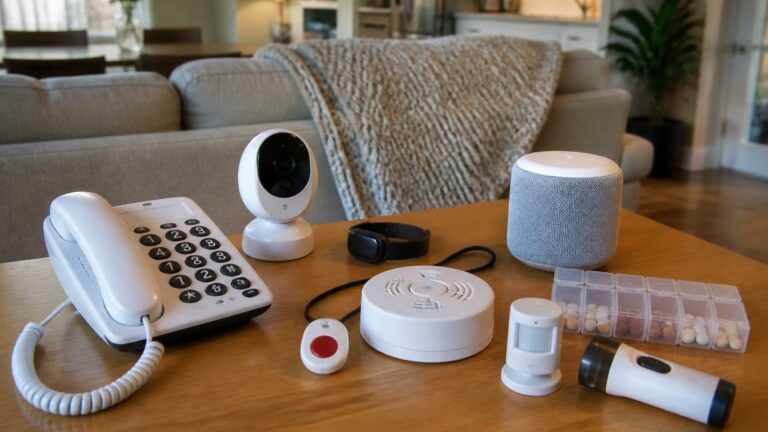
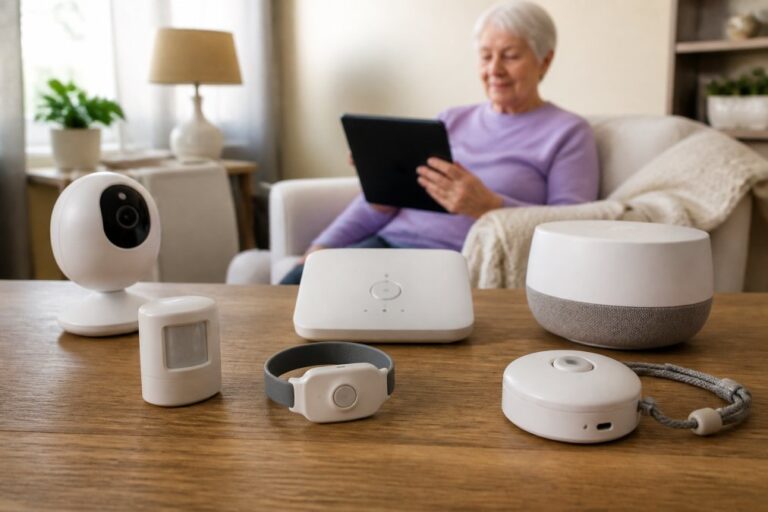
Medical alert systems send emergency help when your parent presses a button or falls. These work with wearable devices and respond to real danger.
Passive sensors track activity without requiring your parent to do anything. Motion sensors, door sensors, and bed sensors monitor movement patterns. If your parent stops moving for hours, you get an alert.
Smart home technology includes cameras, voice assistants, and connected devices. These let you check in, communicate, and see what’s happening in real time.
Medication management systems remind your parent to take pills and alert you if they miss a dose.
Communication devices like specialized phones make it easier for your parent to reach you or emergency services.
A parent with early dementia benefits from passive sensors that don’t require memory. A parent with mobility issues needs fall detection. A parent who lives alone might want a two-way communication system.
Medical Alert Systems With Fall Detection
Medical alert systems with fall detection detect sudden falls and automatically alert emergency services or family members.
How fall detection works:
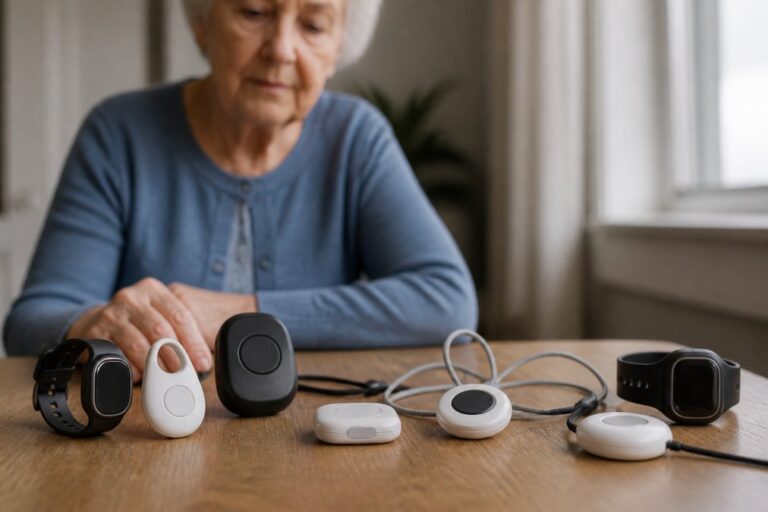
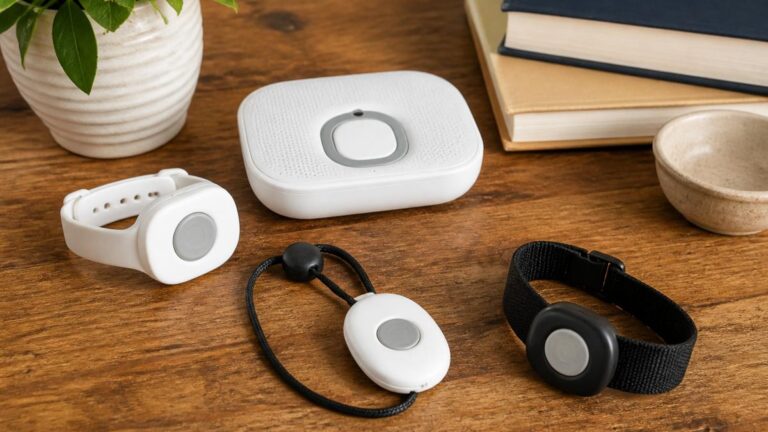
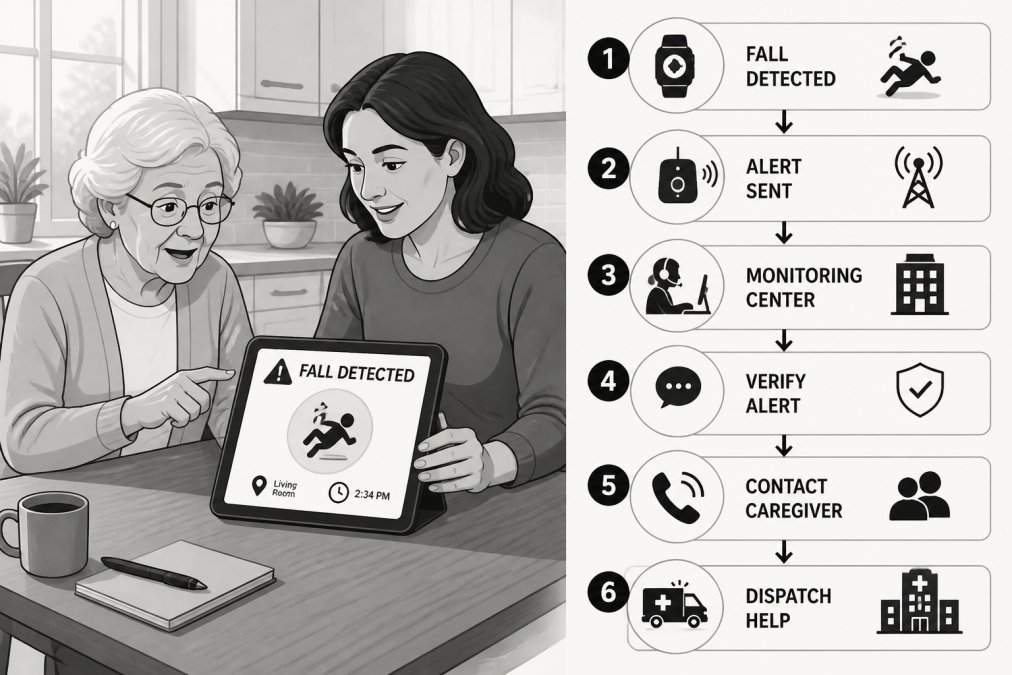
A wearable device (pendant, wristband, or watch) detects rapid downward motion and impact. When a fall is detected, the device sends an alert, and your parent can also press a button to call for help manually.
The system connects to a monitoring center or directly to your phone. If your parent doesn’t respond within a set time, the system contacts emergency services at their address.
Fall detection isn’t perfect, some systems have false alarms, others miss falls in certain positions, but they catch many real emergencies that might otherwise go unnoticed for hours.
Your parent’s ability to use the device matters. A pendant they forget to wear provides zero protection. A wristwatch they wear daily actually works.
Professional monitoring means trained responders contact emergency services immediately. Direct-to-you systems alert you instantly but require you to be available and know what to do.
Smart Home Sensors for Elderly Care
Smart home sensors create a picture of your parent’s daily patterns without cameras, they’re passive, so your parent doesn’t have to do anything.
Motion sensors detect movement; if your parent hasn’t moved in 8 hours, you get an alert. Door sensors track exits and entries. Bed sensors reveal sleep patterns and alert you to repeated nighttime activity. Temperature sensors ensure safe home temperature. Stove sensors detect if the stove is left on, a major fire risk for seniors with memory issues.
Passive sensors don’t require your parent to remember anything and work silently in the background, but they only alert you to problems, they don’t help your parent call for help.
Most families use passive sensors alongside a medical alert system. The sensors watch for problems. The alert system lets your parent call for help when needed.
Captel Phones and Communication Monitoring
Captel phones display written transcripts of phone conversations, making it easier for parents with hearing loss to stay in touch. Some include medication reminders and emergency alert buttons. They’re not primarily monitoring devices, but they improve communication, which is part of keeping your parent safe.
Privacy, Consent, and Legal Considerations
Secret monitoring damages trust and creates legal problems. Talk openly about what you want to monitor and why.
Consent and the Conversation With Your Parent
Frame it around safety, not surveillance. Say: “I want to make sure I know right away if you fall or need help.” Be specific about what the device does. A parent who understands that a motion sensor only alerts you if they haven’t moved in 12 hours feels differently than one who thinks you’re watching their every move.
Address autonomy directly. Explain how monitoring protects independence: “If you fall and can’t reach a phone, this device gets you help fast. That means you can keep living here alone safely.” Listen to their concerns. If they resist a camera, use passive sensors instead. (Source: Federal Communications Commission (FCC) guidelines)
Get agreement in writing. Document what devices you’re installing, where, and what data you’ll access. If your parent has cognitive decline or dementia, involve their healthcare provider or a legal advisor to ensure consent is valid.
Legal Requirements for Monitoring
Monitoring laws vary by state, but some rules are universal.
Video recording in private spaces is illegal everywhere. Bathrooms, bedrooms, and changing areas are off-limits. Cameras in common areas are legal if your parent consents and you’re not recording audio.
Audio recording without consent violates federal law. Under the Wiretap Act, recording phone calls or conversations without all parties’ knowledge is a federal crime. If you want to record your parent’s phone calls or conversations, you must get explicit written consent first.
Passive sensors (motion, door, bed) are generally legal in shared spaces, provided your parent consents, since they don’t record video or audio.
If your parent has dementia or cognitive decline, consult an elder law attorney about guardianship, power of attorney, or healthcare proxy arrangements. Some states require court approval for monitoring someone under guardianship.
Data Security: Protecting Your Parent’s Information
Monitoring systems collect sensitive data, location, activity patterns, health information, and daily routines. Hackers could use this to target your parent for theft, fraud, or physical harm.
Understand what data the system collects and stores. Read the privacy policy before buying. Does it collect location data, activity logs, or video? How long is data kept? Can it be sold to third parties? Some systems store data locally (more secure); others upload to cloud servers (convenient but riskier).
Check for encryption. Data should be encrypted both when it’s sent (in transit) and when it’s stored (at rest). Ask the company directly: “Is all data encrypted with industry-standard encryption?” Reputable companies will answer clearly. If they’re vague, that’s a red flag.
Secure your home network. Most monitoring devices connect to your WiFi.
Steps to secure your network:
- Change your WiFi router’s default password immediately. Use a strong password: at least 16 characters, mixing uppercase, lowercase, numbers, and symbols.
- Enable WPA3 encryption on your router (or WPA2 if WPA3 isn’t available). This scrambles all data sent over your WiFi.
- Turn off WPS (WiFi Protected Setup). It’s convenient but creates security holes.
- Update your router’s firmware regularly. Manufacturers release security patches; outdated routers are vulnerable.
- Create a separate WiFi network for smart home devices. This isolates them from your personal computers and phones. If a monitoring device gets hacked, the hacker can’t access your bank accounts or email.
Setting Up Your Remote Monitoring System
Once you’ve chosen your technology, setup requires planning.
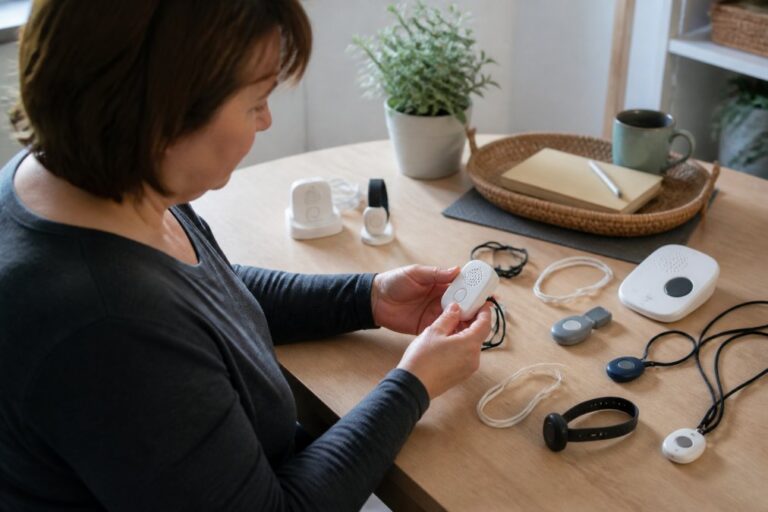
Step 1: Test everything yourself first. Don’t hand your parent a device you’ve never used. Learn how it works, where the buttons are, what happens when you press them. Understand the app on your phone and how alerts arrive.
Frequently Asked Questions
How can I monitor my elderly parents remotely without invading their privacy?
Start by having an open conversation with your parent about their safety concerns and which monitoring options they’re comfortable with. Passive sensors that track motion and activity patterns respect autonomy better than video feeds. Choose technology that provides real-time alerts for falls or emergencies without constant surveillance. Be transparent about what you’re monitoring, why, and how the data is used. Many families find that activity tracking combined with scheduled check-ins offers the right balance between safety and independence while maintaining trust.
What is the difference between medical alert systems with fall detection and other monitoring solutions?
Medical alert systems with fall detection are wearable devices designed specifically for emergency response. They detect sudden falls automatically and can alert emergency contacts or dispatch help without your parent needing to press a button. Other monitoring solutions like smart home sensors track general activity, motion, and patterns to flag unusual behavior or inactivity. Fall detection systems are best for parents at high risk of falls, while activity sensors work well for monitoring overall wellness and detecting changes in routine that might indicate a health issue.
Are captel phones useful for remote monitoring of elderly parents?
Captel phones display real-time captions of phone conversations, which can help seniors with hearing loss stay connected. While primarily a communication aid, captel phones support remote monitoring indirectly by ensuring your parent can easily reach you and others for help. They improve accessibility and reduce isolation, which are important factors in aging in place. If your parent has hearing difficulties, a captel phone can be part of a broader remote monitoring strategy that emphasizes two-way communication and emergency connectivity.
What should I do before setting up remote monitoring technology with my elderly parent?
First, assess what specific safety concerns you’re trying to address: falls, medication adherence, wandering, or general inactivity. Have a direct conversation with your parent about their preferences and concerns. Check their home’s Wi-Fi connectivity and internet speed, as most remote monitoring systems require a stable connection. Evaluate their comfort level with technology and willingness to wear devices or use apps. Document any existing health conditions, medications, or mobility limitations that might affect which system works best. Finally, ensure you understand the subscription services, costs, and support available before choosing a solution.
Related Reviews From ElderLivingHub
- Nest Cam Review
- Ring Indoor Cam Review
- Arlo Essential Camera Review
- Google Nest Hub Review
- Amazon Echo Show for Seniors Review
Browse more: