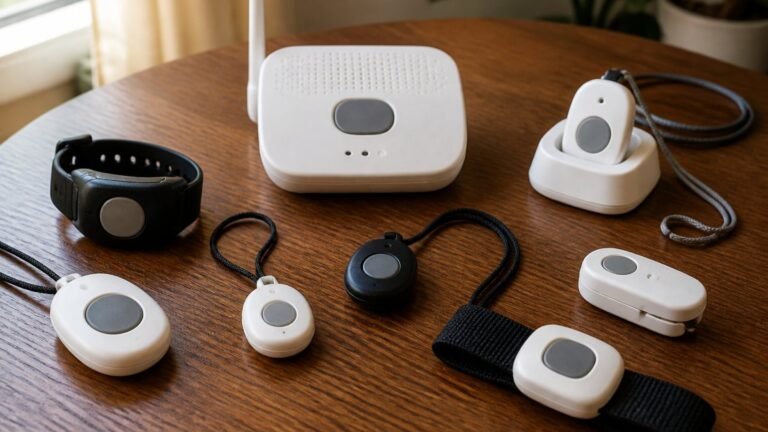

Easy to Use Smart Home Devices for Seniors
Table of Contents
- What Makes a Smart Home Device Easy to Use?
- Quick Comparison: Easy to Use Smart Home Devices
- Smart Home Devices for Aging in Place: What Families Need to Know
- Voice Assistants for Seniors: Hands-Free Control That Works
- Smart Lights for Older Adults: Simple Lighting Control
- Smart Plugs for Seniors: Automate Everyday Appliances
- Security Cameras, Doorbells, and Smart Locks for Peace of Mind
- Conclusion
- Frequently Asked Questions
Last Updated: October 7, 2026
What Makes a Smart Home Device Easy to Use?
Easy to use smart home devices share three traits: they work without a smartphone app, respond to voice or a single button press, and keep working when the internet goes down.
ElderLivingHub reviews senior care technology for the people who will actually live with it: the devices families keep using ask the least of the person using them.
Smart home devices are connected products that automate or remotely control functions in a home, from lighting and locks to thermostats and cameras.
Here is what separates a device that helps from one that sits in a drawer:
- No app required for daily use. Voice, a physical button, or an automatic schedule handles the task.
- Setup done once, by someone else. A family member or aide configures it remotely.
- Local control when possible. Basic functions keep working during an internet outage.
Quick Comparison: Easy to Use Smart Home Devices
| Device type | What it replaces | Setup difficulty | Ongoing cost | Best for |
|---|---|---|---|---|
| Voice assistant or smart display | Phone calls, reminders, timers | Easy | None for basics | Hands-free control of everything else |
| Smart bulbs and lighting | Light switches across the room | Easy | None | Nighttime safety and fall prevention |
| Smart plugs | Reaching behind furniture | Easy | None | Lamps, fans, coffee makers, radios |
| Video doorbell | Walking to the door | Moderate | Optional cloud plan | Screening visitors and packages |
| Smart lock | Keys and hidden spare keys | Moderate | None for basics | Entry for aides and family |
| Smart thermostat | Manual dial | Moderate | None | Comfort and energy management |
The cheapest devices here, bulbs and plugs, deliver the most daily value for someone with limited mobility. Cameras and locks cost more and add peace of mind for family members, but solve a different problem.
Buy one category at a time and live with it for two weeks before adding the next. Families who install five devices in one weekend often find that two of them never get used, and the person using them gets frustrated with the whole system.
Smart Home Devices for Aging in Place: What Families Need to Know
Aging in place means an older adult remains in their own home as they get older, rather than moving to a care facility. Smart home technology supports that by handling small tasks and giving remote visibility to family members elsewhere.
The buying decision usually belongs to the adult child, not the parent.
Three questions decide most purchases:
- Can my parent operate it without calling me? If the answer is no, the device will go unused.
- Can I manage it from my own phone? Remote setup and troubleshooting save repeated trips.
- Does it still work if the power or internet drops? Battery backup and local control matter more than most reviews admit.
Compatibility is the other trap. Devices generally fall into one of three ecosystems: Amazon Alexa, Google Home, or Apple Home, and a device built for one usually will not respond to the others.
Matter is the newer connectivity standard designed to let devices work across ecosystems. Support is improving but not universal; check the product listing for Matter certification if cross-ecosystem flexibility matters.
A smart lock that depends entirely on Wi-Fi and cloud servers can leave your parent locked out during an internet outage. Choose a model with a physical keypad or key backup, and keep a spare key with a trusted neighbor.
Voice Assistants for Seniors: Hands-Free Control That Works
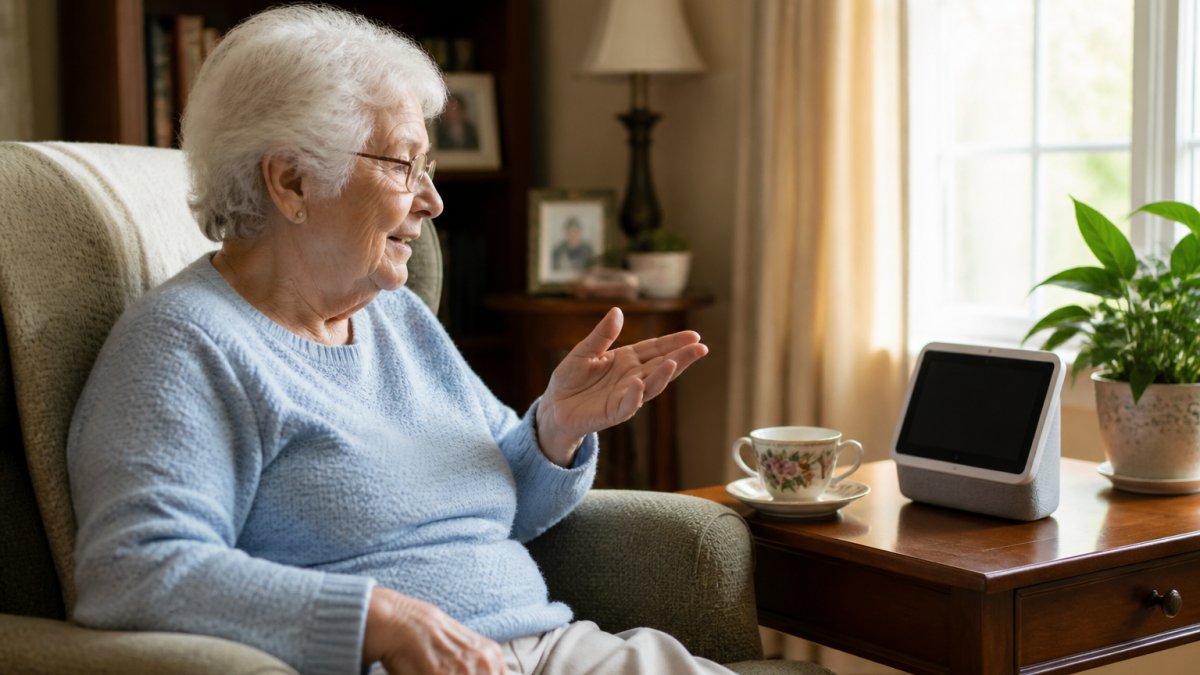
A voice assistant is the highest-value purchase for most households, because it becomes the control layer for everything else: once a smart speaker or display is in place, lights, plugs, and thermostats can all be operated by voice.
Pick the ecosystem before the device
There are three mainstream assistants in the United States: Amazon Alexa, Google Assistant (now branded Google Home), and Apple’s Siri. If your parent already owns an iPhone, Siri and Apple Home are the path of least resistance; if they have an Echo, stay with Alexa. If they have neither, Alexa and Google Home have the widest third-party device support, which matters more than speaker quality when building a system.
Speaker or display?
For older adults, the display matters more than the speaker. A screen showing a photo, a reminder, or a video call is far more useful than audio alone, and it helps people with some hearing loss read the response as well as hear it. Security.org names the Google Nest Hub Max its best voice AI pick and the Amazon Echo Show 8 its widest-compatibility pick; for Apple households it highlights the Apple HomePod as its privacy-focused pick.
What the assistant actually costs
Amazon, Google, and Apple all offer free tiers covering the basics: timers, weather, music, smart-home commands, and calls. Paid tiers add advanced conversational responses, more music, or extra camera storage. The free tier is usually enough for a parent who mainly uses voice to control lights and ask for the time.
Privacy settings worth changing on day one
Voice assistants from all three major platforms typically process wake-word audio on the device itself, and each company publishes its own data practices. If privacy is a priority, read the manufacturer’s current policy. Three settings are worth reviewing after setup:
- Voice recording history. All three platforms let you review and delete stored voice recordings, and some let you turn off automatic saving entirely.
- Microphone mute. Every speaker and display has a physical mute button. Show your parent where it is and what the mute light means.
- Account access. If you are managing the device for a parent, use the platform’s household or multi-user feature rather than sharing a single password.
Set up the assistant on your own phone first, then add your parent as a household member. That way you can troubleshoot remotely without needing their password, and you can see which commands they actually use in the first month.
What still works when the internet drops
When Wi-Fi or the cloud goes down, a smart speaker loses most of its abilities. Local commands routed through a hub, such as turning on a Matter light paired to the same network, may keep working, but anything needing the cloud, including most music, weather, and voice search, will not. Pair the assistant with devices that support local control, and keep a battery radio and a landline or cell phone as backup. (Source: National Institute on Aging’s resources on aging in place)
Smart Lights for Older Adults: Simple Lighting Control
Smart lights are the easiest win in the category. They replace ordinary bulbs, install in minutes, and eliminate the walk to a light switch in the dark, where many falls happen.
You have two options. Smart bulbs screw into existing fixtures. Smart switches replace the wall switch and control the whole fixture. Bulbs are simpler and renter-friendly.
A practical setup for an older adult:
- Bedroom: a bulb that dims to a warm, low setting on a schedule, so the room is never fully dark.
- Hallway: motion-triggered lighting that comes on automatically for nighttime trips.
- Bathroom: a bulb on a voice command, so no one fumbles for a switch.
One caveat worth stating plainly: if the wall switch is turned off, a smart bulb loses power and stops responding.
Smart Plugs for Seniors: Automate Everyday Appliances
A smart plug turns any ordinary appliance into a controllable one: plug it into the wall, plug the lamp or fan into it, and that appliance responds to voice, a schedule, or a phone from anywhere.
This is the lowest-cost, lowest-risk entry point into a connected home: no wiring, no hub for most models, and no permanent change to the house.
Good candidates for a smart plug:
- A bedside lamp, so the light can be turned off without getting up
- A coffee maker on a morning schedule
- A fan or space heater, controlled remotely
Buy plugs that state their power rating clearly, and never use them with high-draw appliances like space heaters unless the plug is rated for that load.
Start with one smart plug and one lamp. If your parent uses it daily after two weeks, add a second. This gradual approach costs little and reveals whether voice control fits their habits at all.
Security Cameras, Doorbells, and Smart Locks for Peace of Mind
These devices serve the family more than the resident. A video doorbell lets you see who is at the door from your phone, a camera shows whether your parent got up and moved around today, and a smart lock lets an aide in without a key. They also carry the highest ongoing costs and privacy trade-offs in this guide, so look closely before you buy.
Video doorbells: what the subscription actually buys
SmartHomeLabs lists the Ring Video Doorbell Pro 2 among its 2026 smart-home picks. Ring, Arlo, Google Nest, and Eufy each price plans differently and tiers change often, so check the current plan page before buying.
If you want to avoid a subscription entirely, look for doorbells and cameras that support local storage on a microSD card or a base station. Eufy and several other brands offer this.
Cameras: motion sensors are often the better answer
Indoor cameras raise a real tension: some older adults welcome them, others find them intrusive and will unplug them. Discuss it before you buy, and consider motion sensors instead of cameras in bedrooms and bathrooms. Motion sensors report activity without recording anyone, cost less, and usually have no subscription; use them for daily activity checks and reserve cameras for entry points.
Smart locks: keypad, key backup, and what happens in an outage
A smart lock with a keypad gives aides and family members their own codes, which you can revoke when no longer needed. Two features matter more than brand:
- A physical key override. Every smart lock should have one. Keep a spare key with a trusted neighbor or in a lockbox.
- Local code storage. Some locks store codes on the device and keep working when Wi-Fi is down; others require the cloud to unlock. Check the spec sheet before buying.
The real total cost of ownership
Purchase price is the smallest number on this list. Compare these side by side:
| Cost category | One-time | Recurring |
|---|---|---|
| Device purchase | Yes | No |
| Cloud video storage | No | Often required for recordings |
| Professional monitoring | No | Optional |
| Batteries and replacement parts | No | Yes, every 6-24 months depending on device |
| Installation help | Sometimes | No |
Ask specifically about subscription requirements before buying any camera or doorbell, because that is where hidden ongoing costs live. A $60 doorbell with $50 a year in storage costs more over three years than a $150 doorbell with local storage and no plan.
Privacy questions to ask before you mount anything
Cameras and locks collect more data than any other smart-home category. Before buying, check three things in the manufacturer’s current privacy policy: whether video is encrypted in transit and at rest, whether the company shares footage with third parties, and whether you can delete recordings on demand. If a parent is the one being recorded, they should agree to it, in writing if the family is managing care together.
Conclusion
The hardest part of setting up a connected home for an aging parent is not choosing devices, but choosing fewer of them, and choosing well.
ElderLivingHub reviews senior care technology independently, focusing on how these products perform for the person using them and the family member managing them from a distance.
Start with a voice assistant and a smart plug. Add lighting next. Save cameras and locks for when you know the basics are working.
Frequently Asked Questions
Which smart home devices are easiest for seniors to use?
Voice-controlled devices like smart speakers and smart displays tend to be easiest because they require no app navigation or typing. Smart plugs that work with voice commands are also simple. Look for devices with physical buttons as a backup and clear voice feedback. Avoid anything that requires complex smartphone setup or multiple apps to control.
Can a smart home work without internet?
Most smart home devices need an internet connection for remote access, voice control, and app-based management. However, some devices like smart plugs and smart bulbs can still work locally through physical switches or built-in schedules if the internet goes down. If reliability is a concern, choose devices that store basic routines on the device itself rather than relying only on cloud services.
Are smart home devices difficult to set up for older adults?
Setup difficulty varies by device. Smart speakers and smart plugs typically take under 15 minutes to set up through a smartphone app. Smart locks and video doorbells may require tools and 30 to 60 minutes. For aging parents who live far away, consider devices that a family member can configure remotely before shipping, or choose brands known for simple setup with clear instructions.
What should I look for in a simple smart home device for my aging parent?
Prioritize voice control over app-only operation, check that the device works with the voice assistant your parent already uses, and confirm there are no mandatory subscription fees for basic features. Also look for devices with large buttons or clear displays. Read independent reviews that specifically test ease of use for older adults rather than relying on spec sheets alone.