Affordable Medical Alert Systems 2026: Top Low-Cost Picks
Table of Contents
- Quick Comparison: Affordable Medical Alert Systems at a Glance
- How We Evaluated These Systems
- Medical Alert System Cost Comparison: Monthly Fees and Equipment
- Does Medicare Pay for Medical Alert Systems?
- Medical Alert Systems With No Monthly Fee: What to Know
- Top Affordable Medical Alert Systems for 2026
- Hidden Fees and Total Cost of Ownership
- Frequently Asked Questions
Last Updated: September 28, 2026
Quick Comparison: Affordable Medical Alert Systems at a Glance
Finding an affordable medical alert system in 2026 comes down to one question: which provider gives reliable 24/7 monitoring without hidden fees? At ElderLivingHub, we’ve tested senior care technology with real families, and the gap between the advertised rate and what you actually pay is wider than most shoppers realize. (Source: studies on the adoption of personal emergency response systems)
|
Provider |
Starting Price |
Contract Required |
Best For |
|---|---|---|---|
|
MobileHelp |
$25.95/month |
No |
Budget-conscious shoppers |
|
$24.95/month |
No |
Fast emergency response |
|
|
Medical Alert |
$29.95/month |
No |
Simple home monitoring |
|
$38.95/month |
No |
Advanced fall detection |
|
|
Contact for pricing |
Varies |
Brand-name reliability |
How We Evaluated These Systems
ElderLivingHub evaluates medical alert systems the way a family would use them, weighing four factors: monthly subscription cost, equipment and activation fees, contract terms, and ease of use for a senior.
Medical Alert System Cost Comparison: Monthly Fees and Equipment
Medical alert system costs in 2026 break into three parts: the monthly subscription, the equipment, and any activation fee. Understanding all three prevents sticker shock.
Monthly Subscription Tiers
Monthly pricing across the systems we reviewed varies. Basic in-home landline plans typically sit at the low end; mobile GPS systems with cellular connectivity and fall alert capability generally cost more.
Equipment and Activation Fees
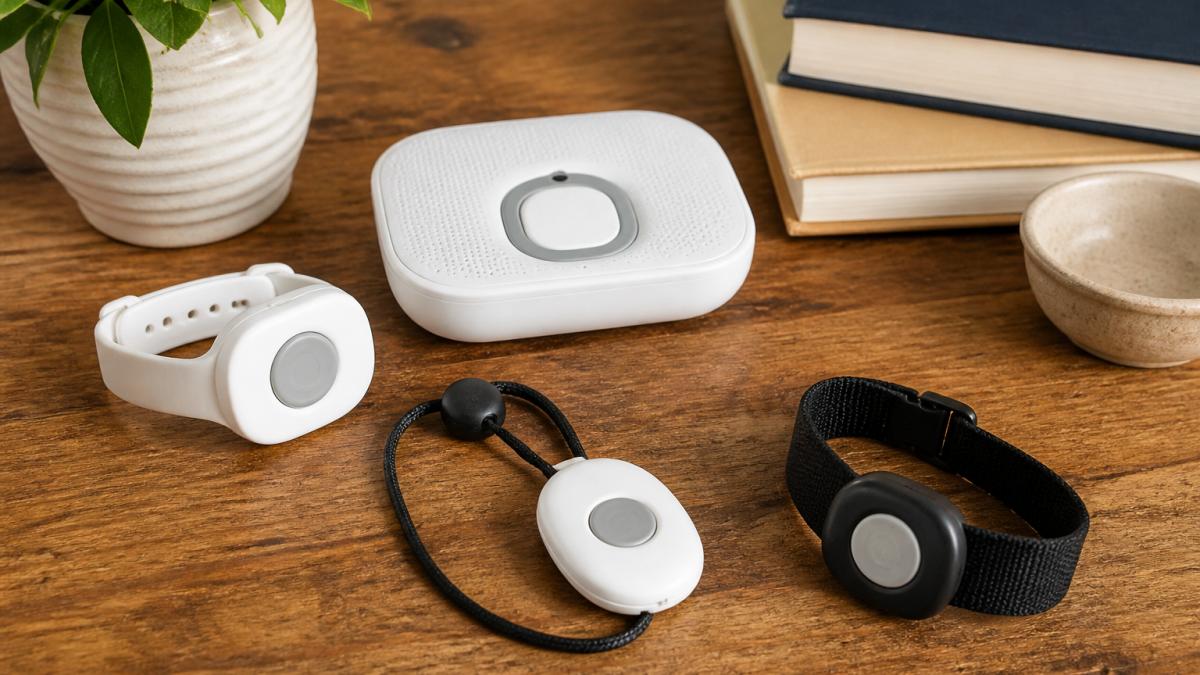
A basic base station and waterproof pendant often comes included. Advanced hardware like an SOS smartwatch or mobile GPS unit may carry an upfront cost.
Does Medicare Pay for Medical Alert Systems?
Original Medicare does not cover medical alert systems, because they fall outside the durable medical equipment categories the program pays for. That surprises most families.
Path 1: Medicare Advantage Supplemental Benefits
Medicare Advantage plans may offer supplemental benefits beyond Original Medicare, and some include remote monitoring or personal emergency response technology. Whether yours does depends on the plan, plan year, and county.
How to check, in order:
- Pull up your plan’s Annual Notice of Change (the booklet that arrives each fall) and search for “remote monitoring,” “personal emergency response,” or “supplemental benefits.”
- Call the member services number on the back of your card and ask: “Does my plan cover a personal emergency response system, and if so, what’s the copay and which vendors are in network?”
- Ask whether a referral or prior authorization is required before you buy. Buying first and asking later is the most common reason these claims get denied.
Path 2: Medicaid Home and Community-Based Services Waivers
Medicaid is the most underused funding source for medical alert systems. Home and community-based services (HCBS) waivers let states pay for services that keep someone out of a nursing facility, and personal emergency response systems are allowable under many state waivers.
How to pursue it:
- Contact your state Medicaid office or your local Area Agency on Aging and ask for the HCBS waiver intake line.
- Request a functional assessment, this determines whether the person qualifies.
- Ask whether “personal emergency response system” or “PERS” is on the state’s covered services list. Use that exact term; it’s the billing name most states use.
Path 3: Veterans Benefits
The VA offers several routes to help veterans pay for monitoring technology, and eligibility rules are broader than most families assume.
- VA health care enrollment: Enrolled veterans may receive a PERS device through their VA medical center when a VA clinician determines it’s medically necessary. Ask your VA primary care team directly.
- VA Aid and Attendance: This enhanced pension benefit is for veterans and surviving spouses who need help with daily activities. It doesn’t pay for a medical alert system line-item, but the additional monthly income can offset the cost.
- State veterans homes and veterans service organizations: Many state-level programs and organizations like the American Legion or VFW can point you to local grants.
Path 4: Area Agencies on Aging and Local Grants
The Older Americans Act funds a national network of Area Agencies on Aging (AAAs). Many administer small grants, equipment loan closets, or sliding-scale programs that cover a medical alert system for low-income seniors.
- Do you have a grant or loan program for personal emergency response systems?
- Is there a sliding-scale option based on income?
- Do you maintain a waiting list, and how long is it?
What to Have Ready Before You Apply
Whichever path you pursue, the same paperwork comes up. Gathering it in advance shortens the process by weeks: (Source: Federal Communications Commission (FCC) guidelines for medical devices)
- Proof of income (Social Security award letter, pension statements, recent tax return)
- Proof of assets (bank statements, property records)
- A physician’s letter documenting the medical need for monitoring
- The person’s Medicare, Medicaid, or VA identification numbers
- A written quote from the provider showing monthly and equipment costs
Medical Alert Systems With No Monthly Fee: What to Know
Medical alert systems with no monthly fee exist, but they come with tradeoffs rarely explained upfront. The most common is a one-time-purchase device that dials a preset phone number instead of a professional monitoring center.
Top Affordable Medical Alert Systems for 2026
The best affordable medical alert systems in 2026 balance a low monthly rate against real monitoring quality. Here’s how the leading options stack up.

MobileHelp: Lowest Starting Monthly Rate
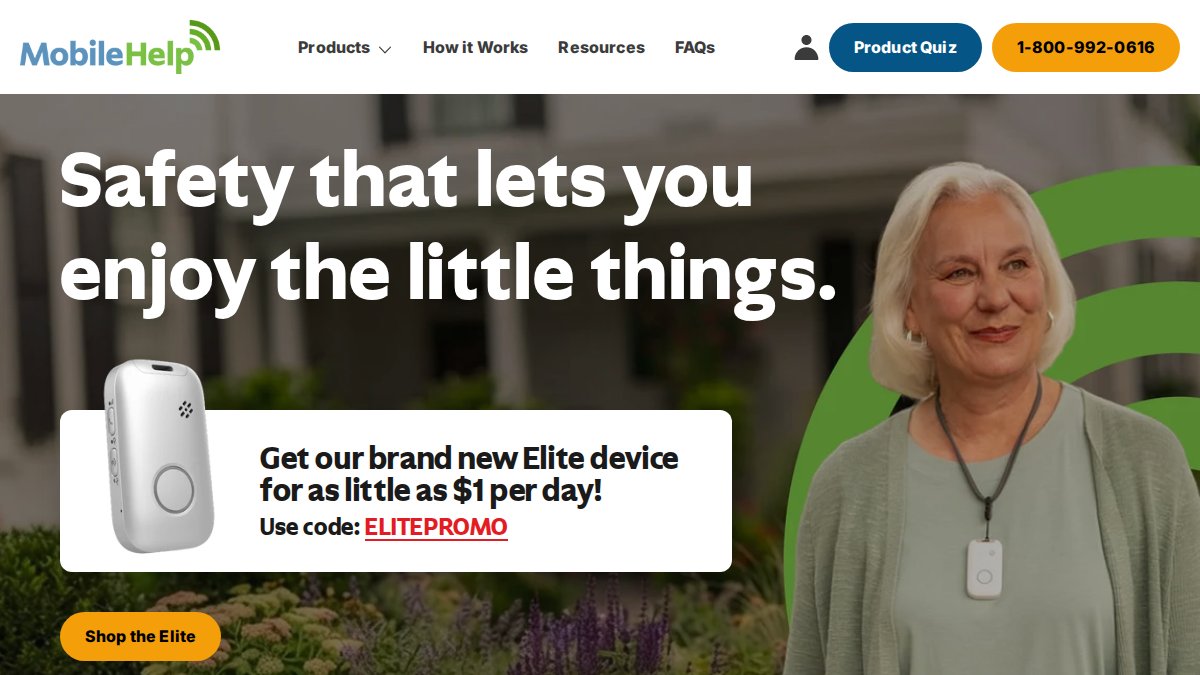
MobileHelp is known for competitive pricing. It offers options without a long-term contract or hidden fees, which can be appealing for budget-conscious seniors who want GPS-enabled mobile coverage.
Bay Alarm Medical: Fast Response Without Contracts
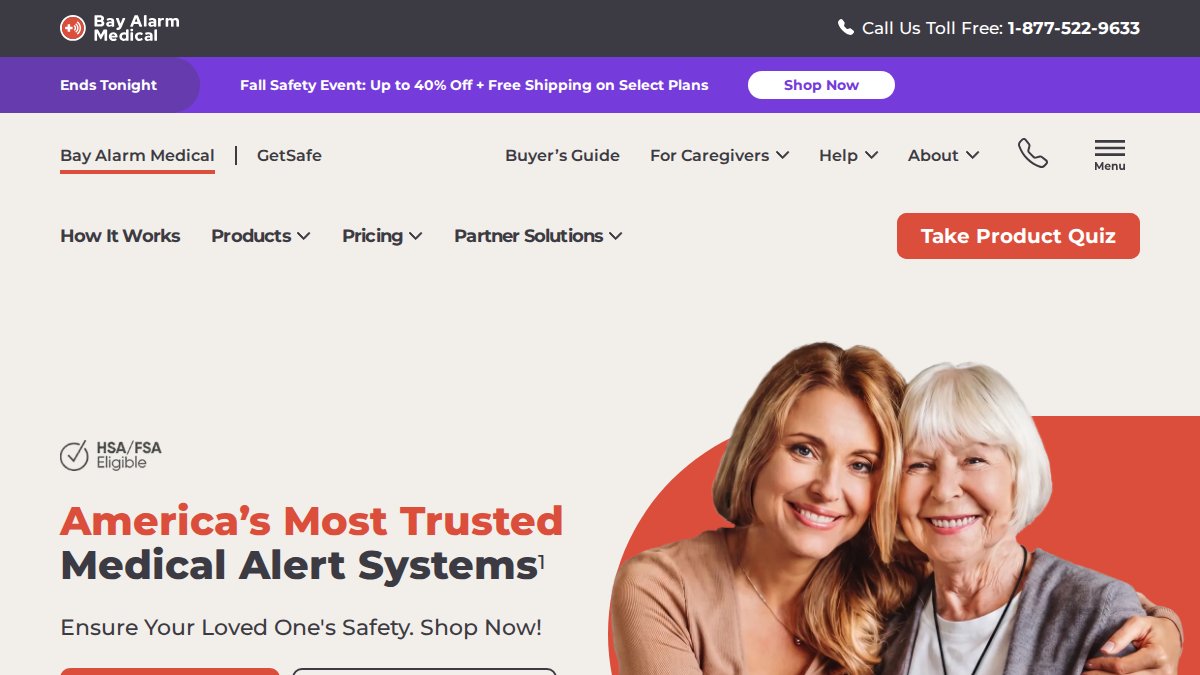
Bay Alarm Medical is recognized for competitive starting rates and fast response times, with some options offering no activation fees. Their SOS smartwatch is a notable option for seniors who prefer a wearable that doesn’t look like a medical device.
Medical Alert: Simple Home Monitoring
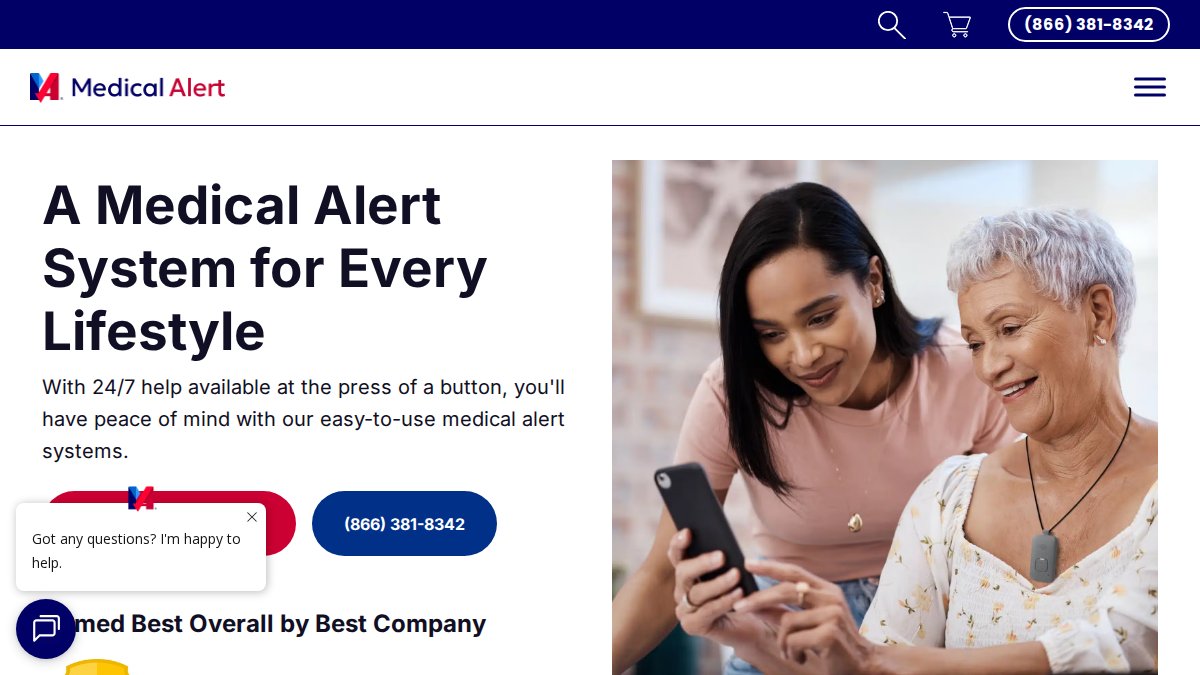
Medical Alert focuses on the basics and offers 24/7 emergency response monitoring, landline and cellular base station options, and a waterproof wearable help button.
Hidden Fees and Total Cost of Ownership
Hidden fees turn an affordable medical alert system into an expensive one. The three to watch are activation fees, equipment charges, and add-on subscription costs like fall detection. But the quote is only half the story, the other half is what happens in years two, three, and four.
The Fees That Show Up on the Quote
|
Cost Component |
What to Check |
Why It Matters |
|---|---|---|
|
Monthly subscription |
Advertised rate vs. billed rate |
Annual billing can lower it |
|
Activation fee |
Charged at signup or waived |
Adds to year-one cost |
|
Equipment fee |
Included or upfront charge |
Higher for mobile and smartwatch units |
|
Add-on features |
Fall detection, caregiver app |
Often billed monthly, not once |
|
Contract term |
Month-to-month or locked |
Affects flexibility if needs change |
|
Shipping and return |
Free or charged |
Return shipping can run $20-$40 |
|
Restocking fee |
Charged on returns |
Sometimes 10-15% of equipment cost |
The Fees That Don’t Show Up on the Quote
Annual price increases. Month-to-month plans can raise your rate at any time with notice. A plan advertised at $24.95/month in 2026 may bill at $27.95 or $29.95 by 2028. Ask in writing: “What is your historical annual rate increase, and is my rate locked?” If they won’t answer, assume an increase.
Building Your Own Total Cost of Ownership
Year 1 TCO = (Monthly rate × 12) + Activation fee + Equipment fee + (Add-on monthly × 12) + Shipping
The Maintenance Checklist Most Guides Skip
A medical alert system is only affordable if it works when your parent needs it. Devices fail quietly, a dead battery, a disconnected base station, a pendant left in a drawer. Build a monthly check into your routine.
Monthly (5 minutes, by phone or in person):
- Press the help button and confirm the monitoring center answers. Tell them it’s a test.
- Confirm the base station’s power light is on and the unit isn’t unplugged.
- Ask your parent to wear the pendant right now, if it’s on the nightstand, that’s the problem.
Quarterly:
- Test the range: walk to the far corner of the yard or house and press the button. If it doesn’t connect, the range is shorter than advertised.
- Check the pendant battery. Most last 1-3 years; some are sealed and require a replacement unit.
- Verify the emergency contact list is current, old phone numbers are a common failure point.
Annually:
- Call the provider and confirm your address, phone number, and emergency contacts on file.
- Ask whether the equipment is due for a firmware update or replacement.
- Review your plan against your parent’s current needs. A senior who has stopped driving may no longer need the mobile GPS tier.
Frequently Asked Questions
What is the least expensive medical alert system for seniors?
Bay Alarm Medical and MobileHelp offer some of the lowest starting monthly rates among major providers, with plans beginning around $24.95 and $25.95 per month respectively. Both include 24/7 monitoring and no long-term contracts. However, the cheapest option depends on your needs. In-home landline systems cost less than mobile GPS units, and adding fall detection or a caregiver app increases the monthly fee. Always confirm the total cost, including equipment, before choosing.
Does Medicare pay for medical alert systems?
Original Medicare (Part A and Part B) does not cover medical alert systems because they are considered non-medical equipment. However, some Medicare Advantage plans may offer coverage as a supplemental benefit. Medicaid waivers in certain states may also help low-income seniors. Check with your specific plan or state Medicaid office to see what is available. Eligibility and coverage vary widely, so verify before purchasing.
Are there medical alert systems with no monthly fee?
A few options exist, but they come with trade-offs. Some smartphone apps and smart speakers can provide basic emergency calling without a subscription, though they lack dedicated monitoring centers and fall detection. You may also find one-time-purchase systems that use your own phone line, but these often have limited range and no professional monitoring. For reliable 24/7 emergency response, a monthly fee is typically required.
How can I get a medical alert system for free?
Free systems are rare, but assistance programs exist. Some Area Agencies on Aging offer grants or loans for low-income seniors. Medicaid waivers in certain states may cover the cost if a doctor confirms medical necessity. Veterans may qualify for support through VA benefits. Additionally, some hospitals and non-profits provide free or subsidized devices. Contact your local Area Agency on Aging to explore options in your area.
What features should I look for in a low-cost medical alert system?
Prioritize 24/7 monitoring, a waterproof pendant or wrist button, and reliable cellular or landline connectivity. Fall detection is valuable but often costs extra. Check the device range for in-home systems and battery life for mobile units. A caregiver app can help family members stay informed. Avoid long-term contracts and hidden fees. Compare total monthly cost, including equipment, before deciding.
Related Reviews From ElderLivingHub
- Bay Alarm Medical Review
- Medical Guardian Review
- Lively Medical Alert Review
- ADT Medical Alert Review
Browse more: