Simple Video Doorbells for Elderly Parents: 2026 Picks
Last Updated: October 23, 2026
Quick Summary
The simplest video doorbells for elderly parents are battery-powered models that need no drilling or wiring, like the Toucan Wireless V3 at $99 or the subscription-free Tapo D225 at $130. If your parent does not use a smartphone, choose a video doorbell with a dedicated indoor monitor instead of an app.
- The Toucan Wireless V3 mounts with adhesive and needs no existing doorbell wiring, suiting renters and apartments.
- The Tapo D225 records in 2K resolution and stores footage locally with no cloud fee.
- The AOSU Doorbell Camera starts at $85 and includes a base station for local storage.
- Ring’s Battery Doorbell Pro costs $230 and is best for family sharing and precise motion alerts.
- A monitor should wake automatically on a bell press and offer one-button talk.
Table of Contents
- Why Simple Video Doorbells for Elderly Parents Make a Difference
- Quick Comparison: Best Video Doorbells for Elderly Parents
- 1. Toucan Wireless Video Doorbell V3: Easiest Installation for Renters
- 2. Tapo D225 Video Doorbell: Best Subscription-Free Video Doorbell
- 3. AOSU Doorbell Camera: Best Budget-Friendly Option for Seniors
- 4. Ring Battery Doorbell Pro: Best for Advanced Motion Alerts and Family Sharing
- 5. Eufy Video Doorbell: Best for Privacy-Conscious Families
- Video Doorbell with Monitor for Seniors: When a Large Screen Beats a Phone
- Frequently Asked Questions
Why Simple Video Doorbells for Elderly Parents Make a Difference
Most families start shopping for simple video doorbells for elderly parents after a specific moment: a parent mentions a stranger at the door, a package goes missing, or a fall goes unnoticed because nobody rang the bell. At ElderLivingHub, we review senior care technology with one question in mind: would we trust this device for our own parents?
A video doorbell answers that question well. It lets an older adult see who is outside before opening the door, and it lets an adult child check in from three hours away. The catch is that “simple” means different things to a 78-year-old with arthritis and to a caregiver managing the app.
Below, we cover five picks and explain exactly who each one suits, plus the one scenario where a phone-based doorbell fails and a dedicated monitor wins.
Quick Comparison: Best Video Doorbells for Elderly Parents
Here is the short version. Every option below works without professional installation, and each one has a clear reason to exist.
| Doorbell | Starting Price | Subscription | Best For |
|---|---|---|---|
| Toucan Wireless V3 | $99 | None required | Renters, no drilling |
| Tapo D225 | $130 | None required | Free local storage |
| AOSU Doorbell Camera | $85 | None required | Tight budgets |
| Ring Battery Doorbell Pro | $230 | Optional | Family sharing, alerts |
| Eufy Video Doorbell | $120 | None required | Privacy-first families |
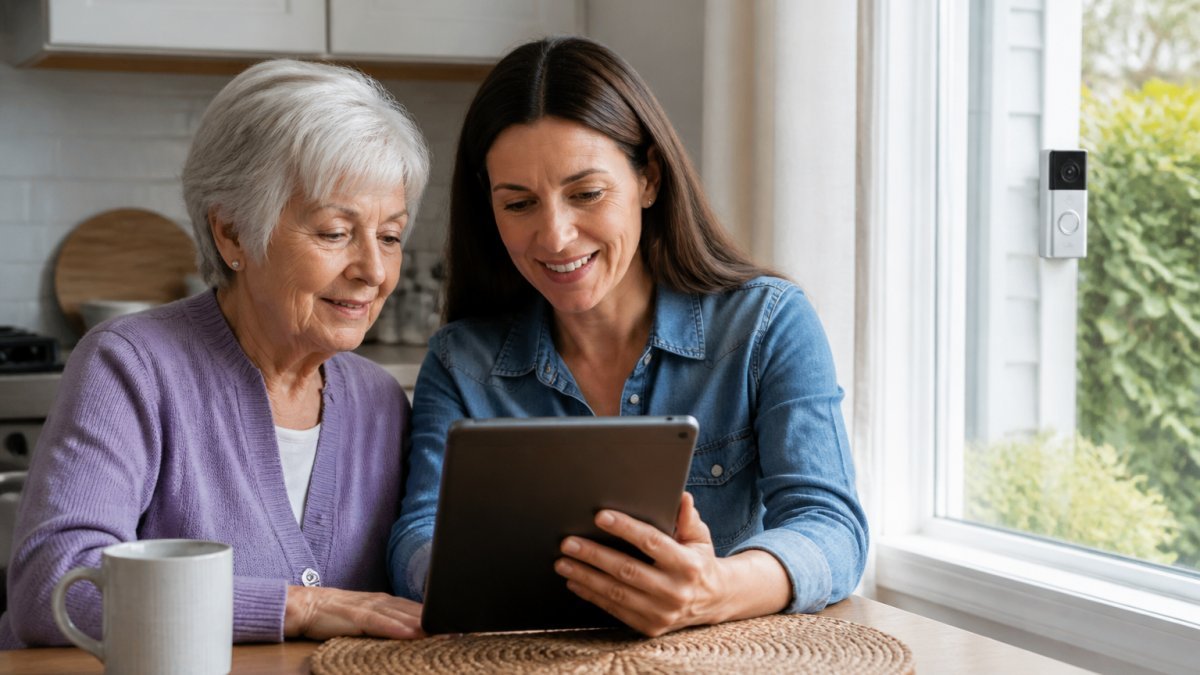
1. Toucan Wireless Video Doorbell V3: Easiest Installation for Renters
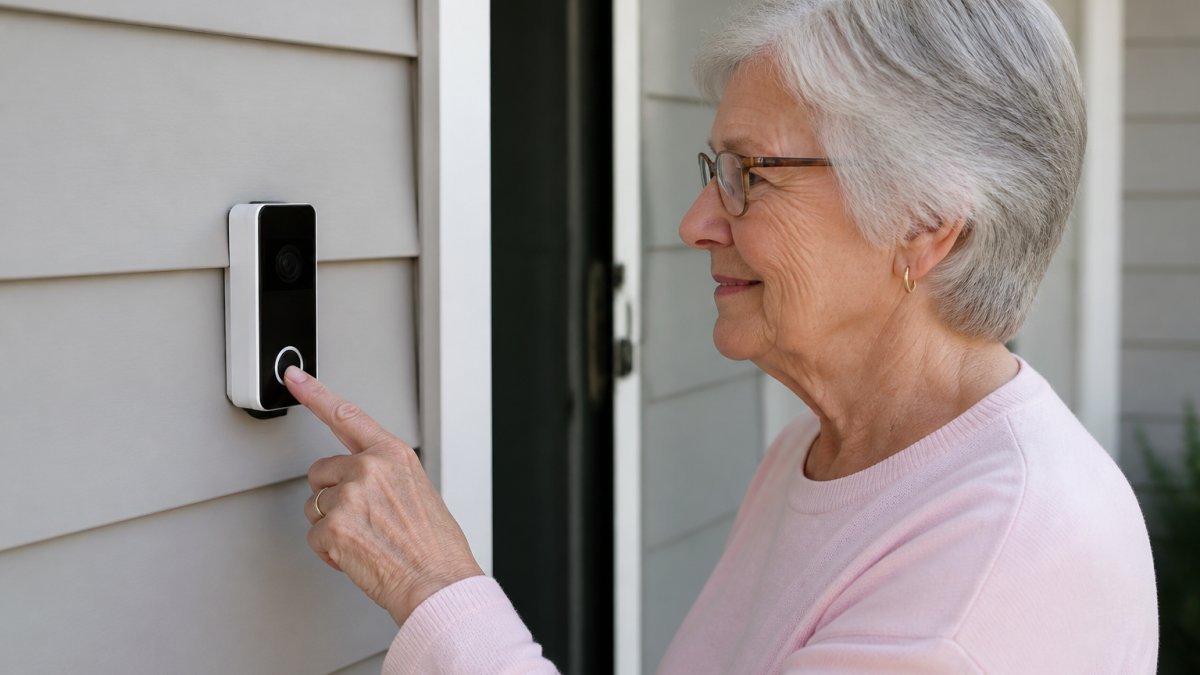
The Toucan V3 is the pick when nobody wants to drill into a doorframe. It mounts with adhesive, runs on battery, and needs no existing doorbell wiring. For a parent in an apartment or a rental home, that removes the biggest practical barrier, and for a family caregiver who lives an hour away, it removes the need to schedule a handyman visit.
What installation actually involves
Setup is the part that matters, and most guides gloss over it. A realistic sequence looks like this:
- Charge the battery fully before mounting. A partial charge is the most common reason a new doorbell dies in the first week.
- Check Wi-Fi at the door, not at the router. Stand at the door with your phone and confirm a strong signal. A doorbell that drops offline is worse than no doorbell, because the parent stops trusting it.
- Clean and dry the mounting surface. Adhesive fails on dusty or painted trim. Follow the manufacturer’s cure time before hanging the camera.
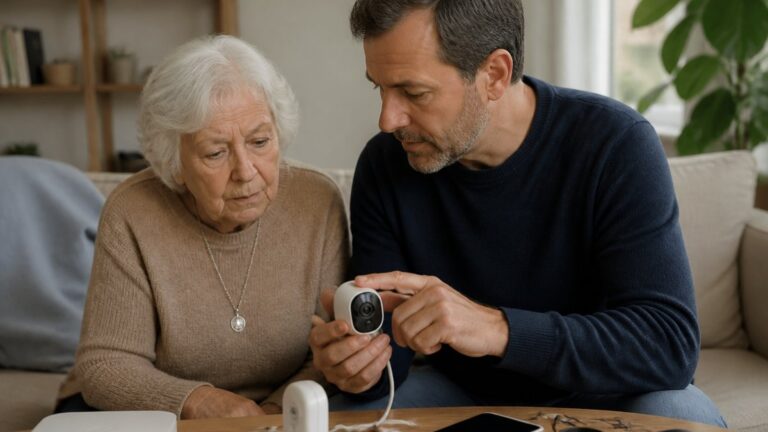
- Pair the app on the caregiver’s phone first, then add the parent as a shared user if they want their own access.
- Test the bell, the live view, and the two-way audio from outside before you leave. Have the parent answer once so they hear their own voice come through.
A common mistake is assuming the senior will configure the app alone. Plan on doing it yourself, then walk your parent through the live video screen once, slowly. Write the two or three steps they need on an index card and tape it inside a kitchen cabinet.
Battery, charging, and the maintenance routine
Where it falls short: the battery needs periodic recharging, so someone has to remember. A practical routine:
- Charge on a schedule, not when the low-battery alert fires. Pick a recurring date, the first weekend of the month, for example, and treat it like changing a smoke detector battery.
- Keep a second charged battery on hand if the model supports swapping, so the door is never unwatched during a charge cycle.
- Check the mount each time you recharge. Adhesive can loosen with temperature swings; press it back down or replace the pad.
Reliability during Wi-Fi, power, and internet outages
This is where budget wireless doorbells differ most, and where families get surprised. During an internet outage, a Wi-Fi doorbell generally cannot send alerts or live video to a phone. What still works depends on the model:
- Local chime. If the doorbell pairs with an indoor chime that communicates directly, the chime may still ring even when the internet is down. Confirm this before buying.
- Local recording. Some models record to a memory card in the camera, so footage is captured even if alerts fail. Confirm whether the Toucan V3 supports local storage and whether it records during outages.
- Backup power. A battery-powered doorbell keeps running during a household power outage, which is an advantage over wired models. Keep the battery charged and the parent will still have a working bell when the lights are out.
For a parent who relies on the doorbell as a safety check, pair it with a conventional doorbell or a plug-in chime that does not depend on Wi-Fi. Redundancy is cheap; a silent door is not.
Do not buy a budget doorbell assuming the senior will troubleshoot it. If you cannot visit within a few weeks of setup, choose a model with a simpler recovery process or arrange a neighbor who can help. Leave the caregiver’s phone number on the same index card as the setup steps.
2. Tapo D225 Video Doorbell: Best Subscription-Free Video Doorbell
Subscription-free video doorbells solve a real problem for families on fixed incomes: no recurring monthly cost. The Tapo D225 records in 2K resolution and stores footage locally, so there is no cloud fee to keep the camera useful.
Video quality matters more for older eyes than most guides admit. A clear picture of a visitor’s face at the door is the difference between recognizing a delivery driver and opening the door to a stranger.
If your parent has hearing loss, pair any doorbell here with a separate audible chime placed in the room they use most. App notifications alone are easy to miss.
The tradeoff is local storage management. Someone needs to check the memory card occasionally. It is a small chore, but a real one. (Source: National Institute on Aging’s resources on aging in place)
3. AOSU Doorbell Camera: Best Budget-Friendly Option for Seniors
Budget does not have to mean difficult. The AOSU Doorbell Camera starts at $85, includes a base station for local storage, and keeps the app interface deliberately plain. For a family buying their first doorbell camera, that combination is hard to argue with.
What most reviews miss is the base station requirement. It needs a spot near the router, which means one more device and one more plug. Still, it eliminates monthly fees entirely.
Do not buy a budget doorbell assuming the senior will troubleshoot it. If you cannot visit within a few weeks of setup, choose a model with a simpler recovery process or arrange a neighbor who can help.
4. Ring Battery Doorbell Pro: Best for Advanced Motion Alerts and Family Sharing
Ring’s Battery Doorbell Pro is the option for families who want multiple people watching the same door.
The honest limitation is cost. At $230 plus an optional subscription, it is the most expensive pick here.
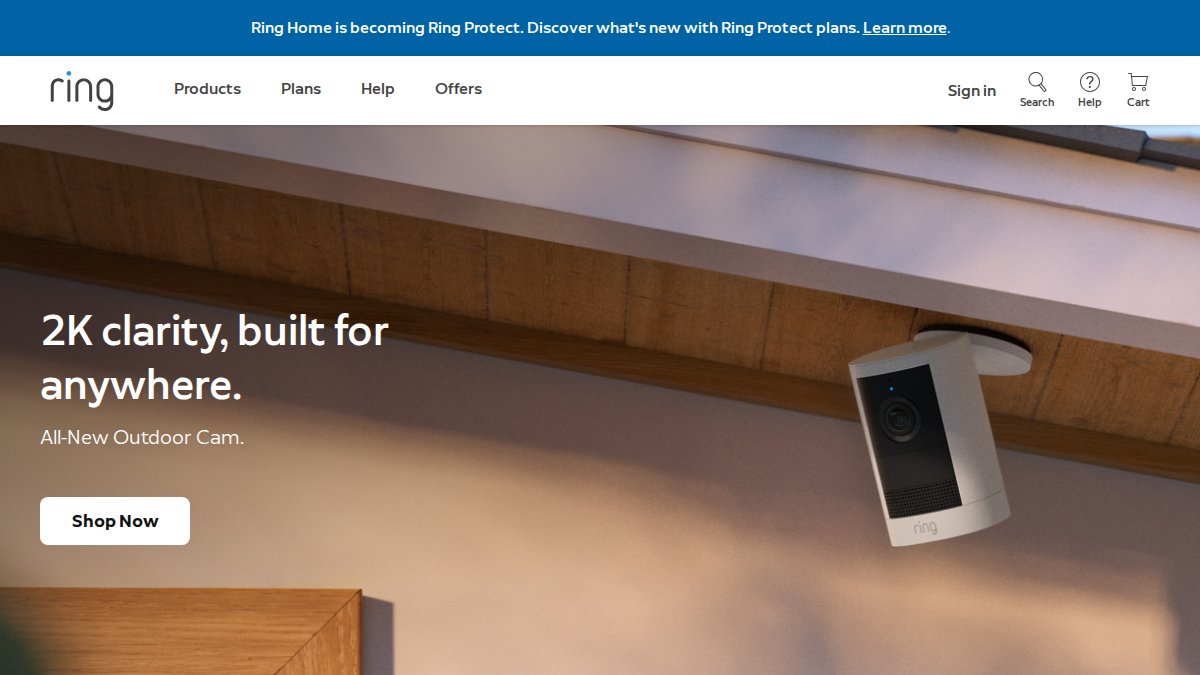
For a parent who texts and video calls already, this is a strong fit. For a parent who does not, skip ahead to the monitor section.
5. Eufy Video Doorbell: Best for Privacy-Conscious Families
Privacy-conscious families should start here. Eufy stores footage locally with encryption and charges no monthly fee, so recordings of your parent’s doorstep stay in your parent’s home rather than a vendor’s cloud.
Human detection reduces the false alerts that make people stop checking their phone. That matters more than it sounds: a doorbell that pings constantly gets ignored, and an ignored doorbell protects nobody.
The requirement is local storage hardware, which adds a small setup step. The privacy tradeoff is worth it for many families.
Video Doorbell with Monitor for Seniors: When a Large Screen Beats a Phone
A video doorbell with monitor for seniors exists for one reason: not everyone uses a smartphone. If your parent has limited dexterity, poor vision, or early memory changes, an indoor screen beside the door or in the living room removes the phone from the equation entirely. Most buying guides treat this as a footnote. It is a single most important fork in the decision, so here is a practical way to choose.
Start with an accessibility audit, not a product list
Before comparing models, spend ten minutes observing how your parent actually uses technology. The answers point to one of two paths.
- Vision. Can they read a notification at arm’s length without squinting? If not, a phone screen is the wrong interface. Look for a dedicated monitor with a large display, high contrast, and adjustable brightness, or a phone-based doorbell whose app supports large text and voice announcements.
- Hearing. Can they hear a phone notification from another room? App chimes are easy to miss. A standalone indoor chime or a monitor with a loud, adjustable ringer is more reliable than a phone alert.
- Dexterity. Can they reliably tap a small icon, swipe, and unlock a phone? Arthritis and tremor make app navigation frustrating. Physical buttons on a monitor, or a doorbell that answers with a single large on-screen button, reduce the failure points.
A common pattern among caregivers is to buy the phone-based model first because it is cheaper and more heavily reviewed, then discover after two weeks that the parent never opens the app. The monitor path costs more up front but is the one that survives week two.
The two-path decision
- Parent uses a smartphone comfortably (texts, video calls, checks email) → choose a phone-based doorbell from the list above. The app is familiar territory, and family sharing lets siblings and paid caregivers receive the same alerts.
- Parent struggles with apps, small text, or multi-step flows → choose a model that ships with or supports a dedicated indoor monitor. The monitor should show the live camera feed automatically when the bell is pressed, include a large talk button, and ring loudly enough to hear from the next room.
- Parent has dementia → involve them in choosing the device, keep the interface unchanged after setup, and introduce it gradually rather than all at once. A monitor that behaves the same way every time is less confusing than an app that changes with updates.
What a standalone monitor should actually do
Not every system marketed as “monitor-ready” behaves the same way. When you compare, check these specifics:
- Automatic live view. The screen should wake and show the visitor when the bell is pressed, without the parent pressing anything first.
- One-button talk. A single large button to speak and a second to end the call. Avoid systems that require holding a button while talking if grip strength is limited.
- Audible ringer with volume control. The monitor should ring like a conventional doorbell, not just display a silent notification.
- Wired or long-battery operation. A monitor that needs frequent charging becomes another chore. Prefer a plug-in monitor near the parent’s main chair or a model with a battery rated in months, not days.
- Backup during outages. Ask what happens when Wi-Fi or power drops. A monitor that keeps its local chime working during an internet outage is more reliable than one that goes silent.
Caregiver access, consent, and privacy boundaries
Caregiver access deserves a conversation, not just a settings change. Agree with your parent on who can view the camera feed and when, and write it down. Consent is the difference between support and surveillance. Practical steps:
- Decide together whether recordings are stored locally or in the cloud, and for how long.
- Turn off or schedule motion alerts in rooms or hours your parent considers private.
- Give siblings and paid caregivers separate accounts rather than sharing one login, so access can be revoked cleanly.
The best doorbell for an elderly parent is the one they will actually use after week two. For parents who do not use a smartphone, a dedicated indoor monitor is not a luxury, it is the difference between a doorbell that gets answered and one that gets ignored.
Frequently Asked Questions
Which video doorbell is the easiest for older people to use?
The easiest models for older adults combine large buttons, clear audio, and simple app navigation. The Toucan Wireless Video Doorbell V3 stands out for tool-free installation and a straightforward app, while the Tapo D225 offers a subscription-free experience with local storage. For seniors who prefer not to use a smartphone, a video doorbell with monitor for seniors provides a dedicated screen. Look for features like audible chimes, real-time notifications, and two-way audio that requires just one tap to answer.
Do video doorbells work without a smartphone?
Yes, some video doorbells work without a smartphone. Standalone models come with an indoor monitor or chime that lets you see and speak to visitors without a phone. For example, a video doorbell with monitor for seniors typically includes a large screen that displays live video and has a answer button. These systems are ideal for elderly parents who don’t use apps or find smartphones confusing. They still require Wi-Fi for remote access, but basic visitor communication works locally.
Do video doorbells require a monthly subscription?
Not all video doorbells require a monthly subscription. Many models, like the Tapo D225, AOSU, and Eufy, offer local storage via microSD or a base station, so you can record and review footage without recurring fees. Subscription-free video doorbells are ideal for budget-conscious families. However, some features like cloud storage or advanced AI detection may require a plan. Always check the specifications to confirm what’s included at no extra cost.
Can family members receive video doorbell alerts too?
Yes, most video doorbells allow multiple users to receive alerts. Through the companion app, you can share access with family members or caregivers. For example, Ring and Google Nest support adding multiple household members who get real-time notifications when someone presses the doorbell or motion is detected. This is helpful for adult children monitoring elderly parents. Ensure the doorbell supports multi-user access and that privacy settings allow sharing without compromising security.
Are wired or wireless video doorbells easier to install for seniors?
Wireless, battery-powered video doorbells are generally easier to install because they don’t require existing doorbell wiring or drilling. Models like the Toucan V3 use adhesive mounting, making them renter-friendly and simple to set up. Wired doorbells, such as the Google Nest Doorbell (Wired), need professional installation or DIY skills. For elderly parents who want a hassle-free setup, a wireless video doorbell without a smartphone requirement or complex wiring is the better choice.