Medical Alert Systems Without Monthly Fees
Table of Contents
- What Are Unmonitored Medical Alert Systems?
- How Self-Monitored Medical Alert Systems Work
- Pros and Cons of No-Fee Medical Alert Systems
- Key Features to Evaluate: GPS, Fall Detection, and Battery Life
- Medicare Coverage for Medical Alert Devices
- At-Home vs. Mobile Alert Systems: Which Fits Your Needs
- Setup, Maintenance, and Troubleshooting
- Frequently Asked Questions
Last Updated: September 18, 2026
What Are Unmonitored Medical Alert Systems?
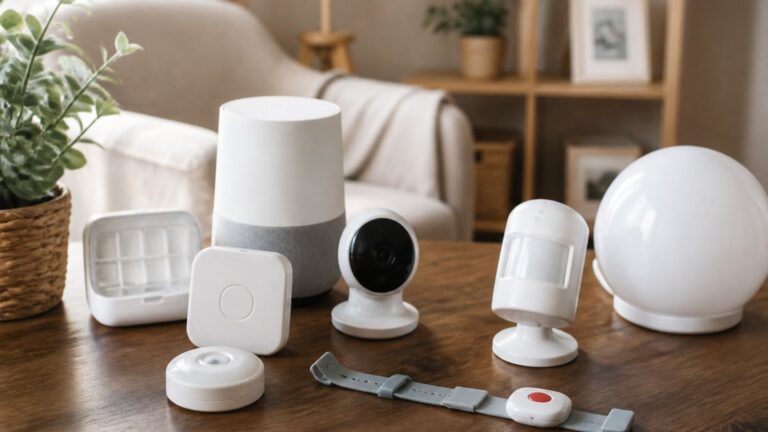
An unmonitored medical alert system allows seniors to call for help directly without monthly monitoring fees. When the wearer presses a button, the device connects them to pre-selected emergency contacts or services, putting control directly in the user’s hands rather than routing through a professional call center. (Source: Statista’s 2026 projections on senior technology adoption)
Systems come in two forms: at-home devices with limited range, and mobile units with GPS tracking. The key difference is cost, you avoid recurring subscription charges while keeping the core safety feature: the ability to summon help with a single button press.
Unmonitored options work best for cognitively sharp seniors who live with family or reliable neighbors. They’re ideal for quick communication during emergencies, not ongoing professional monitoring.
How Self-Monitored Medical Alert Systems Work
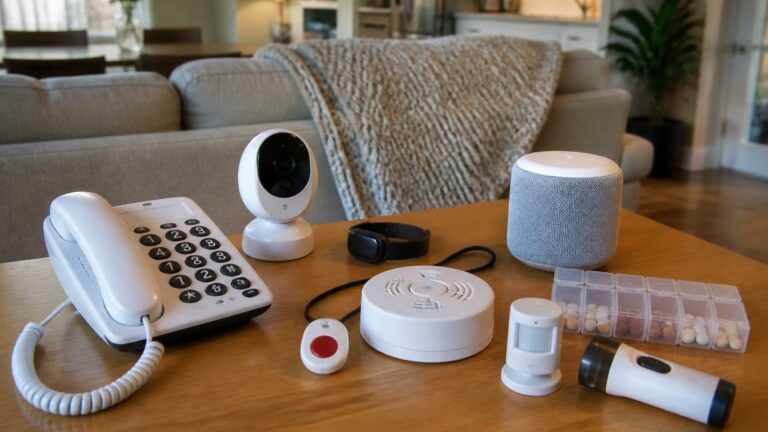
Self-monitored systems operate on a simple principle: the wearer initiates contact by pressing the panic button. Some devices dial phone numbers in sequence until someone answers; others send alerts to a smartphone app that caregivers monitor.

Setup requires regular charging and, for at-home systems, keeping the device within range of a base station. Battery life varies from several days to daily recharging. The device is typically a wrist pendant or neck lanyard worn at all times.
At-home units have limited range (usually 600-1,000 feet from the base station), so they won’t connect if your parent falls outside coverage. Mobile systems solve this with GPS and cellular connectivity, but require a charged phone with active service.
Pros and Cons of No-Fee Medical Alert Systems
Pros of medical alert systems without monthly fees:
- No recurring subscription costs, you pay once for the device
- No hidden fees or surprise billing
- Direct control over who receives emergency alerts
- Faster response in some cases (direct to family instead of call center queue)
- No contract lock-in or cancellation penalties
- Suitable for seniors who are alert and can operate a button
- Works well when caregivers live nearby or in the same home
Cons of medical alert systems without monthly fees:
- No professional monitoring if the wearer is unconscious or unable to communicate
- Relies on family members to respond, who may be unavailable
- Limited range for at-home models (GPS mobile units cost more upfront)
- Requires regular device charging and maintenance
- No operator to assess the emergency or call 911 if contacts don’t answer
- Battery failure means no backup communication
- May not work reliably in areas with poor cellular coverage
- Requires the wearer to remember to wear the device daily
The biggest trade-off is professional oversight. Monitored systems have trained operators who verify emergencies and dispatch help; unmonitored systems depend entirely on whether someone answers and takes action. For seniors living alone or with cognitive decline, this gap matters significantly.
Key Features to Evaluate: GPS, Fall Detection, and Battery Life
Three features separate reliable devices from problematic ones.
GPS tracking matters most for mobile systems, letting caregivers locate a senior if they wander or fall outside the home. Mobile units without accurate positioning create a false sense of security.
Fall detection uses accelerometers to sense a sudden drop. Many systems require manual button confirmation after a fall is detected; true automatic detection without user confirmation is rare and typically more expensive.
Battery life determines charging burden. Devices lasting three to five days work better than those needing daily charging. Check real-world battery performance, not manufacturer claims, as devices lose capacity over time.
Other features include waterproofing (essential if your parent showers), two-way voice communication, and ease of button activation (important for seniors with arthritis).
Medicare Coverage for Medical Alert Devices
Financial assistance comes from multiple sources, though unmonitored systems are rarely covered because most programs prioritize monitored services.
Medicare Part B Coverage
Medicare Part B may cover medical alert devices when prescribed by a physician for specific conditions. Coverage requires the device to be medically necessary, the senior to have a qualifying diagnosis, and the device to come from a Medicare-approved supplier. However, coverage typically applies only to monitored systems, not unmonitored devices. Call Medicare at 1-800-MEDICARE or visit Medicare.gov to determine eligibility. (Source: Federal Communications Commission (FCC) guidelines on emergency communication reliability)
Medicaid and State Programs
Medicaid coverage varies by state. Some states cover medical alert devices as durable medical equipment (DME) for qualifying seniors. Contact your state Medicaid office to learn what’s covered. Area Agencies on Aging (AAA) also administer grants for assistive technology, including medical alert devices. Contact your local AAA office to ask about device subsidy programs.
Veterans Benefits
Veterans may qualify for medical alert devices through the VA if the device is deemed medically necessary for a service-connected condition. The VA covers both monitored and unmonitored systems depending on the veteran’s needs and the VA facility’s assessment. Contact your VA medical center or call the Veterans Health Benefits hotline at 1-877-222-VETS to discuss eligibility.
Out-of-Pocket Cost Strategy
Many seniors don’t qualify for assistance. Upfront device costs are often less expensive than three to six months of monitored service fees.
If cost is a barrier, consider:
- Manufacturer assistance programs: Some device makers offer discounts or payment plans for low-income seniors.
- Nonprofit organizations: The Eldercare Locator (1-800-677-1116) connects you to local nonprofits that assist with medical equipment costs.
- Flexible spending accounts (FSA) or health savings accounts (HSA): Medical alert devices may be eligible expenses, reducing out-of-pocket cost through tax-advantaged savings.
- Comparison shopping: Determine which features are truly necessary before spending.
At-Home vs. Mobile Alert Systems: Which Fits Your Needs
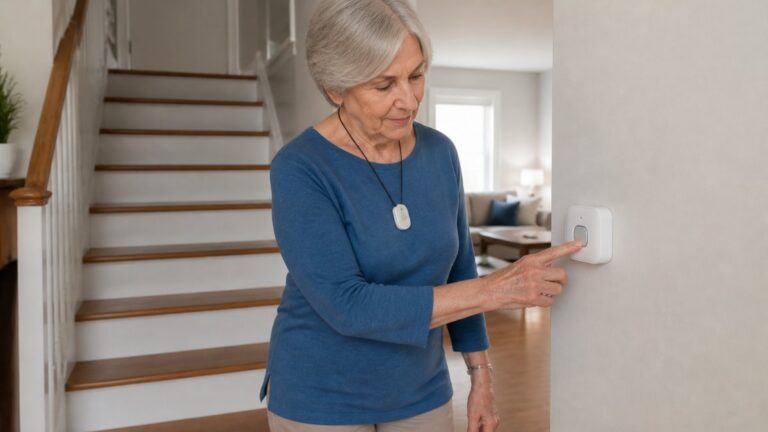
At-home medical alert systems use a base station and wearable device with limited range (typically 600-1,000 feet indoors). They work well for seniors who spend most time in one location. Setup is simpler and costs are lower, but they don’t work if your parent leaves home or goes out of range.
Mobile alert systems use cellular connectivity and GPS with no base station required. Coverage extends anywhere with cell service, making them ideal for active seniors who travel or live alone.
Setup, Maintenance, and Troubleshooting
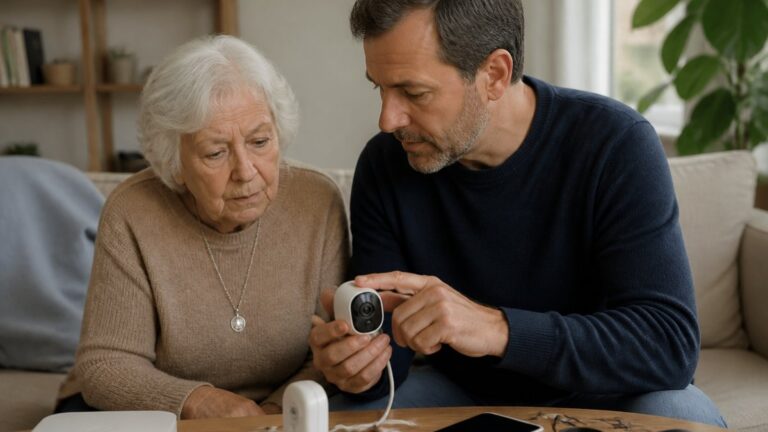
Proper setup and maintenance are critical for unmonitored systems because there is no monitoring center to catch failures. Unmonitored systems fail silently unless you actively test them.
Establish a routine:
- Daily charging: Set a specific time each day. Use a phone reminder if needed.
- Weekly button test: Press the panic button and confirm at least one emergency contact receives the alert.
- Monthly full system test: Press the button, confirm all contacts receive the alert, and verify two-way voice communication works (if supported).
- Quarterly battery health check: If battery capacity drops below 50%, plan for replacement.
- Annual device inspection: Clean the device, check for cracks or water damage, and verify buttons respond. Replace if damaged.
When to Replace the Device
Frequently Asked Questions
How do self-monitored medical alert systems work without professional monitoring?
Self-monitored medical alert systems let you or your designated emergency contacts respond directly when an alert is triggered. When the wearer presses the panic button or the device detects a fall, it sends a notification via cellular connectivity or two-way voice to your phone or contacts you’ve listed. You then decide whether to call 911, contact the wearer, or take other action. This eliminates the need for a professional monitoring center and the associated monthly subscription fee, though it requires that someone be available to respond.
Does Medicare cover the cost of medical alert devices?
Medicare Part B may cover some medical alert devices when deemed medically necessary and prescribed by a healthcare provider. Coverage typically applies to devices that monitor specific health conditions rather than general fall detection systems. You’ll need a doctor’s prescription and the device must be from a Medicare-approved supplier. Coverage amounts and out-of-pocket costs vary based on your specific plan. Contact Medicare directly or speak with your healthcare provider to determine if your device qualifies and what your coverage would be.
What are the main advantages and disadvantages of choosing a no-fee medical alert system?
The primary advantage of no-fee systems is the absence of ongoing monthly subscription costs—you pay only for the device upfront. This makes them budget-friendly for long-term use. However, the trade-off is that response time depends on your availability and your emergency contacts’ responsiveness. If you live alone or your contacts are frequently unreachable, a no-fee system may not provide the reliability of professional monitoring. Additionally, some no-fee devices have limited features like shorter battery life or weaker signal strength compared to monitored systems.
What should I look for when choosing a medical alert system without monthly fees?
Prioritize fall detection reliability, GPS tracking if your loved one is mobile, waterproof design for bathroom safety, and battery life that matches daily usage patterns. Check the device’s range (at-home systems typically work within 600-1000 feet of a base station), cellular connectivity options, and ease of setup for someone who isn’t tech-savvy. Verify that the two-way voice feature works clearly, test the panic button responsiveness, and confirm that caregiver integration—the ability to add and manage emergency contacts—is straightforward. Also consider device weight and comfort for all-day wear.
Related Reviews From ElderLivingHub
- Apple Watch Fall Detection Review
- Bay Alarm Medical Review
- Medical Guardian Review
- Lively Medical Alert Review
Browse more: