
7 Best Medical Alert Systems for Seniors, Ranked
Last Updated: November 2, 2026
Quick Summary
The best medical alert systems for seniors are the ones a person will actually wear, charge, and press in an emergency. Medical Guardian ranks best overall, Bay Alarm Medical suits couples, and MobileHelp is the affordable pick, with starting monthly prices of $38.95, $27.95, and $25.95.
- We rank systems on form factor, setup burden, monitoring model, and total cost of ownership.
- Fall detection is usually an add-on with an extra monthly charge, not a base feature.
- At-home systems work inside the home, while mobile systems use cellular and GPS coverage.
- Ask providers what happens during a power outage and when the device loses signal.
- Test the system after setup by pressing the button from the rooms your parent uses most.
Table of Contents
- How We Chose the Best Medical Alert Systems for Seniors
- Quick Comparison: Top Medical Alert Systems at a Glance
- 1. Medical Guardian: Best Overall Medical Alert System
- 2. Bay Alarm Medical: Best for Couples
- 3. MobileHelp: Best Affordable Medical Alert System
- 4. ADT Medical Alert and Medical Care Alert: Established Alternatives
- Medical Alert Systems With Fall Detection: What to Know
- At-Home Medical Alert Systems for Seniors vs. Mobile Options
- Frequently Asked Questions
How We Chose the Best Medical Alert Systems for Seniors
The best medical alert systems for seniors are the ones a person will actually wear, charge, and press in an emergency. That sounds obvious, but it is where most buying decisions go wrong. Families compare feature lists and miss the only question that matters: will an 82-year-old with arthritis remember to put this on every morning? (Source: Federal Communications Commission (FCC) guidelines)
At ElderLivingHub, we build our rankings around that question. We look at four things: the form factor, the setup burden on the family, the response and monitoring model, and the total cost of ownership once activation and equipment fees are counted. We also weigh whether a system works without a landline, because many older adults have dropped theirs.
Before you trust any ranking, including ours, it helps to understand what to check before buying a medical alert system online, from coverage at the parent’s address to the cancellation terms buried in the subscription.
Quick Comparison: Top Medical Alert Systems at a Glance
Here is the short version. Medical Guardian, Bay Alarm Medical, and MobileHelp each suit different households, and the sections below explain where each one fits.
| System | Starting Monthly Price | Best For | Fall Detection |
|---|---|---|---|
| Medical Guardian | $38.95 | Best overall | Available on some systems |
| Bay Alarm Medical | $27.95 | Couples | Varies by plan |
| MobileHelp | $25.95 | Affordability | Varies by plan |
| ADT Medical Alert | Contact for pricing | Established brand trust | Noted in comparisons |
| Medical Care Alert | Contact for pricing | Emergency response focus | Available |
If you want the full category laid out side by side, our medical alert system reviews and comparisons cover the options beyond this shortlist.
1. Medical Guardian: Best Overall Medical Alert System
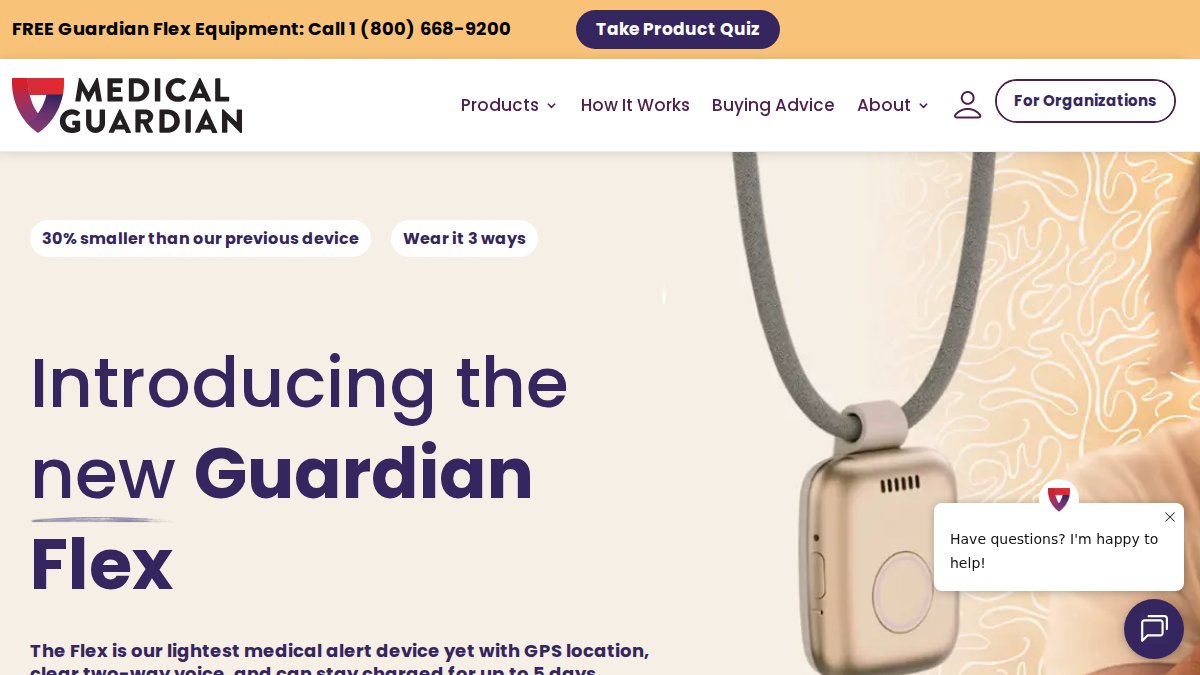
Medical Guardian offers both at-home and on-the-go options across several form factors.
Fall detection is available on some systems, so confirm which model includes it before you order.
Pros and Cons of Medical Guardian
Pros:
- Multiple form factors: in-home base, mobile pendant, and watch-style wearable
- Fall detection available on select systems
Cons:
- Fall detection is not universal across the lineup
2. Bay Alarm Medical: Best for Couples
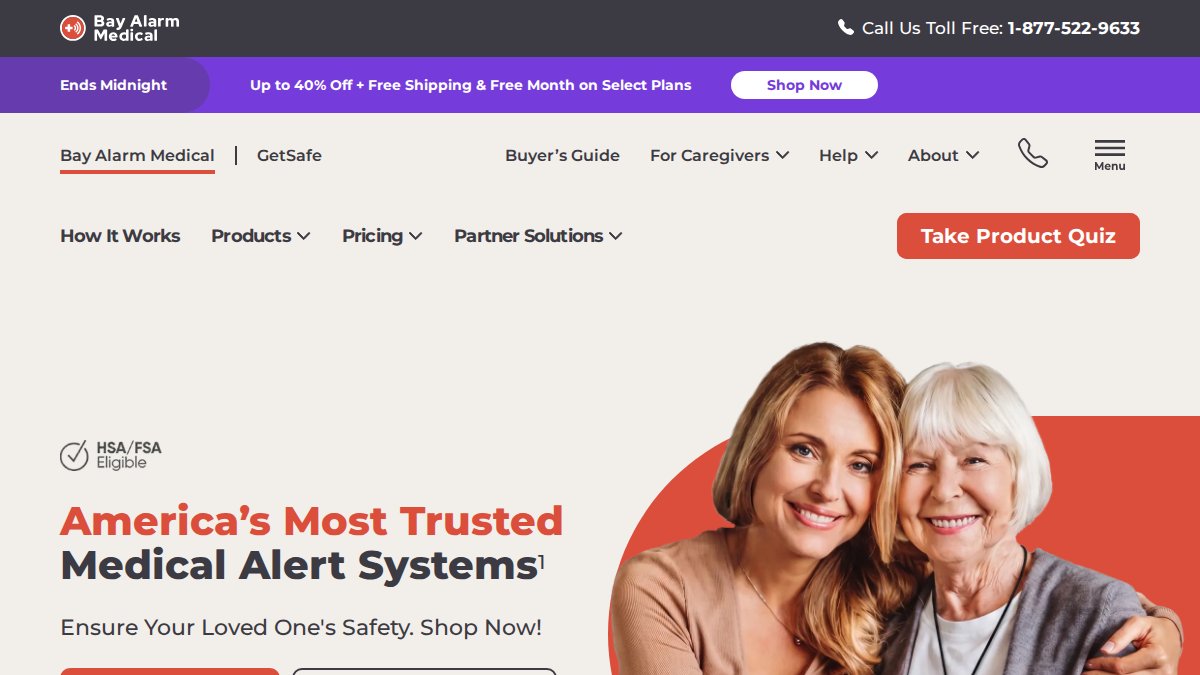
Couples face a different math. Two people, one household, and often two different needs: one spouse may be steady on their feet, the other may not be. Bay Alarm Medical handles that better than most because it lets a household run two systems without doubling the setup work.
A caveat worth stating plainly: the published starting price does not make clear which features are included at that tier. Ask specifically about fall detection and mobile coverage before you assume they are in the base plan.
Pros and Cons of Bay Alarm Medical
Pros:
Cons:
- Feature inclusions at the starting price are not clearly documented
- Couples should confirm whether a second unit requires a second full subscription
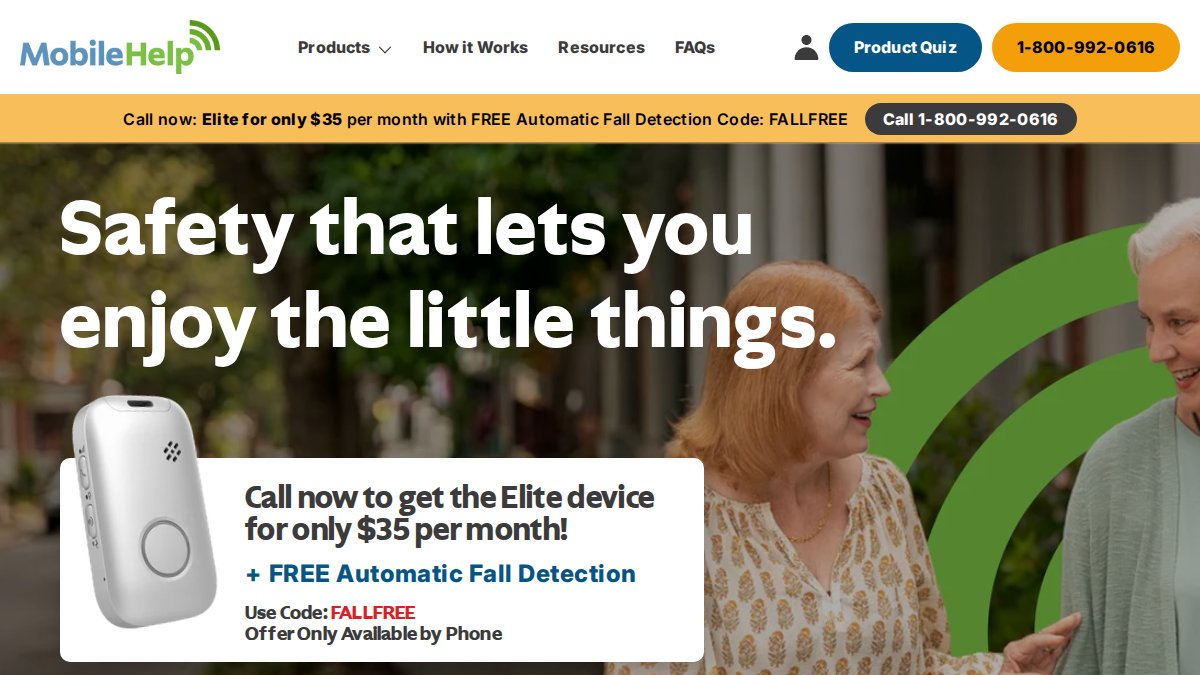
3. MobileHelp: Best Affordable Medical Alert System
MobileHelp is one option to consider if budget is a priority. Confirm current pricing and fees directly with the provider.
That coverage range matters more than it sounds. A base unit rated for 600 feet may not reach a detached garage or a backyard. Measure the distance from where the base will sit to the rooms your parent actually uses.
If budget is the deciding factor, our roundup of affordable medical alert systems and Medicare coverage digs into the low-cost end of the market.
Pros and Cons of MobileHelp
Pros:
- Both in-home and mobile options
Cons:
- In-home coverage range varies, so confirm the unit fits the home’s layout
- The published range does not map each price to a specific plan
4. ADT Medical Alert and Medical Care Alert: Established Alternatives
Two more providers are worth considering if brand familiarity matters to your family.
ADT Medical Alert is a provider some households already know through home security. Request pricing and feature details directly from the provider.
Ask either provider directly for the full first-year cost, including equipment and activation.
Medical Alert Systems With Fall Detection: What to Know
Fall detection is the feature families ask about most and the one most often misunderstood. A fall-detection sensor does not prevent a fall. It uses an accelerometer and, on some models, a gyroscope to detect the impact and orientation change consistent with a fall, then triggers an alert without the wearer pressing a button. That distinction matters because automatic fall detection can miss a soft slide down a wall or a controlled sit into a chair, and it can produce false alerts when a pendant is dropped on a hard floor or set down on a counter.
Most systems give the wearer a short window, typically around 20 to 30 seconds, to cancel a false alarm before the monitoring center calls. Confirm that window with the provider before you buy, because a short cancel window on a device that false-alarms often is a recipe for cancelled subscriptions. Sensor placement also matters: a pendant worn at chest height detects impact and orientation differently than a wrist-worn device, and a watch-style wearable can register hand motions that a pendant would not. Ask which form factor the fall-detection feature is certified for, because not every model in a lineup includes it.
Fall detection is usually an add-on, not a base feature. Expect an added monthly charge on top of the monitoring plan, and confirm whether the charge applies per device or per household. That add-on is where the real first-year cost gap opens up: a plan advertised at a low starting price can climb meaningfully once fall detection is added, so ask for the all-in monthly figure with fall detection included before you compare two systems.
If your parent’s main risk is falling while walking to the bathroom at night, fall detection is worth the added monthly cost. If the risk is cardiac or respiratory, the help button itself does more work, and the added fee buys less protection than the base monitoring plan.
Fall detection is not a substitute for pressing the button. Treat it as a backup for the times a person cannot press, not as the primary way help gets summoned.
For a skeptical, detailed look at what these devices can and cannot do, read whether medical alert systems actually work. And if you specifically want a wrist-worn option, our guide to fall detection watches compares them directly.
At-Home Medical Alert Systems for Seniors vs. Mobile Options
The choice between at-home and mobile coverage comes down to where your parent spends their hours. An at-home system uses a base unit with a speakerphone and a wearable pendant or wristband that communicates with it over a landline or cellular connection. It is reliable inside the home and useless at the grocery store. A mobile system uses cellular service and GPS to work anywhere with coverage. The tradeoffs are battery life, which requires regular charging, and location accuracy, which varies in buildings and rural areas. Many families solve this by choosing a provider that offers both, then adding mobile coverage only if the parent leaves home regularly.

An important question is what happens when the connection fails. Ask the provider three questions before you buy. First, does the base unit run on a landline, cellular, or Wi-Fi, and which one does the plan you are considering actually use? A cellular base unit depends on signal strength at the address, so check coverage at the parent’s specific location rather than the carrier’s national map. Second, what happens during a power outage? A base unit with a backup battery typically runs for a limited number of hours, and the pendant battery is separate, so confirm both. Third, what happens when the device loses signal? Some systems sound a local alert and some fail silently, and a system that fails silently in a storm is worse than no system because the family stops checking.
Range is the other number to pin down. In-home base units are commonly rated for a few hundred feet, and published ranges vary by model, so measure the distance from where the base will sit to the rooms your parent actually uses, including a detached garage or backyard. A base rated for 600 feet may not reach the far end of a long ranch house. Mobile coverage has its own limits: GPS accuracy degrades inside buildings and in rural areas, and a mobile device that reports a location to the monitoring center may be off by enough to slow responders.
Test the system after setup the way you would test a smoke detector: press the button from the rooms your parent uses most, walk to the edge of the property with the mobile device, and unplug the base unit to confirm the backup battery works.
Ask the provider directly about all of this, and get the answers in writing before the return window closes. A system that works in the showroom and fails at the address is the most common reason families cancel.
Frequently Asked Questions
What is the difference between at-home and mobile medical alert systems?
At-home medical alert systems for seniors use a base unit connected to a landline or cellular network and work within a set range around the home, often 600 to 1,400 feet depending on the provider. Mobile systems use cellular and GPS so the help button works outside the house. Choose at-home if your parent rarely leaves home; choose mobile if they drive, walk alone, or spend time away from the house.
Which medical alert systems offer fall detection?
Fall detection is offered by some providers and models, but availability varies, so check each provider’s current lineup. Fall detection adds to the monthly fee and is not a substitute for pressing the button, since it may miss some falls. Ask each provider which specific plans include it before you buy.
Does Medicare cover medical alert systems?
Coverage for medical alert systems depends on the specific plan and program, so check your plan documents and the official Medicare resources at medicare.gov. For financial help, contact your state’s Medicaid office or your local Area Agency on Aging.
How much do medical alert system costs usually run each month?
Monthly prices vary by provider, plan, and features, and fall detection, mobile GPS, and equipment can add to the cost. Check each provider’s current pricing directly. Always ask about activation fees, equipment charges, and cancellation terms so you compare total cost, not just the headline monthly rate.
What should I look for when choosing a medical alert system?
Focus on four things: whether your parent needs at-home or mobile coverage, whether fall detection matters, how long the battery lasts during a power outage, and the total monthly cost including fees. Also confirm the monitoring center is staffed 24/7, check the response time, and make sure your parent can comfortably wear or press the help button every day.