Senior Safety Technology for Home: 2026 Guide
Table of Contents
- How to Choose Senior Safety Technology for Home
- Medical Alert Systems With Fall Detection
- Smart Home Monitoring for Elderly Parents
- Captel Phones and Medication Management Tools
- Privacy, Integration, and Tech Literacy: What Competitors Miss
- Cost-Benefit Analysis and Insurance Coverage
- Frequently Asked Questions
Last Updated: September 30, 2026
How to Choose Senior Safety Technology for Home
The right senior safety technology for home starts with one question: what specific risk are you trying to reduce? Falls, wandering, missed medication, and delayed emergency response each call for different devices. This guide from ElderLivingHub breaks down every major category so you can match tools to needs instead of buying whatever ranks first.
Matching Devices to Specific Needs
Start with an honest assessment of the person, not the product. A senior with early dementia needs different safeguards than one recovering from hip surgery.
- Fall risk: medical alert system with fall detection, motion sensor lighting
- Wandering risk: GPS tracking with geofencing, door sensors
- Medication gaps: automated dispensers, reminder systems
- Isolation or health decline: passive monitoring, telehealth check-ins
Medical Alert Systems With Fall Detection
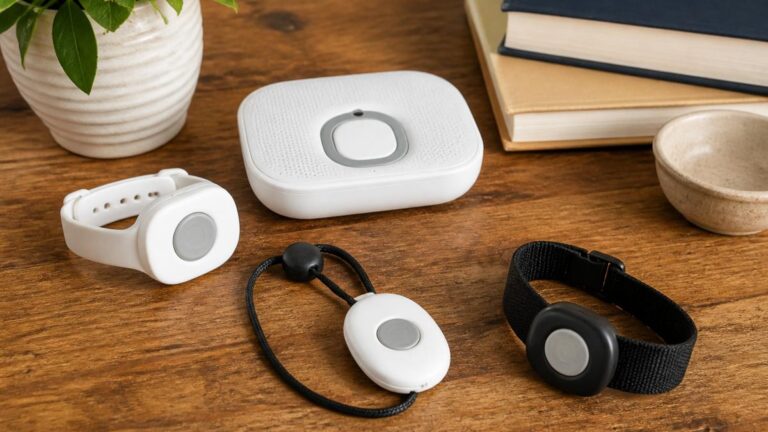
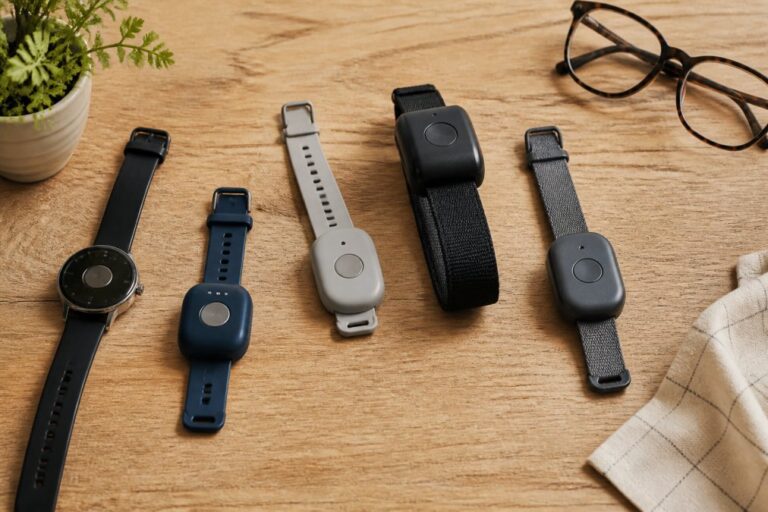
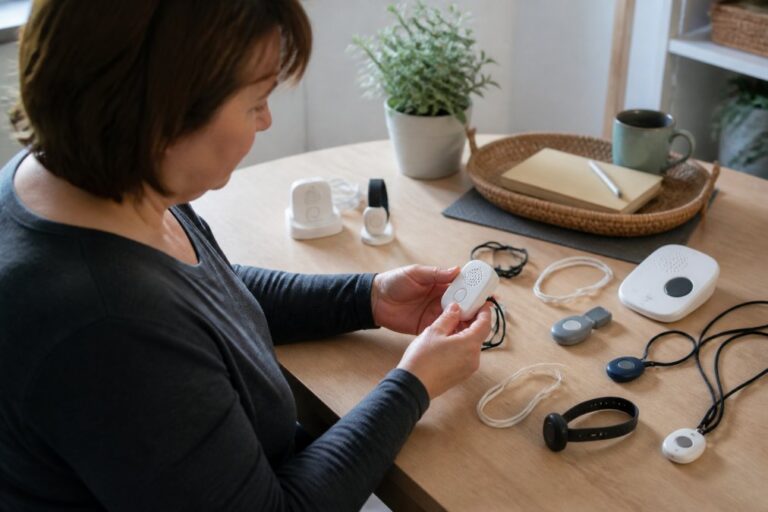
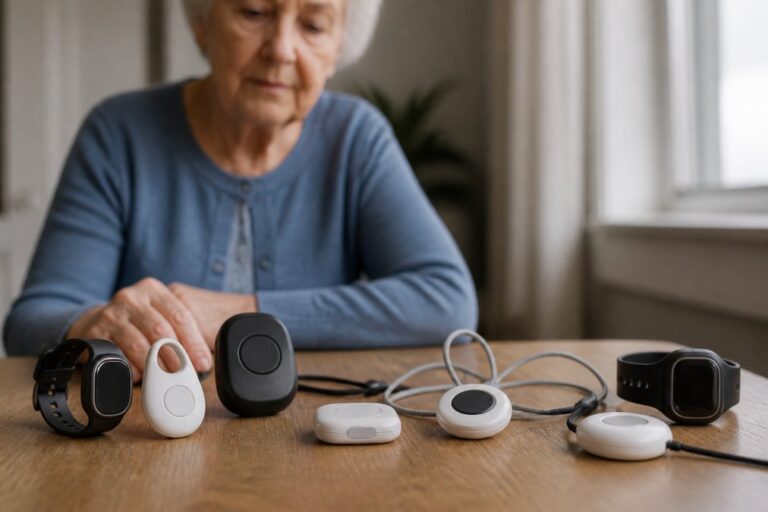
Medical alert systems with fall detection combine a wearable device with 24/7 monitoring and emergency response. They remain the single most important purchase for most families, because they address the risk that sends seniors to the hospital most often.
How Fall Detection Works and What It Costs
Fall detection uses accelerometers and gyroscopes to distinguish a fall from sitting down quickly. No system is perfect: false alarms happen, and some falls go undetected.
|
Feature |
Why It Matters |
Watch For |
|---|---|---|
|
Automatic detection |
Alerts without pressing a button |
Sensitivity settings |
|
Two-way voice |
Confirms status before dispatch |
Speaker clarity |
|
Locates user outside the home |
Indoor accuracy limits |
|
|
Water resistance |
Shower use, a common fall site |
IP rating claims |
Smart Home Monitoring for Elderly Parents
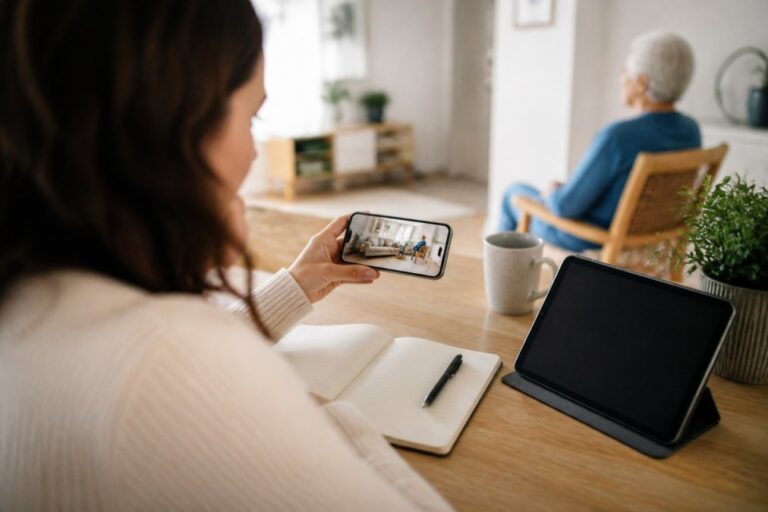
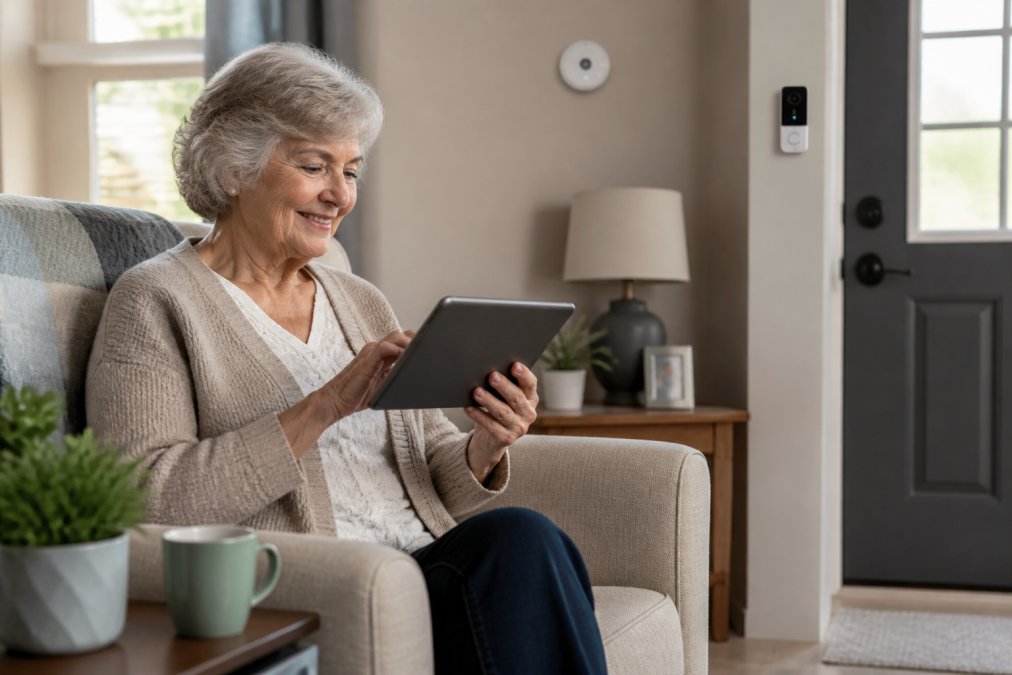
Smart home monitoring for elderly parents covers motion sensors, video doorbells, contact sensors, and environmental sensors that report activity without requiring the senior to do anything. Passive monitoring is the category’s biggest advantage: it works even when memory or mobility declines, because nothing has to be pressed, worn, or remembered.
Motion Sensors: Activity Patterns, Not Surveillance
A passive infrared (PIR) motion sensor detects body heat moving across its field of view and reports a simple event, motion or no motion, to a hub or app. The value is not the individual event; it is the pattern. A caregiver dashboard that shows “kitchen activity at 8 a.m. every day for three weeks, then nothing by 10 a.m. on Thursday” surfaces a change that a phone call would miss.
Placement matters more than sensor count:
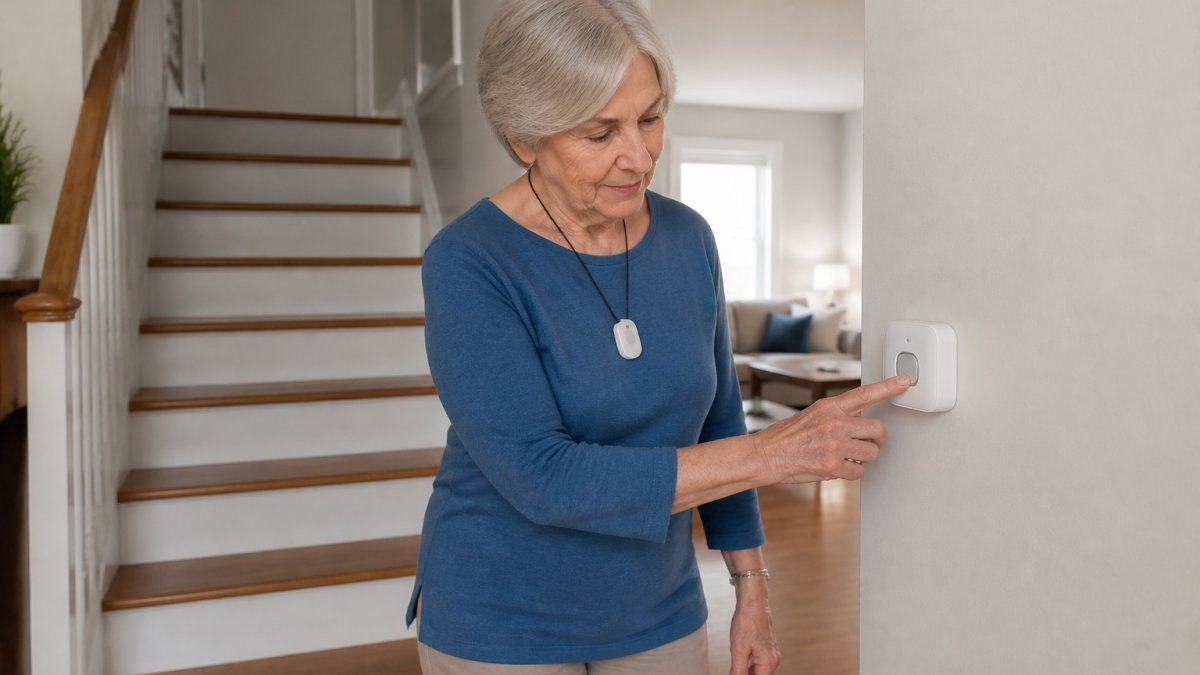
- Hallways and stair landings catch nighttime trips to the bathroom, the highest-risk window for falls.
- Kitchen and living room establish the baseline daily routine the system compares against.
- Bedroom and bathroom are the two rooms most likely to trigger resistance. A camera there will get unplugged; a door-contact sensor or a bed-exit pressure mat is usually accepted where a camera is not.
Video Doorbells and Cameras
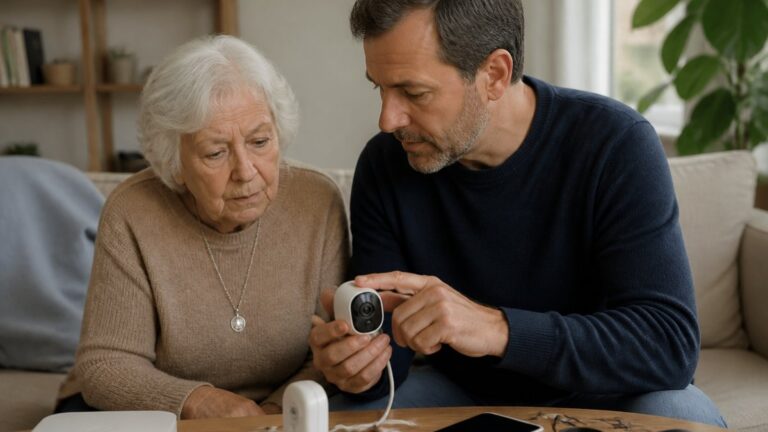
A video doorbell answers two problems at once: it lets a senior see and speak to a visitor without walking to the door, and it gives remote family a record of who came by. Look for local storage or an end-to-end encrypted option if your parent is uncomfortable with cloud clips. Indoor cameras are the most intrusive device in the stack, if you use one, keep it in a shared space and tell your parent it is there.
Environmental Sensors
Smoke, carbon monoxide, and temperature sensors are the least controversial devices in the category because they protect everyone in the home, not just the senior. The U.S. Fire Administration home safety guidance notes that older adults face elevated fire death rates, making working smoke and CO detection a baseline, not an upgrade. A temperature sensor that alerts on extreme heat or cold is worth adding for anyone living alone, particularly where a furnace or AC failure would go unnoticed.
Making the Devices Work Together
Interoperability is where most family setups quietly fail. A doorbell from one brand, a motion sensor from another, and a hub from a third means three apps, three logins, and three notification streams, and app fatigue is the most common reason a monitoring system gets abandoned.
Two practical rules:
- Pick one ecosystem and stay in it. If your parent already uses a voice assistant, buy sensors that work with that assistant’s ecosystem rather than adding a new app.
- Check the protocol before you buy. Devices built on Matter or Zigbee can generally join a compatible hub; proprietary Wi-Fi devices usually cannot. If a product page does not state its protocol, assume it is closed.
Captel Phones and Medication Management Tools
Captel phones and medication management tools solve two quiet problems: hearing loss on phone calls and missed doses. Both are easy to buy and easy to abandon, so the deciding factor is almost always the setup workflow, not the feature list.
Captioned Telephones: How They Actually Work
A captioned telephone (often called a CapTel phone) works like a standard landline or VoIP phone, but a live captioning agent or automated speech recognition engine transcribes the other party’s words and displays them on a built-in screen within a few seconds of delay. The senior hears what they can and reads what they miss, no typing, no relay operator announcing themselves to the caller.
What to check before buying:
- Captioning source. Some services use live operators, others use automated speech recognition. Live captioning is generally more accurate for accents, crosstalk, and unusual names; automated captioning is faster to connect.
- Internet requirement. Many captioning services require a broadband connection even though the call itself runs over a phone line. Confirm your parent has reliable internet at the phone’s location.
- Captioning cost. The phone hardware is a retail purchase, but the captioning service itself is frequently funded through a federal or state program at no cost to the user. Ask the equipment vendor which program applies in your state before paying a monthly captioning fee.
Medication Management: Matching the Tool to the Failure Mode
“Missed medication” is not one problem. It is at least four, and each calls for a different device:
- Forgetting whether a dose was taken, a simple weekly pill organizer with AM/PM compartments often solves this better than an app.
- Forgetting to take a dose at all, an automated dispenser that rotates to the correct compartment at the scheduled time and sounds an audible alert.
- Taking a dose twice, a dispenser that locks the compartment after release, or a blister-pack service that pre-sorts doses by date and time.
- A caregiver needing to know, a dispenser or app that sends a notification when a dose is missed, so a family member can call rather than guess.
The Setup Test That Prevents Waste
Before buying any dispenser, run this test with your parent:
- Have them load a full week of pills into the device themselves, with you watching but not helping.
- Have them respond to one alert and retrieve one dose.
- Have them refill it a second time, as they would on a normal week.
Privacy, Integration, and Tech Literacy: What Competitors Miss
Most buying guides ignore the three issues that decide whether a system actually gets used: privacy, interoperability, and setup support. A device your parent resents or your family can’t configure is money wasted.
Balancing Safety With Independence
Surveillance erodes trust when it outpaces the senior’s own wishes. The AARP’s technology and aging research consistently finds that older adults adopt monitoring tools more readily when they retain control over what is shared and with whom.
Cost-Benefit Analysis and Insurance Coverage
Budget for the full stack, not one device. Equipment, monthly monitoring, and setup support each carry separate costs, and total cost of ownership over three years often surprises families.
|
Category |
Upfront |
Ongoing |
Typical Coverage |
|---|---|---|---|
|
Medical alert system |
Equipment fee |
Monthly monitoring |
Rarely covered |
|
Smart sensors |
Per-device |
None |
Not covered |
|
Captioned phone |
Device cost |
None |
Sometimes via state programs |
|
Medication dispenser |
Device cost |
Optional service |
Occasionally covered |
Frequently Asked Questions
What technology can help keep elderly people safe at home?
A layered approach works best. Start with a medical alert system with fall detection for emergency response, add smart home monitoring for elderly parents such as motion sensors and video doorbells for passive oversight, and include medication reminders for adherence. Captel phones help those with hearing loss stay connected. GPS tracking and geofencing support wandering prevention. Each tool addresses a different risk, so combining two or three covers the gaps that a single device leaves open.
How do fall detection sensors work for seniors?
Fall detection sensors use accelerometers and gyroscopes to identify sudden drops and changes in body orientation. When a fall is detected, the device sends a real-time alert to a 24/7 monitoring center or a caregiver’s phone. Some systems use wearable devices, while others rely on wall-mounted environmental sensors. No system is perfect, so look for one that also includes an emergency button for manual activation. Ask the manufacturer how they handle false positives before you buy.
Are medical alert systems covered by Medicare?
Original Medicare (Part B) generally does not cover medical alert systems because they are considered non-medical equipment. Some Medicare Advantage plans may include coverage as a supplemental benefit, and Medicaid waiver programs in certain states may help with costs. Check your specific plan documents or call your plan provider directly. You can also ask whether a doctor’s order changes coverage. Do not assume coverage without confirming it in writing first.
How much does senior safety technology for home cost?
Costs vary widely. Medical alert systems often involve equipment fees plus monthly monitoring, while smart home devices are usually one-time purchases with optional subscriptions. GPS trackers and medication dispensers fall somewhere in between. Because pricing depends on the specific device, features, and monitoring plan you choose, request current quotes directly from providers. ElderLivingHub does not set or publish product prices, so always confirm the total cost of ownership, including setup and cancellation fees, before committing.
Can I set up smart home monitoring for elderly parents if I am not tech-savvy?
Yes. Many smart home monitoring for elderly systems are designed for simple installation, often with plug-and-play sensors and app-based setup. Look for brands that offer phone support, video tutorials, or optional professional installation. Some medical alert companies will configure the device before shipping it. If you live far from your parent, ask whether the company provides remote troubleshooting. A system that is easy for you to manage is more likely to stay active and useful over time.
What is the difference between Captel phones and standard phones for seniors?
Captel phones are designed for people with hearing loss. They display real-time captions of what the other person says during a call, which helps users follow conversations without straining. Standard phones amplify volume but do not show text. Captel phones require a landline or internet connection depending on the model. They are especially useful for seniors who struggle with conventional hearing aids over the phone. Check whether captioning service fees apply separately from the phone hardware.
Related Reviews From ElderLivingHub
Browse more: