Smart Home Devices for Dementia: 2026 Caregiver Guide
Table of Contents
- Why Smart Home Devices for Dementia Matter
- Voice-Activated Assistants and Smart Displays
- Automated Lighting and Fall Prevention
- Smart Home Sensors for Seniors: Motion, Door, and Bed Sensors
- Medication Management Systems: Dispensers and Reminders
- GPS Trackers for Elderly: Preventing Wandering
- Security Cameras and Remote Monitoring
- Environmental Controls: Smart Thermostats and Heaters
- Matching Devices to Your Parent’s Stage
- Frequently Asked Questions
Last Updated: October 2, 2026
Why Smart Home Devices for Dementia Matter
Most families wait until a crisis, a fall, a missed medication, a night of wandering, before they start looking at technology. That’s the wrong order. Smart home devices for dementia work best when they’re installed early, while your parent can still learn the system and while you’re calm enough to set it up properly. (Source: the U.S. Department of Health and Human Services)
Aging in place is the goal for most families. Assistive technology makes that possible for longer than it used to be. But there’s a catch most guides skip: the technology only helps if your parent actually uses it. This guide focuses on what works in practice.
Below, we’ll cover the eight categories of smart home devices for dementia that matter most, plus the troubleshooting and privacy questions most articles ignore.
Voice-Activated Assistants and Smart Displays
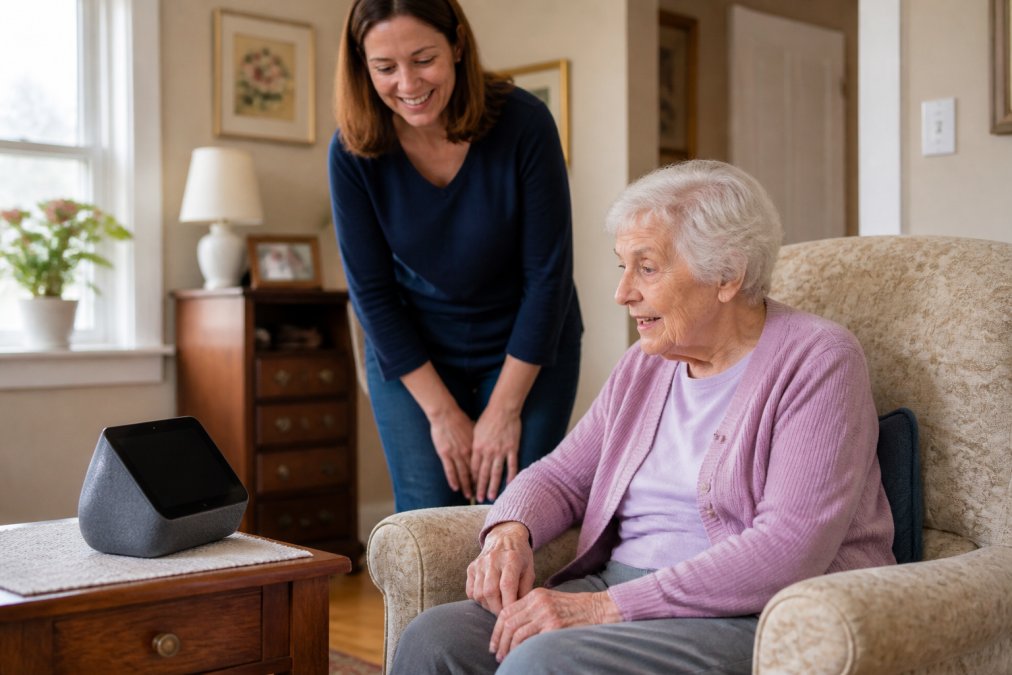
A voice assistant is the single highest-value purchase for most families, because it replaces the phone call your parent can’t remember how to make. The Amazon Echo Show 8 ($149.99) pairs a screen with voice control, so reminders appear visually and verbally. For a parent with hearing loss, that visual backup matters.
The Google Nest Hub Max ($229) adds a camera for video check-ins and a 10-inch display that’s easier to read across a room. Where it falls short: the always-on camera raises real privacy questions, so place it in a living area, never a bedroom.
For a lower-cost start, the Amazon Echo Dot ($49.99) handles voice reminders and smart plug control in any room. It has no screen, which is a genuine limitation for anyone with hearing impairment.
Automated Lighting and Fall Prevention
Falls are the reason most families start this search, and lighting is the cheapest fix. Automated lights that turn on at dusk and off at dawn remove one more decision from your parent’s day, and well-lit paths between the bedroom and bathroom reduce nighttime fall risk.
Pair motion-triggered smart bulbs with a voice assistant, and your parent never has to find a switch in the dark. This is where the internet of things earns its keep: a $20 bulb connected to a routine is more useful than an expensive system nobody programmed.
Smart Home Sensors for Seniors: Motion, Door, and Bed Sensors
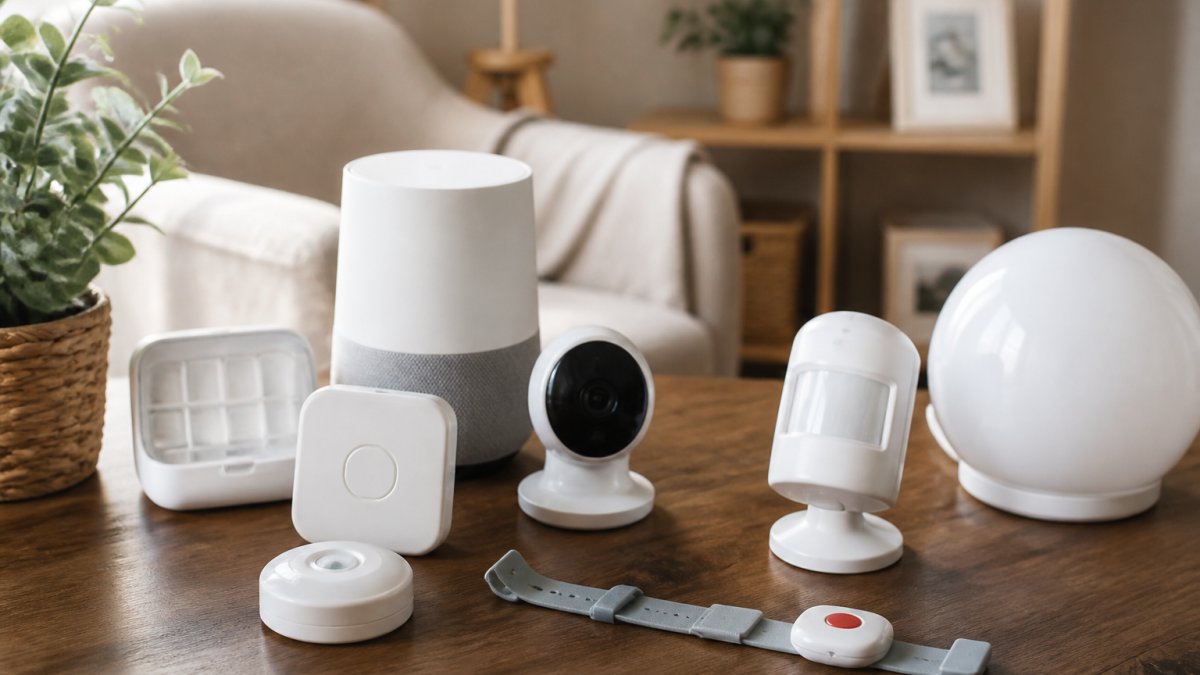
Smart home sensors for seniors are the least intrusive monitoring option, and for many families the best one. Passive monitoring means sensors watch the environment, not your parent. A door sensor tells you they got up and made coffee. A bed sensor tells you they slept. A motion sensor in the hallway tells you they’re moving normally.
The advantage over cameras is dignity. Nobody feels watched by a door contact. You learn behavioral patterns over time, and real-time alerts fire only when something breaks the pattern, no morning movement by 10 a.m., for example.
Medication Management Systems: Dispensers and Reminders
Medication errors are one of the most common reasons a person with dementia ends up in the emergency room. A missed blood pressure pill and a double dose of a blood thinner are both dangerous, and the risk climbs as short-term memory declines. Medication management systems exist on a spectrum, and the right one depends on how much judgment your parent can still reliably apply.
Tier 1: Voice and visual reminders. A smart display like the Amazon Echo Show 8 or Google Nest Hub can announce “time for your morning pills” on a schedule you set from your phone. This works for early-stage impairment, when your parent still recognizes the pills and just needs a nudge. It fails the moment they can’t remember whether they already took the dose.
Tier 2: Smart pill organizers with alerts. Devices like the Hero Health dispenser or the LiveFine automatic pill dispenser hold a week or more of medication and release only the scheduled dose at the scheduled time. The Hero dispenses up to 10 pills per dose and pushes an alert to a caregiver app if a dose is missed. The LiveFine units are simpler and cheaper, but hold fewer pills and offer fewer caregiver notifications. These work well in mid-stage dementia, when your parent can still swallow a pill handed to them but can’t be trusted to sort or count.
Tier 3: Locked dispensers with caregiver override. For late-stage dementia or anyone with a history of overdose, a locking dispenser that physically prevents access outside the scheduled window is the safest option. These are the most expensive and the most likely to frustrate a patient who wants a pill at the wrong time, so they require a caregiver conversation, not just an install.
A few practical rules most guides skip:
- Sync with the pharmacy. Ask whether your pharmacy offers blister-pack or pouch packaging (many chains do at no extra cost). A dispenser is only as good as the supply chain feeding it.
- Keep a paper backup. If the Wi-Fi drops, a smart dispenser can’t remind anyone. A $10 weekly pill box as a fallback costs nothing and prevents a gap.
- Watch for ‘pocketing.’ A common pattern is a patient who accepts the pill, then hides it in a napkin or pocket. A dispenser that logs the dose as taken won’t catch this. A caregiver check-in will.
- Reassess every six months. The tier that worked in January may be wrong by July.
FDA guidance on medication error prevention
GPS Trackers for Elderly: Preventing Wandering
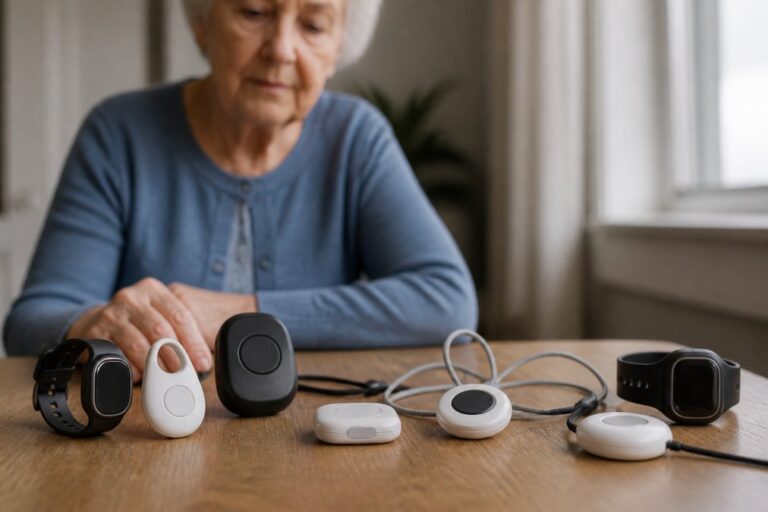
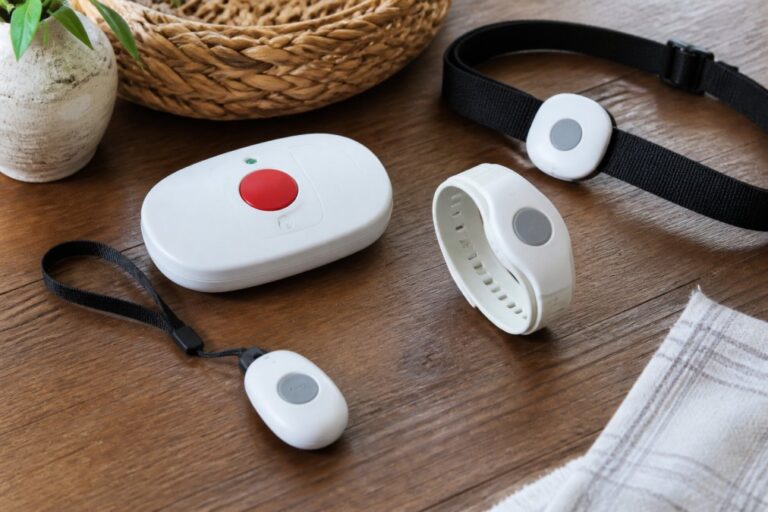
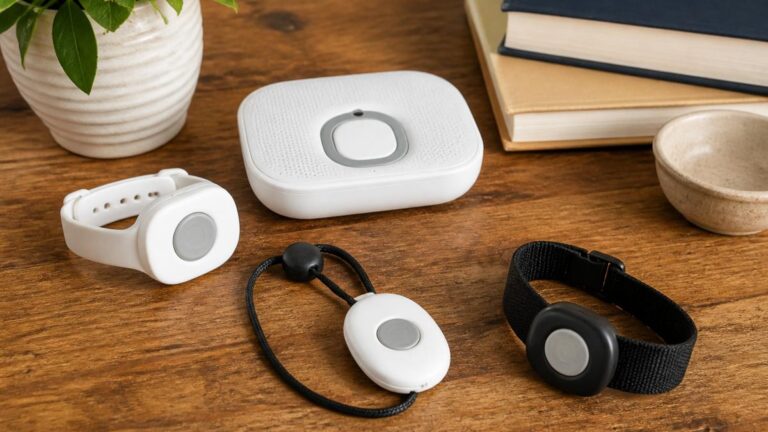
GPS trackers for elderly parents are the answer to the fear that keeps caregivers awake: wandering. Wandering prevention works best in layers. A wearable tracker handles the “where are they now” question, while door sensors and a medical alert pendant with location handle the alert.
Look for a tracker with a long battery life and a caregiver app that shows location history, not just current position. Location history tells you whether your parent is wandering or just taking a familiar walk.
Security Cameras and Remote Monitoring
Security cameras and remote monitoring give you eyes on the house, and that’s both the benefit and the problem. A camera in the kitchen lets you confirm your parent ate lunch. The same camera can feel like surveillance to someone who values independence.
The compromise most families land on: cameras in shared spaces only, never bathrooms or bedrooms, and always with your parent told they’re there. Remote monitoring should support independence, not replace it.
Environmental Controls: Smart Thermostats and Heaters
Temperature regulation is one of the quietest dangers in dementia care. A person with cognitive impairment may not recognize that they’re cold, may not know how to adjust a thermostat, and may not think to open a window in July. The result is a slow-moving emergency: heat exhaustion in summer, hypothermia in winter, or a space heater fire in a cluttered room.
Smart thermostats. The Nest Learning Thermostat ($279.99) and the Ecobee Smart Thermostat Premium ($249.99) both let a caregiver set schedules and adjust temperature remotely from a phone.
- Automatic tip-over shutoff
- Overheat protection
- A timer or app control so it can’t run unattended for hours
- A cool-touch exterior
Matching Devices to Your Parent’s Stage
|
Need |
Best Device Type |
Why It Fits |
|---|---|---|
|
Early memory loss |
Smart display with voice reminders |
Low cost, easy to learn |
|
Missed medications |
Electronic pill dispenser |
Removes the judgment call |
|
Nighttime falls |
Automated lighting |
Removes a decision |
|
Wandering risk |
GPS wearable tracker |
Real-time location and history |
|
Overnight safety |
Bed and door sensors |
Passive, dignified monitoring |
|
Temperature risk |
Smart thermostat |
Automatic, remote adjustable |
Frequently Asked Questions
What are some smart devices that can help people with dementia?
Smart devices like voice assistants (Amazon Echo Show, Google Nest Hub) provide reminders and video calls. Smart sensors (motion, door) alert caregivers to unsafe activity. Medication dispensers (Hero, Philips) manage pills. GPS trackers (AngelSense, Apple AirTag) prevent wandering. Automated lighting and thermostats (Nest Learning Thermostat) maintain a safe environment. These tools support daily living and reduce caregiver burden, but they should be part of a broader care plan.
How can smart home technology prevent wandering in dementia patients?
GPS trackers for elderly, like AngelSense or Apple AirTag, can be worn or attached to clothing, sending real-time alerts if your loved one leaves a safe zone. Door and motion sensors trigger notifications when exits are opened. Some systems integrate with smart locks to secure doors. Combine these with behavioral strategies and a medical ID bracelet. Always consult a healthcare professional for a comprehensive wandering prevention plan.
Are there privacy-friendly monitoring options for dementia care?
Yes. Look for devices with local data processing (Apple HomePod), physical camera shutters (Google Nest Hub Max), and clear privacy policies. Passive sensors (motion, door) monitor activity without cameras. You can also set up routines that only alert on exceptions, like no movement in the bathroom for an hour. Discuss privacy with your loved one early and involve them in decisions to maintain trust.
What features should caregivers look for in dementia-friendly smart devices?
Prioritize ease of use: voice control, large buttons, and simple interfaces. Choose devices that work with your existing smart home ecosystem (Alexa, Google, Apple) to avoid complexity. Look for real-time alerts, remote management, and fall detection if needed. Consider battery life and Wi-Fi reliability. Read independent reviews and test devices with your loved one before committing. ElderLivingHub offers detailed comparisons to help you decide.