Senior Living Technology Buying Guide: 2026
Table of Contents
- Building Your 2026 Senior Living Technology Stack: Evaluation Framework
- Best Medical Alert Systems for Seniors: Fall Detection and Emergency Response
- Smart Home Devices for Aging in Place: Environmental Control and Safety
- Captel Phones and Communication Tools for Hearing Loss
- Cybersecurity and HIPAA Compliance for Consumer-Grade Senior Tech
- Implementation Roadmap for Facility Managers and Family Caregivers
- Budget Benchmarks and ROI Analysis for Senior Living Technology
- Conclusion: Making Your Senior Living Technology Decision
- Frequently Asked Questions
Last Updated: September 25, 2026
Building Your 2026 Senior Living Technology Stack: Evaluation Framework
Choosing senior living technology in 2026 means matching devices to a specific person’s needs, not buying the most feature-packed option. Start with one question: what problem are you actually solving?
- Safety first: fall detection, emergency response, medication reminders
- Communication: phone and video tools that work with hearing loss
- Environmental control: lighting, thermostats, door locks
- Monitoring: remote visibility for caregivers
- Compliance: data security and privacy for any connected device
|
Priority |
What to Evaluate |
Typical Device Type |
|---|---|---|
|
Safety |
Response time, fall detection accuracy |
Medical alert systems |
|
Communication |
Hearing compatibility, call clarity |
Amplified phones |
|
Environment |
Voice control, automation |
Smart home devices |
|
Monitoring |
Alerts, caregiver dashboard |
Remote monitoring apps |
|
Compliance |
Encryption, privacy policy |
All connected devices |
Best Medical Alert Systems for Seniors: Fall Detection and Emergency Response
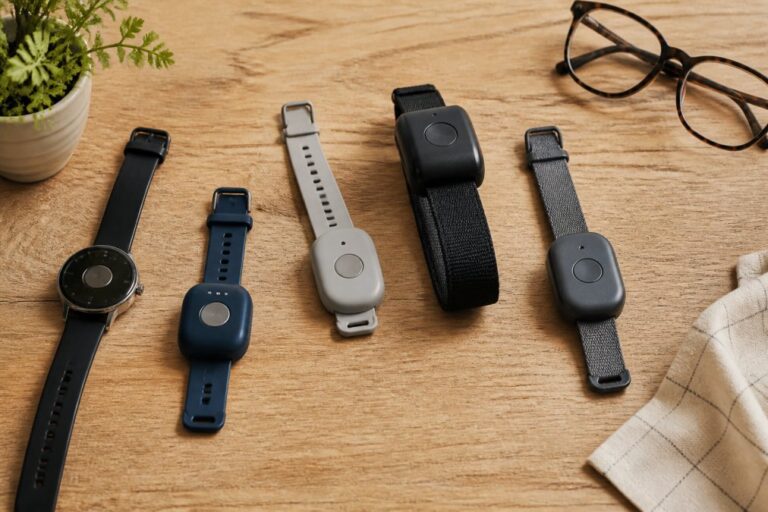
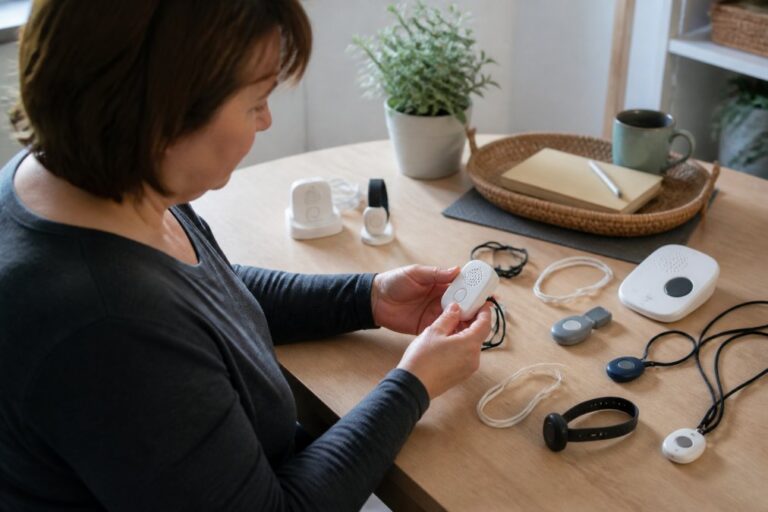
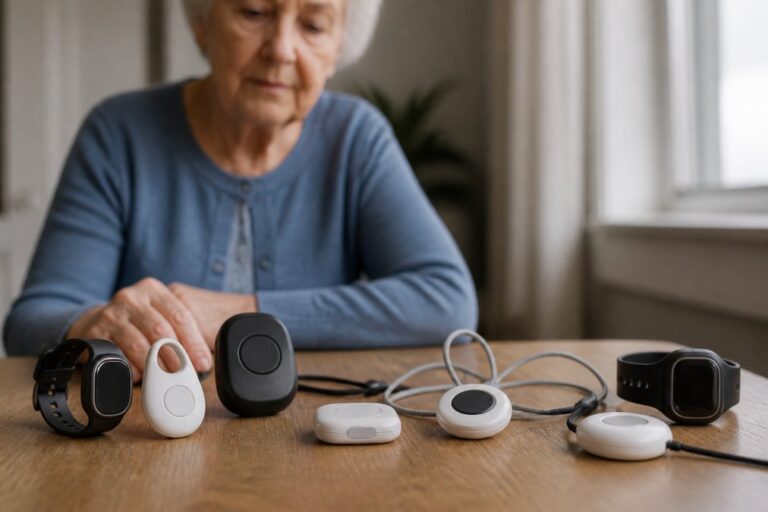
The best medical alert systems for seniors combine automatic fall detection with a live response center, because a person who has fallen may not be able to press a button. Look for a device that works at home and away, since many falls happen outside the house.
- In-home systems: base unit plus wearable pendant, best for people who rarely leave home
- Mobile GPS systems: cellular coverage with location tracking for active seniors
- Fall detection add-ons: usually a small monthly upgrade, worth it for anyone with balance issues
Smart Home Devices for Aging in Place: Environmental Control and Safety
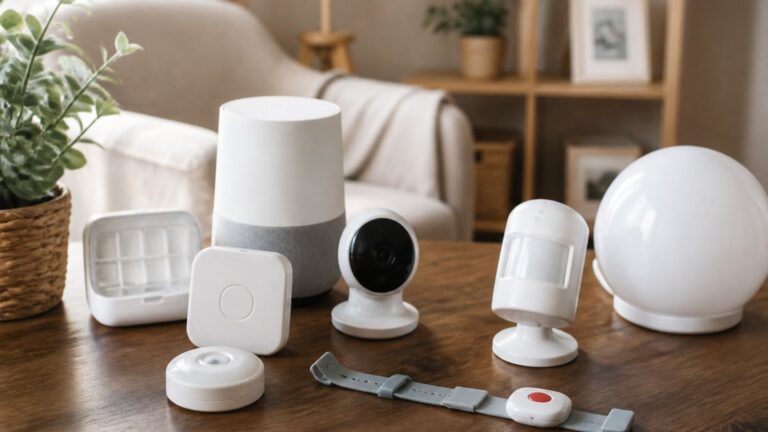
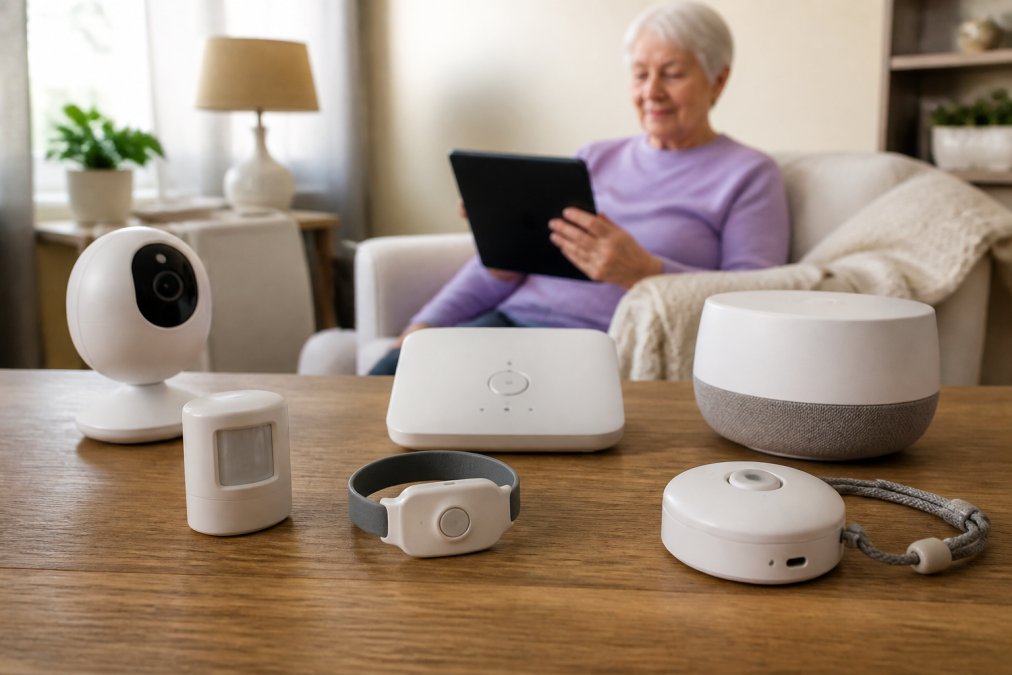
Smart home devices for aging in place reduce daily friction: lights that turn on by voice, thermostats that adjust automatically, and door sensors that alert a caregiver if a door opens at 2 a.m. Voice assistants let someone with limited mobility control their environment without crossing a room.
The device categories that actually matter
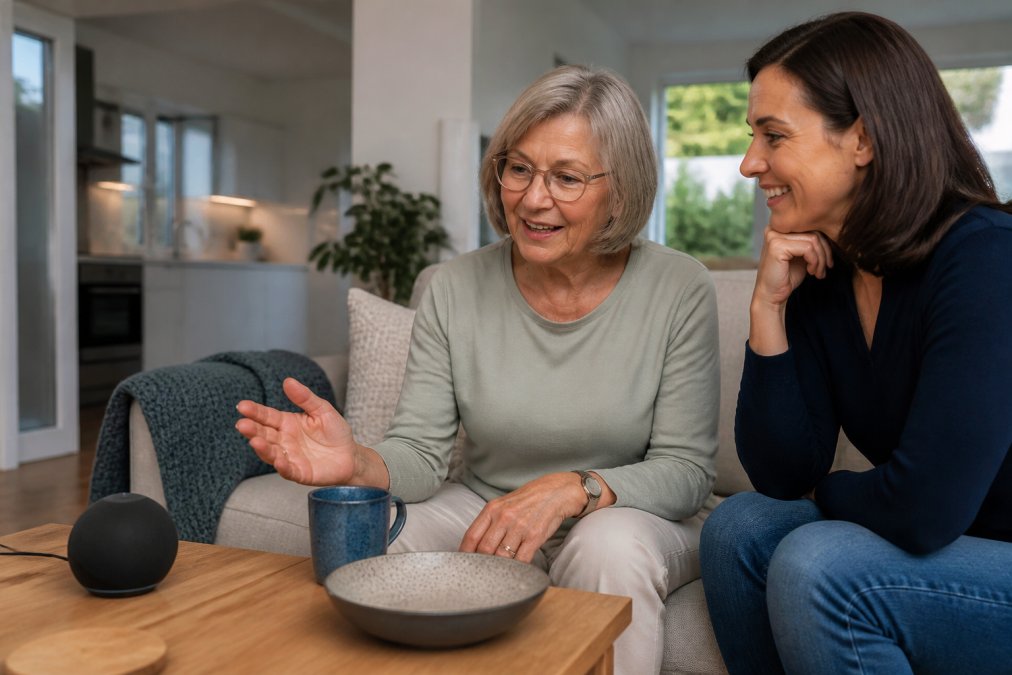
- Voice assistants (Amazon Alexa, Google Nest Hub, Apple HomePod): hands-free control of lights, thermostats, and calls. Best for someone with limited mobility but intact speech and hearing. The trade-off is that always-on microphones stream audio to a cloud account, so review the privacy settings before placing one in a bedroom.
- Smart plugs and smart bulbs: the cheapest entry point, usually $10-$30 per device. They turn a lamp or coffee maker into a voice- or app-controlled device without replacing it. Look for models that keep a physical switch working so the resident isn’t locked out if the app fails.
- Smart thermostats (Google Nest, Ecobee): automatic scheduling and remote adjustment by a caregiver. Useful for someone who forgets to adjust the temperature, but installation may require a C-wire, and some older HVAC systems aren’t compatible.
- Smart locks and door sensors: keyless entry for caregivers and alerts when a door opens unexpectedly, a meaningful safeguard for someone with dementia who may wander. Battery life and Wi-Fi reliability are the two failure points to plan around.
- Motion and bed sensors: passive monitoring that flags unusual inactivity or nighttime wandering without requiring the resident to wear anything. These are the devices most often overlooked in consumer guides but most valued by caregivers.
Connectivity is the failure point most guides skip
Every smart device depends on a stable internet connection, and a router that drops out turns your safety net into decoration. Test the Wi-Fi signal in every room your parent uses before buying anything. If it’s weak in a bedroom or bathroom, a mesh Wi-Fi system (Google Nest Wifi, Eero, TP-Link Deco) usually fixes it for a few hundred dollars, far less than the cost of a fall.
Two protocol details matter when you’re mixing brands:
- Wi-Fi devices are easy to set up but compete for bandwidth and can overwhelm a basic router.
- Zigbee and Z-Wave devices use a separate hub (SmartThings, Hubitat) and tend to be more reliable for sensors, but add a setup step and a hub cost.
- Matter is the newer cross-brand standard that lets devices from different manufacturers work together. If you’re buying in 2026, prioritizing Matter-certified devices reduces the risk of a fragmented setup you can’t manage from one app.
What to skip
Skip devices that require learning a new app, depend on a subscription to keep working, or duplicate a function already handled reliably. A $200 smart display that goes unused is worse than a $15 motion light that prevents a fall every night.
Captel Phones and Communication Tools for Hearing Loss
Captel phones display live captions of what the other person says during a call, making conversation possible for people with significant hearing loss. Unlike a standard amplified phone, a captioned telephone shows text on screen in near real time, so the user reads and listens at once.
Cybersecurity and HIPAA Compliance for Consumer-Grade Senior Tech
Consumer-grade senior tech rarely meets the same privacy standards as clinical systems, and that gap matters when devices collect health data. HIPAA compliance applies to covered entities like hospitals and clinics, not every consumer gadget, so a smart speaker or wearable may fall outside its protections entirely.
- Change default passwords on every connected device
- Enable two-factor authentication on caregiver accounts
- Keep firmware updated to patch known vulnerabilities
- Review app permissions and disable what isn’t needed
Implementation Roadmap for Facility Managers and Family Caregivers
A workable rollout follows four phases: assess, pilot, train, and scale. Skipping the pilot is the most common reason technology sits unused in a closet.
Budget Benchmarks and ROI Analysis for Senior Living Technology
Budgeting for senior living technology means looking past the sticker price at total cost of ownership: equipment, monthly monitoring, connectivity, and staff time to support it. A low upfront price with a high monthly fee can cost more over two years than a higher-priced device with no subscription.
Realistic cost ranges to plan against
Pricing varies by vendor, contract length, and whether installation is included:
- Medical alert systems: Pricing depends on the vendor, contract length, and whether installation is included. Equipment may be included or require an upfront fee.
- Wearable health monitors: Device costs and monthly fees for caregiver dashboards vary.
- Smart home devices: Costs for individual devices like plugs, bulbs, smart thermostats, smart locks, and mesh Wi-Fi systems vary.
- Captioned telephones: These may be available at low or no cost through federally funded captioning services, with phone costs varying by model.
- Facility software platforms (EHR, nurse call, resident engagement): Pricing is typically quoted per bed per month, with implementation fees often additional.
ROI beyond revenue: the metric most guides miss
The standard ROI conversation focuses on avoided falls and reduced emergency response costs. Those matter, but the larger, more durable return in a facility setting is staff retention and burnout reduction, a metric almost no competing buying guide addresses.
- Nurse call and fall detection systems reduce the time staff spend on manual rounding and response coordination.
- Remote monitoring lets one caregiver watch more residents without adding headcount, easing the staffing crunch on overnight shifts.
- Automated documentation and medication reminders cut the administrative time that drives evening burnout.
- Resident engagement platforms reduce the one-on-one time staff spend on activities that can be partly automated.
How to build the comparison
When comparing options, weigh:
- Upfront cost: equipment and installation
- Recurring cost: monitoring, subscriptions, connectivity
- Support cost: staff or family time to troubleshoot
- Risk reduction: fewer emergencies, faster response
- Staff impact: hours saved per week and effect on turnover
Administration for Community Living resources on aging in place offers guidance on supporting older adults at home, which helps frame which technologies deliver the most practical value.
Conclusion: Making Your Senior Living Technology Decision
The hardest part of this decision isn’t the technology, it’s matching it to a real person’s daily life. Pick the safety layer first, test it with one person before scaling, and confirm the privacy terms of anything that collects health data.
Frequently Asked Questions
What is the best technology for senior citizens to maintain independence?
A combination of medical alert systems with fall detection, smart home devices for aging in place like voice-activated assistants, and Captel phones for hearing loss provides a strong foundation. Start with a medical alert system if your parent lives alone, then add smart plugs and medication reminders. According to a 2023 AARP survey, 77% of adults 50 and older want to remain in their homes as they age, making these tools essential for safety and independence.
What features should I look for in a medical alert system?
Prioritize fall detection, GPS location tracking, two-way voice communication, and a waterproof wearable. Check the monitoring center’s response time and whether it offers cellular and landline options. For seniors with cognitive decline, consider automatic fall detection that works without pressing a button. Also review monthly fees and equipment costs, as pricing varies by provider and contract length.
How do smart home devices improve safety for aging in place?
Smart home devices for aging in place can automate lighting to prevent falls, send alerts if the stove is left on, and allow voice control of thermostats and doors. Video doorbells let seniors see visitors without opening the door. Motion sensors can track daily activity and notify caregivers of changes. These tools reduce risk while supporting independence, but ensure the devices are user-friendly and do not require complex setup.
Are Captel phones covered by Medicare or insurance?
Captel phones are specialized phones for people with hearing loss that display captions of what the other person says. Some models may be covered by Medicare or state relay programs, but coverage varies. Check with your parent’s insurance provider and state’s telecommunications access program. The FCC’s National Deaf-Blind Equipment Distribution Program may also help. Always confirm eligibility and costs directly with the provider.
What are the privacy considerations when installing senior care technology?
Look for devices that comply with HIPAA if they handle health data, and ensure they use encryption for data transmission. For consumer-grade tech, check the privacy policy to see if data is sold to third parties. Cameras and microphones should be placed only in common areas with the senior’s consent. Regularly update firmware and use strong passwords to prevent unauthorized access.
How much should I budget for senior living technology?
Budgeting depends on the number of devices and level of monitoring. Medical alert systems typically charge a monthly fee plus equipment, while smart home devices are often one-time purchases. Request quotes from vendors and factor in installation, training, and ongoing support. ElderLivingHub recommends getting multiple quotes and checking for hidden fees.
The challenge with senior living technology is that the wrong device, or the right device set up badly, creates frustration instead of independence. ElderLivingHub helps you avoid that by reviewing products for real-world ease of use, analyzing total cost of ownership, and building guides around the way families actually make these decisions. Get started with ElderLivingHub and find technology you can trust for the people you love.
Related Reviews From ElderLivingHub
- GrandPad Tablet Review
- Jitterbug Smart4 Review
- Amazon Echo Show for Seniors Review
- Google Nest Hub Review
Browse more: