Best Fall Detection Watches 2026: Top Picks & Guide
Table of Contents
- What to Look for in Fall Detection Watches in 2026
- How to Choose a Medical Alert System That Fits Your Needs
- GPS Trackers for Elderly: Location Accuracy and Geofencing
- Medicare Coverage for Medical Alert Devices
- Subscription Costs and No-Contract Options
- Smart Home Integration and Caregiver App Features
- Privacy and Data Security of Health Metrics
- Conclusion
- Frequently Asked Questions
Last Updated: September 21, 2026
What to Look for in Fall Detection Watches in 2026
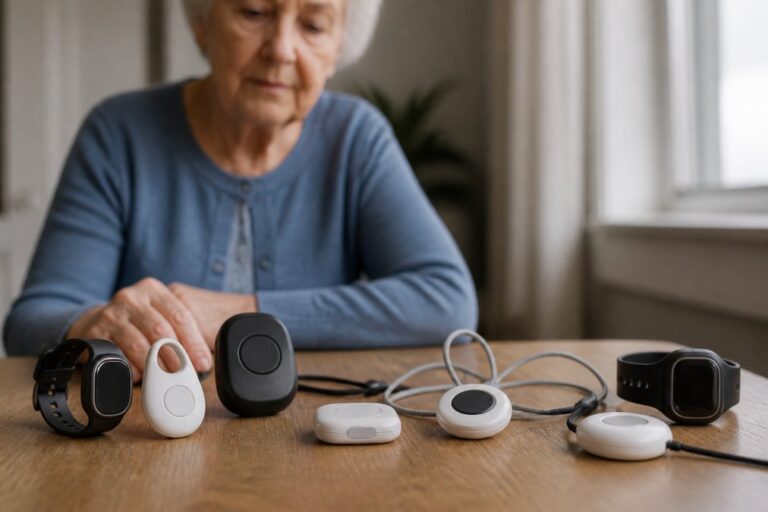
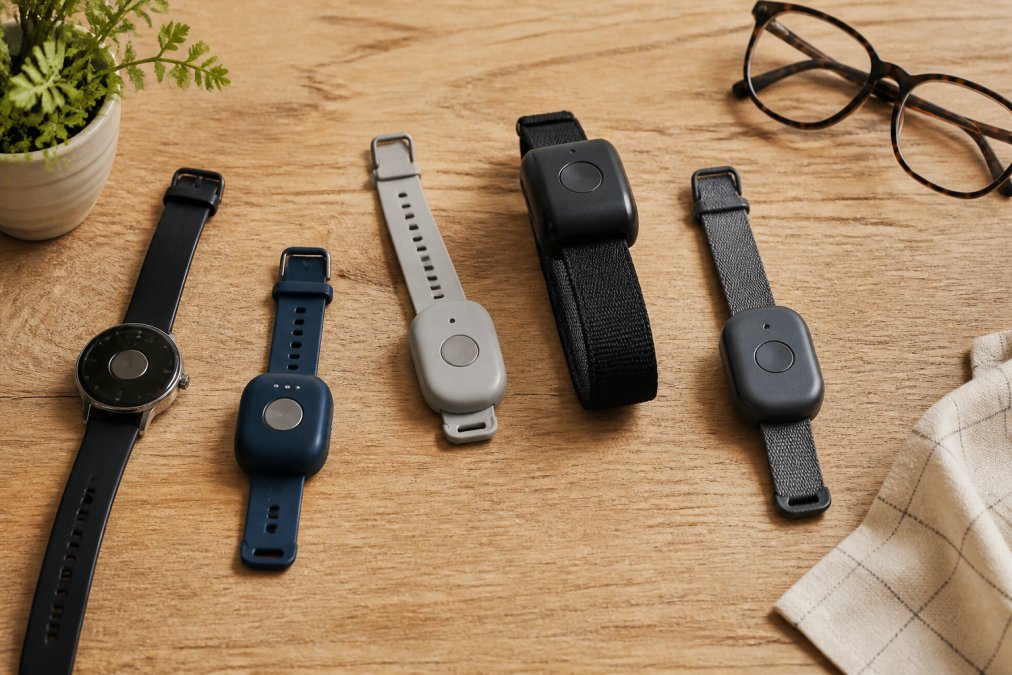
The best fall detection watches 2026 combine accurate automatic fall detection, reliable GPS tracking, and long battery life in a device seniors will actually wear. This guide from ElderLivingHub breaks down what matters most, so you can choose with confidence.
Fall detection watches are wearable devices that use motion sensors to identify a sudden fall and alert an emergency response center or caregiver. They differ from standard smartwatches because the alert triggers automatically, even if the wearer cannot press a button.
Automatic Fall Detection Accuracy and False Alarms
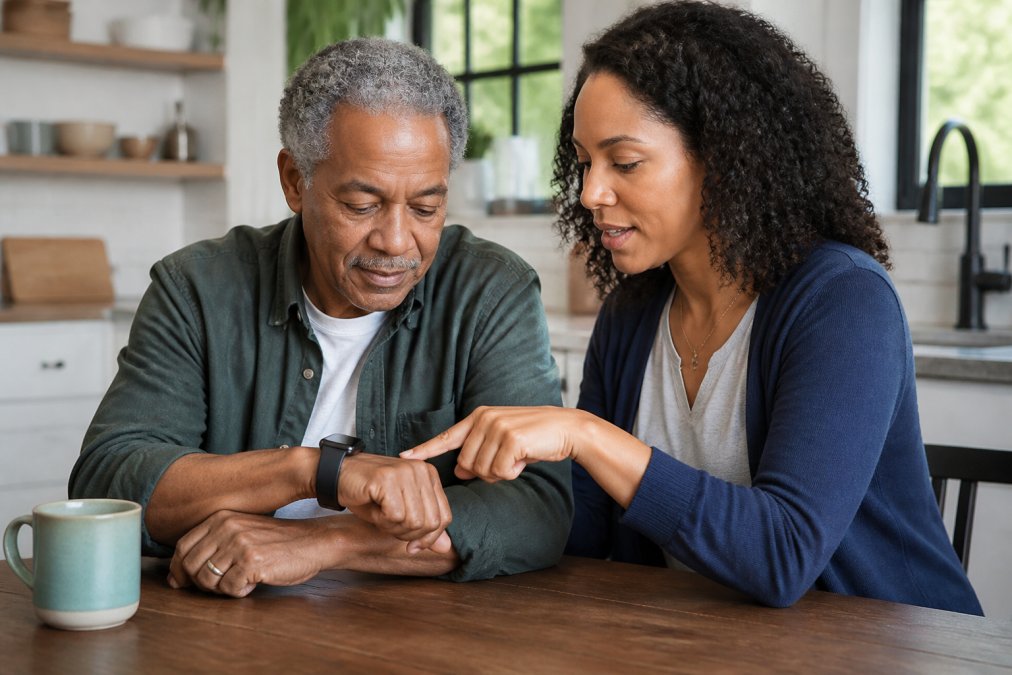
Automatic fall detection relies on accelerometers and gyroscopes that measure sudden changes in movement and body position. When the sensors register a fall pattern, the watch prompts the wearer to confirm they are okay before contacting anyone.
Accuracy varies by device and by how the watch is worn. A common mistake is assuming every fall will be caught. In practice, no system is perfect, and false alarms remain a real concern. Look for a watch that lets you cancel an alert during a countdown window. This single feature prevents unnecessary emergency dispatch calls.
Battery Life, Water Resistance, and Daily Wearability
Battery life determines whether a watch gets worn or sits in a drawer. Most fall detection watches need charging every one to several days, depending on GPS and monitoring use.
Water resistance matters for showering and handwashing. Check the waterproof rating before buying, since a watch that cannot handle daily moisture will not last.
- Battery: Look for at least a full day of use per charge
- Water resistance: Prefer a rating that handles splashes and showering
- Comfort: A lighter watch gets worn more consistently
- Charging: A magnetic dock is easier for seniors than a fiddly cable
How to Choose a Medical Alert System That Fits Your Needs
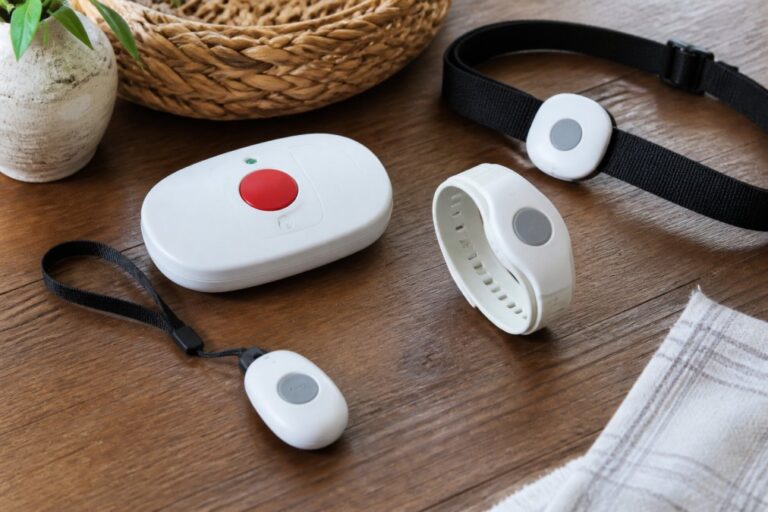
Choosing a medical alert system starts with matching the device to the person’s daily habits, mobility, and comfort with technology. The right system is the one that gets used every day, not the one with the longest feature list.
Ask these questions before you buy:
- Does the wearer leave the house alone? If so, prioritize GPS tracking.
- Can they reliably press an SOS button? If not, automatic fall detection is essential.
- Will they remember to charge it? Pick a device with long battery life.
- Do they have a landline or rely on cellular connectivity? This affects setup.
- Who should receive caregiver alerts? Build the emergency contact list first.
For families new to this process, ElderLivingHub reviews devices with an eye on ease of use for both the senior and the remote caregiver.
GPS Trackers for Elderly: Location Accuracy and Geofencing
GPS trackers for elderly users depend on cellular network coverage for real-time location monitoring. Accuracy improves outdoors with a clear view of the sky and drops indoors, where the watch may fall back on Wi-Fi positioning.
Geofencing lets you set a safe zone around a home or neighborhood. When the wearer crosses that boundary, the caregiver app sends an alert. This feature is one of the most useful for families supporting aging in place.
Medicare Coverage for Medical Alert Devices
Medicare coverage for medical alert devices is limited. Original Medicare (Part B) generally does not cover standard fall detection watches or medical alert systems as durable medical equipment, because they are not considered medically necessary in most cases.
Some Medicare Advantage plans may include alert devices as a supplemental benefit. Coverage varies by plan, so check your specific plan documents rather than assuming. For the current rules, review the official Medicare coverage guidelines before you buy.
|
Coverage Source |
Typically Covers Alert Devices? |
What to Check |
|---|---|---|
|
Original Medicare Part B |
Rarely |
Whether a doctor orders it as equipment |
|
Medicare Advantage |
Sometimes |
Your plan’s supplemental benefits list |
|
Medicaid (state) |
Varies by state |
Your state Medicaid waiver programs |
|
Private insurance |
Rarely |
Your policy’s equipment exclusions |
Subscription Costs and No-Contract Options
Fall detection watches are sold on a subscription model, and the monthly fee is usually the largest lifetime cost, often far more than the device itself. Understanding how providers structure pricing is the single most useful thing you can do before you buy.
How the Pricing Model Works
Fall detection watches often follow this structure:
- Equipment cost, a one-time charge for the watch, typically ranging from free (with a long contract) to a few hundred dollars (with no contract).
- Activation fee, a one-time setup charge, often waived during promotions.
- Monthly monitoring fee, the recurring cost that covers the cellular connection, the monitoring center, and the caregiver app.
- Feature tiers, GPS, fall detection, and caregiver app access are frequently sold as add-ons rather than included in the base plan.
Typical Tier Structures
Most providers offer two or three tiers. The pattern looks like this: (Source: National Highway Traffic Safety Administration’s data on distracted driving)
|
Tier |
What It Usually Includes |
What It Usually Excludes |
|---|---|---|
|
Basic / In-home |
In-home monitoring, no GPS |
Fall detection, location tracking |
|
Standard / On-the-go |
GPS, cellular, caregiver app |
Fall detection (sometimes) |
|
Premium / Fall detection |
GPS, fall detection, caregiver app, priority response |
Nothing major |
Because pricing changes frequently, verify current rates on each provider’s site rather than relying on figures from older reviews. What matters for comparison is the structure, not the exact dollar figure.
Contract vs. No-Contract
This is where families get trapped.
- Long-term contracts (12 to 36 months) usually come with a free or heavily discounted device but lock you in. Early cancellation often carries a penalty equal to the remaining months.
- Month-to-month plans cost more per month but let you cancel anytime. They are the right choice if you are unsure the wearer will tolerate the device.
- Prepaid annual plans sometimes offer a discount in exchange for paying upfront. Only choose this after the wearer has used the device for at least a month.
Hidden Charges to Watch For
- Activation fees charged once at signup
- Equipment fees billed separately from the monitoring plan
- Cancellation penalties buried in the terms of service
- Fall detection upcharges, sometimes a separate line item
- GPS upcharges, sometimes bundled, sometimes not
- Return shipping on a device you decide not to keep
A Simple Cost Comparison Method
Equipment cost + activation fee + (monthly fee × 24) + any feature add-ons = total 24-month cost
When the Subscription Is Worth It
The monthly fee pays for three things: the cellular connection, the monitoring center staff, and the caregiver app. If the wearer never leaves home and has a landline, a basic in-home plan may be sufficient. If the wearer leaves the house alone, GPS and cellular are non-negotiable, and the higher tier is the right choice.
Smart Home Integration and Caregiver App Features
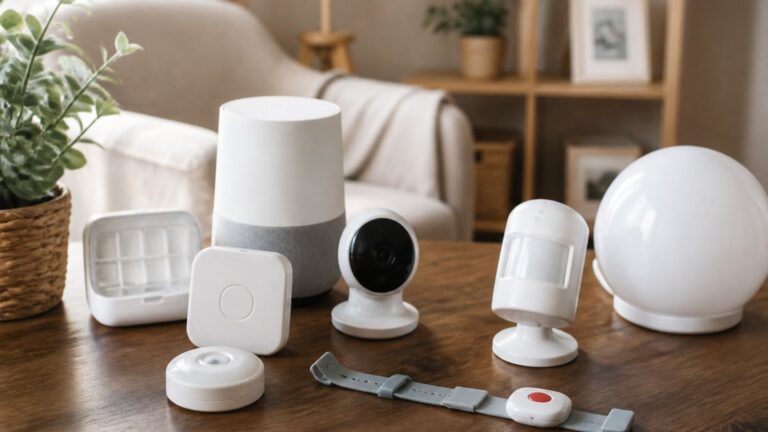
For families comparing options, ElderLivingHub evaluates both the device and its companion app, since a strong watch with a confusing app creates daily friction.
Privacy and Data Security of Health Metrics
Privacy and data security deserve more attention than they usually get. Fall detection watches collect health monitoring data such as heart rate, activity tracking, and location. That information is sensitive, and how a provider stores and shares it matters.
Conclusion
Choosing the right fall detection watch comes down to matching the device to the person, not chasing the longest feature list. Accuracy, battery life, coverage, and the caregiver app all shape whether a system actually protects someone day to day.
Frequently Asked Questions
How accurate is fall detection on smartwatches?
Fall detection accuracy varies by device and algorithm. Most watches use accelerometers and gyroscopes to detect sudden drops and impact. False alarms can happen from sitting down quickly or dropping the watch. Look for watches that let you cancel an alert before it calls emergency services. No watch is 100% accurate, so it should be part of a broader safety plan, not the only safeguard.
Do medical alert watches require a monthly subscription?
Most fall detection watches with emergency response features require a monthly subscription. This covers cellular connectivity, 24/7 monitoring, and emergency dispatch. Some devices offer no-contract options, letting you pay month-to-month. Without a subscription, many watches still detect falls but cannot call for help automatically. Always check what the monthly service fee includes before buying.
Are fall detection watches covered by Medicare?
Original Medicare (Part B) generally does not cover medical alert devices or fall detection watches because they are considered convenience items, not durable medical equipment. Some Medicare Advantage plans may offer coverage as a supplemental benefit. Check your specific plan’s evidence of coverage. If cost is a concern, ask the manufacturer about no-contract options or look for refurbished devices.
What features should I look for in a senior-friendly medical alert watch?
Prioritize ease of use: large buttons, clear audio, and a simple interface. Automatic fall detection, GPS tracking, and two-way voice communication are important. Check battery life (at least 1-2 days), water resistance for showering, and cellular network coverage in your area. A caregiver app that sends alerts and location updates adds peace of mind. Test the watch with your parent before committing to a long contract.
Related Reviews From ElderLivingHub
- Apple Watch Fall Detection Review
- Alert1 Fall Detection Review
- QMedic Review
- Lively Medical Alert Review
Browse more: