Best GPS Trackers for Elderly: 2026 Comparison Guide
Table of Contents
- Quick Comparison: Best GPS Trackers for Elderly
- Key Features to Look for in a GPS Tracker for Seniors
- GPS Watch for Seniors with Dementia: What to Know
- No-Subscription GPS Tracker for Elderly: Does It Exist?
- Legal and Ethical Considerations of Tracking a Loved One
- Troubleshooting, Maintenance, and Smart Home Integration
- How to Choose the Best GPS Tracker for Your Family
- Frequently Asked Questions
Last Updated: September 17, 2026
Quick Comparison: Best GPS Trackers for Elderly
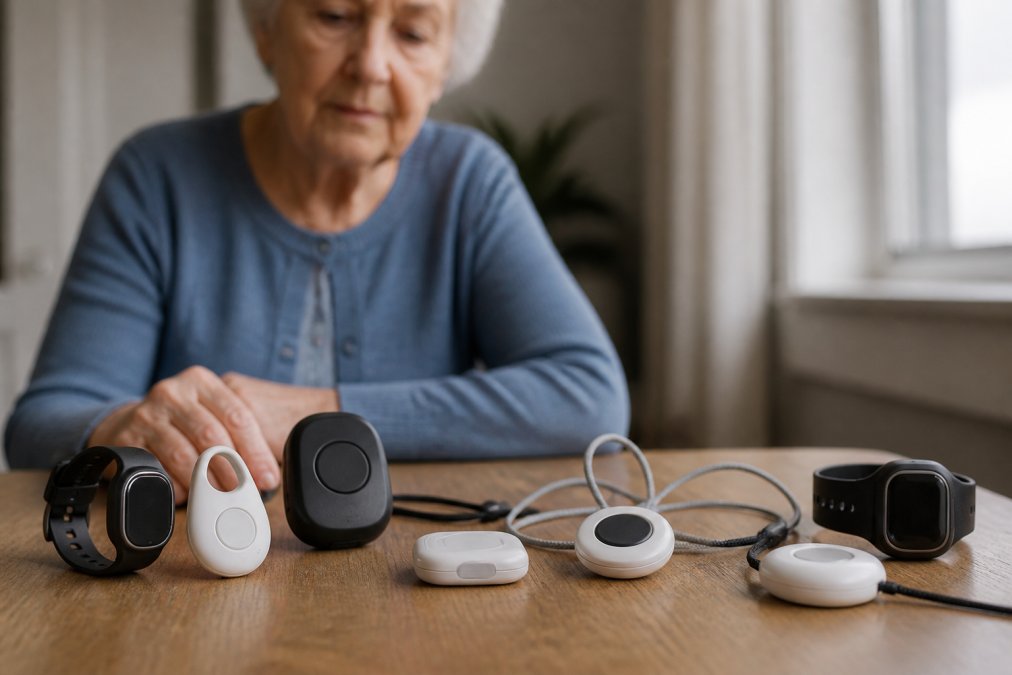
Finding the right GPS tracker for an aging parent comes down to a few decisions: location accuracy, battery life, and whether the device works without a monthly plan. This guide from FCC.gov breaks down the best GPS trackers for elderly users by category, so you can match a device to your family’s situation.
Most families searching for the best GPS trackers for elderly loved ones don’t want advanced hardware, they want something a parent will actually wear, charge, and trust. That shapes every recommendation below.
The right choice depends on whether your parent has dementia, how far away you live, and whether you want a wearable or portable device. The table below maps common needs to the tracker type that fits.
|
Your Situation |
Best Tracker Type |
Why It Fits |
|---|---|---|
|
Early dementia, wanders |
GPS watch with SOS |
Worn on the wrist, hard to misplace |
|
Independent, active |
Compact wearable |
Lightweight, long battery life |
|
Lives alone, fall risk |
Watch with fall detection |
Automatic alerts without pressing a button |
|
Family wants no fees |
No-subscription tracker |
Uses a SIM you control |
|
Caregiver manages remotely |
App-based tracker |
Real-time location and geofence alerts |
Key Features to Look for in a GPS Tracker for Seniors
The features that matter most are real-time location accuracy, a one-touch SOS emergency button, and a battery that lasts a full day without a mid-afternoon charge.
A common mistake is buying on price alone and discovering later that the tracking accuracy only works outdoors, or that the battery dies after six hours. According to the FCC’s consumer guide to location-based services, cellular connectivity and GPS signal strength both affect how reliably a device reports a location, which is why rural areas and thick-walled homes can cause gaps.
Real-Time Location, Geofence Alerts, and SOS Buttons
Real-time location means the caregiver app shows your parent’s position on a map, refreshed every few minutes rather than only on request. Geofence alerts let you draw a safe zone around the home or a day program and notify you when your parent crosses it.
The SOS emergency button is the feature families use most. One press should connect to a caregiver, monitoring center, or emergency response. Look for a button that is large, raised, and easy to find by touch.
Battery Life, Waterproof Rating, and Device Durability
Battery life ranges widely: a wearable that pings constantly may need daily charging, while a portable tracker updating less often can last several days. Check the waterproof rating, a device worn in the shower needs at least IP67, and one that might be submerged needs more.
Durability matters for seniors with limited dexterity. Small buttons, hard-to-align charging ports, and flimsy wristbands all lead to devices that end up in a drawer.
GPS Watch for Seniors with Dementia: What to Know
A GPS watch for seniors with dementia often beats a pendant or clip-on tracker because it stays on the wrist and is harder to remove or lose. For someone in the early to middle stages of Alzheimer’s, a watch that looks like an ordinary timepiece draws less attention and reduces resistance to wearing it.
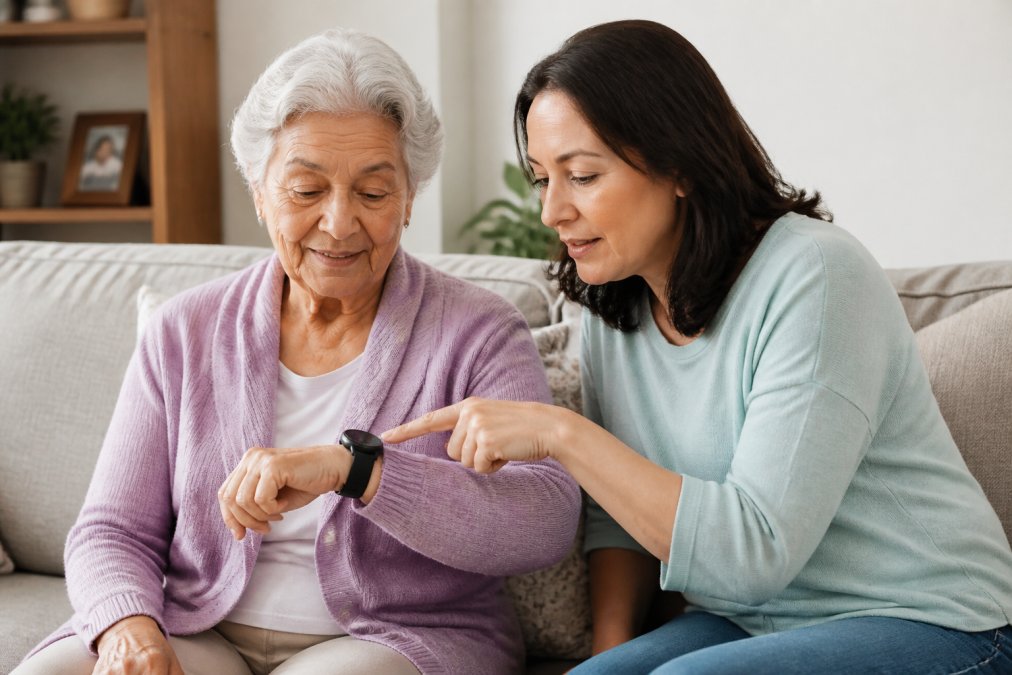
The Alzheimer’s Association’s guidance on wandering and safety notes that wandering is common and can happen at any stage, which is why location-aware devices and wandering prevention features matter for dementia patients. A watch with a caregiver app lets you check location history and set safe zones without calling your parent repeatedly.
Fall Detection and Two-Way Voice Capabilities
Fall detection uses motion sensors to notice a sudden drop followed by no movement, triggering an alert automatically, vital for seniors unable to press a button after a fall.
Two-way voice lets you speak through the device, so you can check in without a phone call. This gives families the most peace of mind, turning a tracker into a way to reach a parent directly.
No-Subscription GPS Tracker for Elderly: Does It Exist?
Yes, a no-subscription GPS tracker for elderly users exists, but “no subscription” is a marketing phrase, not a billing reality. Every cellular tracker needs a paid data connection to send a location to your phone. The question is who pays, how, and how much control you keep.
1. Bring-your-own-SIM trackers. The device ships unlocked, and you insert a SIM from a carrier you choose, paying that carrier directly on a prepaid plan. This is the closest thing to a true no-subscription tracker, and you pick the network with the best coverage at your parent’s address. The trade-off is setup: activate the SIM, configure the APN, and test that data flows to the caregiver app. If the APN is wrong, the device looks online but never reports a location.
2. Prepaid data plans sold by the device maker. Many trackers advertise “no contract” but require a prepaid data bundle through the maker’s portal, functionally a subscription with a different label. Setup is trivial because the APN is pre-configured, but you’re locked to their data pricing, often higher than a general-purpose prepaid SIM.
3. Bluetooth and home-hub trackers. These use no cellular data: the device talks to a home hub over Bluetooth or low-power radio, and the hub connects to your Wi-Fi. There is genuinely no monthly fee, but range is limited, once your parent walks past the hub’s range, often a few hundred feet, the tracker stops reporting.
|
Model |
Ongoing Cost |
Setup Effort |
Coverage |
Best For |
|---|---|---|---|---|
|
Bring-your-own-SIM |
Prepaid data you buy from a carrier |
Higher, APN and activation |
Whatever network you pick |
Budget-conscious, tech-comfortable families who want carrier choice |
|
Maker prepaid plan |
Prepaid bundle bought through the maker |
Lower, pre-configured |
Maker’s chosen network |
Families who want simple setup and predictable billing |
|
Bluetooth / home hub |
None |
Moderate, hub pairing |
Home and immediate yard only |
In-home monitoring, no wandering risk |
One cost most buyers miss: some carriers charge activation fees on prepaid SIMs, and some plans expire if the balance isn’t topped up within a set window. A lapsed plan looks exactly like a broken tracker, no location, no alerts. Set a monthly reminder to check the balance.
Legal and Ethical Considerations of Tracking a Loved One
Tracking an adult without their knowledge raises real legal and ethical questions most guides skip. A competent adult has a right to privacy, and secretly tracking someone who hasn’t consented can create legal exposure depending on your state’s laws.
Troubleshooting, Maintenance, and Smart Home Integration
Most tracking problems trace back to four causes you can work through in order before assuming the device is broken, the section that matters at 2 a.m. when the app shows your parent’s last known location as six hours ago.
How to Choose the Best GPS Tracker for Your Family
Start with the question that decides everything else: does your parent have dementia or a fall risk? If yes, prioritize a watch with fall detection and two-way voice. If your parent is independent and active, a compact wearable with long battery life is usually enough.
Then work through this checklist:
- Confirm tracking accuracy works indoors and outdoors
- Check battery life against your parent’s charging habits
- Verify the waterproof rating matches daily use
- Test the SOS button for size and ease of use
- Review the caregiver app for a user-friendly interface
- Understand the full monthly cost, including any hidden fees
- Confirm the device works on the carrier with the best coverage in your area
Frequently Asked Questions
What is the easiest GPS tracker for seniors to use?
The easiest GPS trackers for elderly users have large buttons, clear displays, and require minimal setup. Look for devices with one-touch SOS calling, automatic location updates, and a caregiver app that handles configuration remotely. A GPS watch for seniors with dementia should avoid complex menus and instead rely on automatic tracking and simple two-way voice. Test the device with your parent before committing, and confirm the buttons are large enough for arthritic hands.
Is there a GPS tracker that doesn’t require a monthly subscription?
Some no-subscription GPS tracker for elderly options exist, but they typically rely on Bluetooth range or community-based finding networks rather than cellular connectivity. These work only when other users’ phones are nearby, which limits coverage in rural areas. Most reliable trackers for elderly monitoring use a cellular plan with a monthly fee. Ask providers about activation fees, cancellation policies, and whether the plan includes real-time location and geofence alerts.
How accurate are GPS trackers for elderly monitoring?
Accuracy depends on the technology inside the device. GPS signal alone typically provides location within a few meters outdoors, but accuracy drops indoors where signals weaken. Devices that combine GPS with Wi-Fi positioning and cellular triangulation perform better in assisted living facilities and homes. Check whether the tracker updates location in real time or at intervals, and look for tracking accuracy specifications in the product details before purchasing.
Do GPS trackers for seniors require a monthly subscription?
Most GPS trackers for elderly users require a monthly subscription because they use cellular connectivity to transmit location data to a caregiver app. Plans vary and may include data limits, emergency response services, and location history. A small number of devices offer no-subscription operation through alternative networks, but coverage is limited. Before buying, confirm the total cost of ownership, including the device, activation, and ongoing monthly fees.
Related Reviews From ElderLivingHub
- AngelSense GPS Tracker Review
- Jiobit GPS Tracker Review
- Bouncie GPS Tracker Review
- Optimus 2.0 GPS Tracker Review
Browse more: