
Senior-Friendly Phones & Tablets
Reviews of simplified phones, large-button devices, and senior-friendly tablets designed for ease of use.
Senior-friendly phones and tablets are designed to reduce the cognitive and physical barriers that make mainstream smartphones frustrating for many elderly users. Features like large text, simplified menus, physical buttons for key functions, and amplified speakers address the most common pain points seniors experience with standard devices.
The market has evolved significantly in recent years. Rather than just offering basic “dumb phones” with large buttons, manufacturers now produce sophisticated Android and iOS devices specifically tuned for senior users — maintaining connectivity to family while eliminating the overwhelming complexity of a standard smartphone interface.
When choosing a phone or tablet for an aging parent, the most important factors are their specific challenges (vision, hearing, dexterity, cognitive) and their existing technology comfort level. A senior who used computers professionally may find a standard iPhone with large-text mode perfectly usable, while another with no technology background may do better with a dedicated senior device that has a completely simplified operating system.
Latest Reviews
Honest, in-depth reviews for senior-friendly phones and tablets.
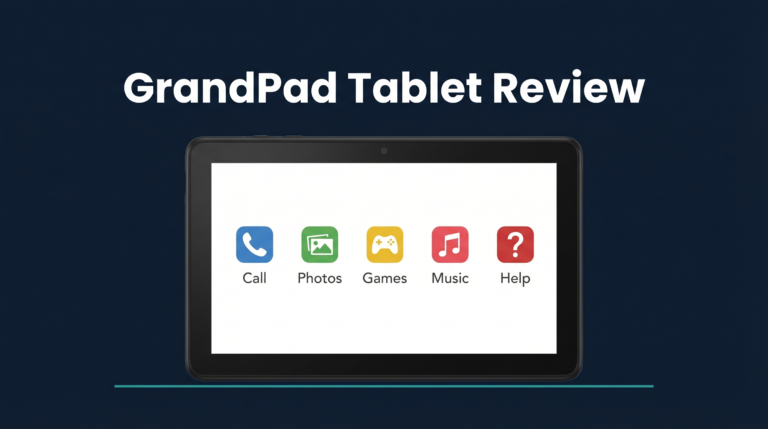
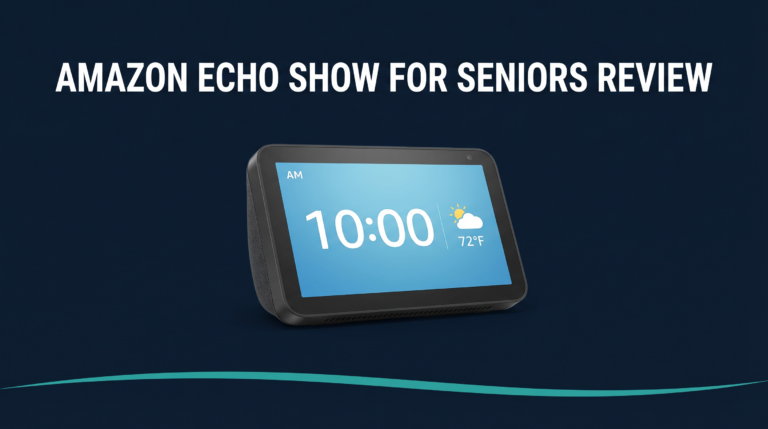
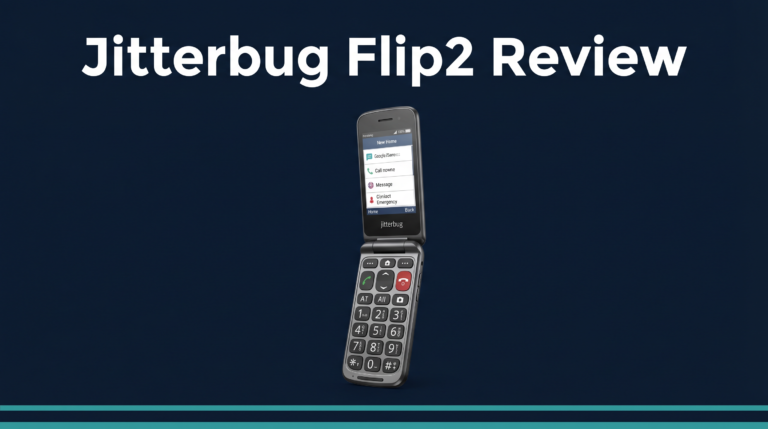
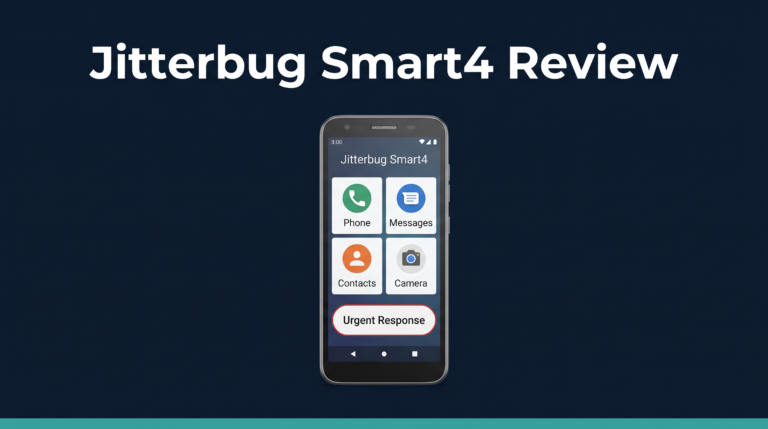
What to Look For
Display Size and Text Clarity
Larger screens with high resolution and adjustable text size are essential for seniors with vision changes. At minimum, look for a display larger than 5 inches. OLED displays with good contrast ratios are easier for seniors with low vision to read in varying light conditions.
Physical Controls
Large, tactile buttons with clear labels reduce errors for seniors with dexterity issues or cognitive decline. Phones with dedicated emergency buttons — often a prominent SOS button on the back or side — provide an important safety feature. Avoid devices that rely entirely on touchscreen gestures.
Hearing Aid Compatibility
If your parent wears hearing aids, check for M-rating (microphone) and T-rating (telecoil) compatibility, which ensures the phone works with their hearing aid without interference or feedback. Most modern smartphones are rated M3/T3 or higher, but budget devices may be M2/T2 only.
Simplified Interface Options
Many standard Android devices can be switched to a simplified “Easy Mode” or can have senior-friendly launchers installed. Dedicated senior phones take this further with custom operating systems. Consider whether a simplified overlay on a standard device meets your parent’s needs before investing in a specialized device.
Emergency Features
Look for built-in emergency calling features (SOS button, fall detection on newer flagship phones), easy access to a contact list of family numbers, and the ability to call emergency services without unlocking the phone. These features are standard on many senior phones and represent significant safety value.
Frequently Asked Questions
What is the best phone for an elderly person who is not tech-savvy?
For seniors with minimal technology experience, a dedicated senior phone with a simplified operating system (like the Doro 8080 or Jitterbug Flip2) is often more successful than a standard smartphone with accessibility settings enabled. These devices have familiar physical controls and stripped-back interfaces that require minimal technical knowledge. Our reviews include first-use assessments from non-technical testers.
Can I set up a smartphone for my elderly parent remotely?
Yes — both iPhones and Android phones can be set up remotely after initial activation. Apple’s Family Sharing and Google’s Family Link provide parental-style oversight capabilities. Third-party apps like LifeLine Response or Carely allow family caregivers to manage contacts, screen time, and emergency settings from their own phones.
What tablet is best for a senior with Parkinson’s disease?
For seniors with Parkinson’s, tremor-related touch screen difficulty is a major concern. Look for tablets with touchscreen sensitivity settings that can ignore brief, light touches (which reduces tremor-triggered inputs), stylus support, and large touch targets. iPads with iOS accessibility settings are often recommended by occupational therapists for Parkinson’s patients due to the quality of Apple’s accessibility features.
Need Help Choosing?
Our team is here to help you find the right solution for your family’s situation.